Tiled Tab Groups is a Firefox and Chrome extension that allows users to visually group browser tabs into movable and resizable tiles. It helps organize many open tabs and allows saving tab groups for later.
Tiled Tab Groups: Organize Browser Tabs with Movable Resizable Tiles
A Firefox and Chrome extension that helps visually group browser tabs into movable and resizable tiles, allowing users to organize many open tabs and save tab groups for later.
What is Tiled Tab Groups?
Tiled Tab Groups is a browser extension available for Firefox and Chrome that provides an intuitive way for users to organize large numbers of open browser tabs.
The key feature of Tiled Tab Groups is the ability to visually group tabs into movable and resizable tiles or grids on the browser tab bar. This allows related tabs to be visually grouped together, making it easier to find, manage and switch between tab groups.
Some of the key features of Tiled Tab Groups include:
Creating custom tab groups by dragging and dropping tabs
Resizing, reordering, nesting and merging tab groups as needed
Color coding tab groups for quick visual identification
Adding tab group labels and descriptions
Saving and loading tab group sessions for later access
Keyboard shortcuts for fast tab group management
Options to recover closed tabs and auto-save sessions
Syncing tab groups across devices (with Firefox account)
Overall, Tiled Tab Groups aims to help users organize large numbers of browser tabs in a visual way, reducing tab clutter and making it faster to navigate between information-rich workspaces in the browser.
Tiled Tab Groups Features
Features
Visually group browser tabs into movable and resizable tiles
Organize many open tabs into tab groups
Save tab groups for later access
Collapse tab groups to save space
Color code tab groups for quick visual identification
Pricing
Free
Pros
Helps manage tab clutter
Makes it easy to organize research topics and projects
Saves time finding relevant tabs later
Lets you focus on one tab group at a time
Visual interface is intuitive
Cons
May slow down browser performance with very large numbers of tabs
Tab groups are lost if not saved before closing browser
Takes some time to set up tab groups initially
Occasional bugs with latest browser versions
Lacks advanced tab management features like tree view
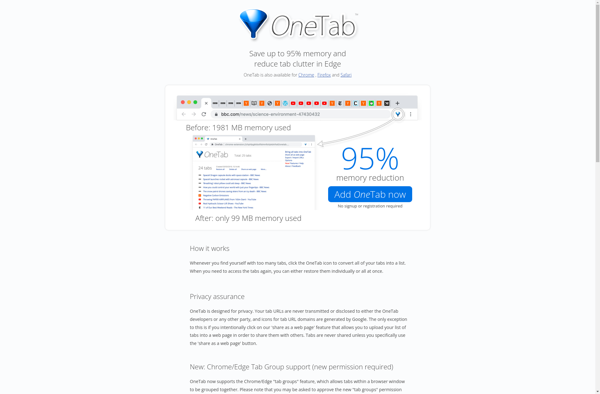
OneTab is a free browser extension available for Chrome, Firefox, Edge, and Opera that helps declutter your browser by converting all of your open tabs into a list. It serves as a tab manager, allowing you to save up to 95% of memory compared to having multiple tabs open.Here's how...
Tabs Outliner is a text outlining program designed for Windows. It provides a simple interface for users to create nested outlines with indent levels indicating hierarchy. Outlines in Tabs Outliner can be easily reorganized by promoting and demoting items or dragging and dropping them.Key features of Tabs Outliner include:Quick note-taking...
Tab Groups is a browser extension available for Google Chrome, Mozilla Firefox, and Microsoft Edge. It allows users to organize open browser tabs into labeled groups, helping to manage a large number of open tabs.Key features of Tab Groups include:Creating tab groups by giving them a custom nameMoving tabs between...
Panorama View is software designed specifically for creating panoramic photos. It allows users to stitch multiple images together seamlessly to produce wide panoramic vistas.Some key features of Panorama View include:Automatic image alignment - the software uses advanced computer vision algorithms to automatically align and blend images together into a cohesive...
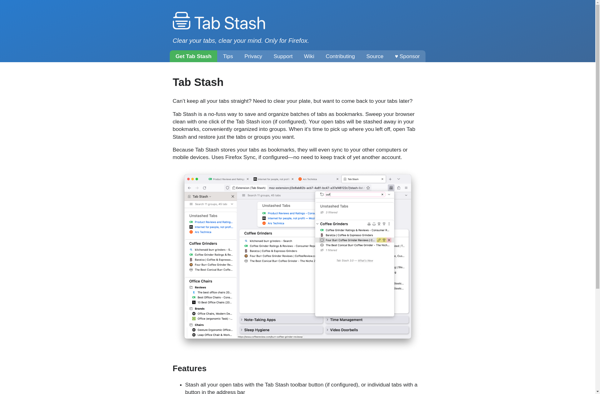
Tab Stash is a browser extension available for Chrome, Firefox, and Edge that allows users to save open browser tabs for later access. It is useful for saving tabs to read later or for research/reference purposes without leaving dozens of tabs continually open.When you find a web page you want...
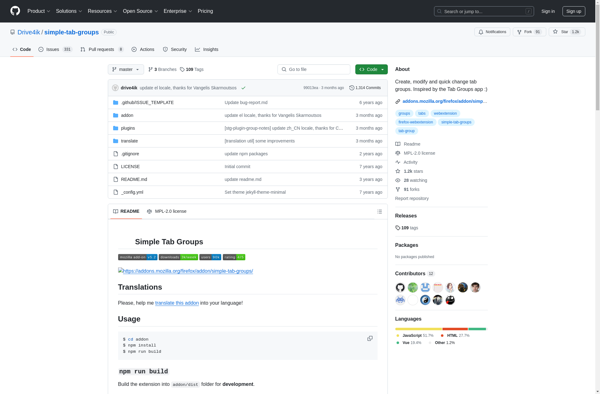
Simple Tab Groups is a browser extension available for Firefox, Chrome, and Edge. It provides users with an intuitive way to organize open browser tabs by allowing them to quickly group tabs together and label each group.Some key features of Simple Tab Groups include:Easily create new tab groups by clicking...
Sync Tab Groups is a Chrome extension that allows users to save, organize, and sync tab groups across devices. It serves as an easy way to organize research and save webpages for later without cluttering up the browser with too many open tabs.Some key features include:Save tabs into named groups...
Power Tabs is a free, open-source guitar tablature editor and player for Windows. With an easy-to-use interface, Power Tabs makes it simple to write, edit, listen to, print, and share guitar tabs.Key features of Power Tabs include:Create and edit tablature for guitar, bass, and other string instrumentsListen to your tab...
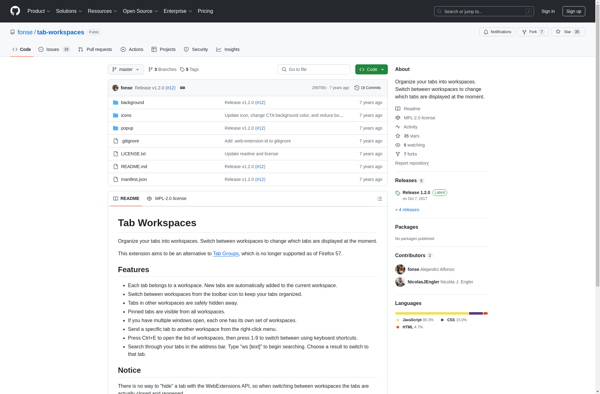
Tab Workspaces is a Chrome extension that helps users organize and manage open browser tabs. It lets you group tabs into virtual workspaces, allowing you to categorize tabs by topic, task or project.Some key features of Tab Workspaces include:Create unlimited workspaces to hold groups of related tabsName each workspace for...
Tab Group Switch is a browser extension available for Google Chrome, Mozilla Firefox, and Microsoft Edge. It helps users organize many open browser tabs by allowing them to quickly group tabs into labeled folders in a sidebar.The key features of Tab Group Switch include:Collapsing open tabs into a clean sidebar...
Conex is an open-source low-code application development platform that allows users to quickly build custom web and mobile applications without coding. It features a user-friendly drag-and-drop interface to design application workflows, integrate with databases, connect to APIs, and create responsive UIs.Some key features of Conex include:Drag-and-drop workflow designer to map...
Simplified Tab Groups is a browser extension available for Google Chrome, Mozilla Firefox, and Microsoft Edge. It provides an intuitive way for users to organize open browser tabs into labeled groups or folders.With Simplified Tab Groups, you can quickly group together related tabs - for example, you might have one...