Type Connection
Typing Tutor Software: Type Connection
Type Connection is a typing tutor software designed to help improve typing speed and accuracy. It provides typing lessons, tests, and games with customizable settings to cater to different skill levels.
What is Type Connection?
Type Connection is typing tutor software designed for Windows and Mac operating systems. It aims to help users improve their typing speed and accuracy through various lessons, tests, and typing games.
The software provides step-by-step typing lessons starting from the home row keys and gradually introducing new keys. Users can customize settings like speed levels, error tolerance, and key highlighting. Statistics like words per minute and accuracy percentages are displayed to track progress.
Type Connection includes timed typing tests to challenge typing skills and practice tests to rehearse for employment tests. Typing games like Typing Racer, Typing Attack, and Typing Sprint add an entertainment element while developing muscle memory.
The software allows creating customized lesson plans, saving progress history, and generating progress reports. Settings can be tweaked for each user profile to accommodate different skill levels from beginner to advanced. It’s suitable for students, professionals, or anyone looking to master touch-typing.
Overall, Type Connection provides a complete typing tutor program with lessons, tests, and games tailored to help improve typing speed and accuracy in a user-friendly interface.
Type Connection Features
Features
- Lessons to improve typing technique
- Typing speed tests to track progress
- Games and challenges to make learning fun
- Customizable settings for different skill levels
- Detailed typing stats and progress reports
Pricing
- Freemium
Pros
Cons
Official Links
Reviews & Ratings
Login to ReviewThe Best Type Connection Alternatives
View all Type Connection alternatives with detailed comparison →
Top Education & Reference and Typing Tutors and other similar apps like Type Connection
Here are some alternatives to Type Connection:
Suggest an alternative ❐
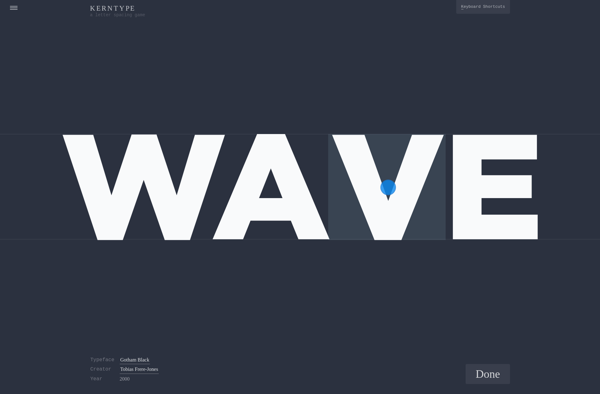
Kern Type
The Bézier Game

Type:Rider