TypeAndRun is a keyboard launcher and productivity software for Windows. It allows you to quickly launch applications and files by typing shortcuts. The software indexes your programs and documents for fast searching and access.
TypeAndRun: Keyboard Launcher & Productivity Software for Windows
Launch applications and files quickly with TypeAndRun, a Windows software that indexes your programs and documents for fast searching and access.
What is TypeAndRun?
TypeAndRun is a keyboard launcher and productivity enhancement software for Windows. It enables you to quickly launch applications, files, folders, websites and perform actions by typing text shortcuts rather than clicking through menus or hunting for icons.
The software indexes all your programs, documents, downloads, folders, websites and other items on your computer and allows you to access them with just a few keystrokes. Just start typing the name of what you want to open or do and TypeAndRun will show you relevant results.
Key features include:
Quick app launching by typing rather than clicking
Fast file, folder and website access
Contextual shortcuts for currently open apps and files
Customizable keywords and shortcuts
Indexing of programs, documents and system items
Plugin support for added functionality
Portable app with encrypted data backup
TypeAndRun aims to save you time and boost productivity by reducing the number of clicks needed to get things done on your computer. Its intuitive approach helps both novices and power users access their frequently used items in fewer steps.
TypeAndRun Features
Features
Keyboard-based application and file launching
Indexing of programs and documents for fast searching
Customizable hotkeys and shortcuts
Clipboard history management
Text expansion and auto-correction
Multi-monitor support
Portable version available
Pricing
Free
Freemium
One-time Purchase
Pros
Highly efficient and time-saving workflow
Customizable to personal preferences
Integrates well with Windows ecosystem
Portable version allows usage on any Windows machine
Actively developed and maintained
Cons
Learning curve for new users
Limited features in free version
May not be as visually appealing as other launchers
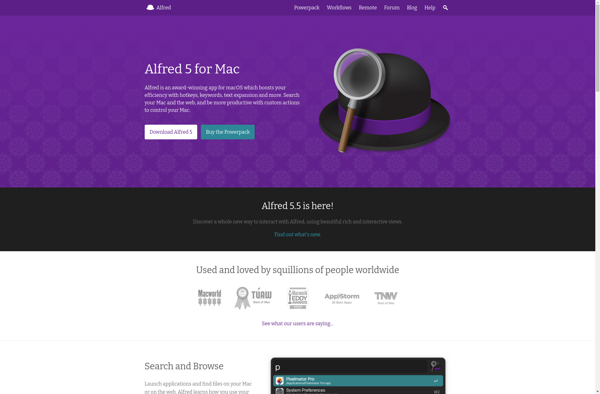
Alfred is a productivity application for macOS that helps users save time and boost efficiency. It allows you to launch applications, search files, lookup definitions, calculate expressions, and automate workflows with just a few keystrokes.Some of the key features of Alfred include:Custom hotkeys and keywords to open files, websites, applications...
RocketDock is a free, open source application launcher and dock for Windows operating systems. It provides an interface similar to the dock in Mac OS X, allowing for quick and easy access to frequently used applications.Some of the key features of RocketDock include:A sleek, customizable dock that houses app shortcuts...
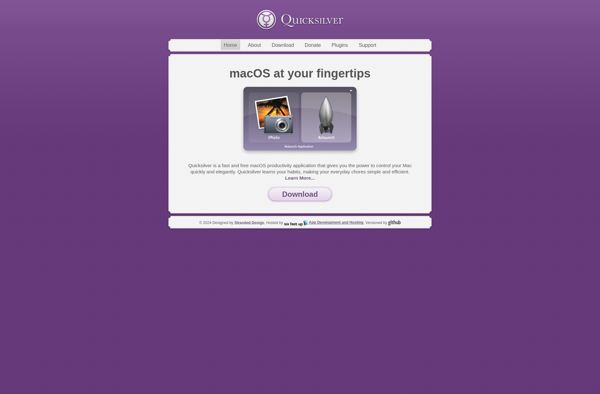
Quicksilver is a fast and intuitive utility application for macOS. Originally developed in 2002, it aims to enhance productivity by giving quick access to files, applications, contacts and other system functionality.Some key features of Quicksilver include:Typing abbreviations or keywords to quickly launch applicationsBrowsing the filesystem and opening files rapidlyLookup and...
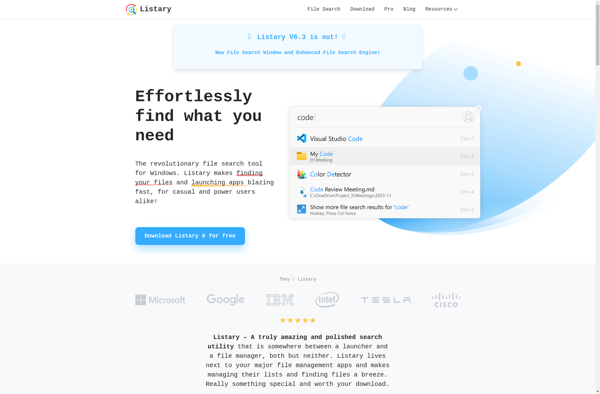
Listary is a file browser add-on and program launcher for Windows that enhances the default Windows file browsing experience. It helps power users organize, search, and access their files and folders more efficiently.Some of the key features of Listary include:Fuzzy search - find files instantly just by typing parts of...
dmenu is a simple, lightweight application launcher and command executor utility for X Window System. It provides a text-based interface that allows users to quickly launch applications or run shell commands by typing a few characters of the name and selecting it from the dynamically populated menu.Some key features of...
Gnome Do is a quick launch and productivity application for Linux desktops using the Gnome interface. It provides a simple yet powerful way to quickly access applications, files, folders, and browser bookmarks.Gnome Do works by indexing files and data on your system. You simply start typing into the Gnome Do...
Find And Run Robot is a desktop automation utility that enhances your productivity by allowing you to quickly launch applications, files, folders, websites, and perform custom actions using an intelligent hotkey-driven interface. It serves as an alternative to macOS Spotlight or Windows Search, while providing more powerful functionality.Some key features...
SlickRun is a free and open source application launcher and productivity tool designed for the Windows operating system. It provides an intuitive interface to quickly launch applications, open files and URLs, run shell commands, and more using shorthand aliases and customizable keyboard shortcuts.Some of the standout features of SlickRun include:Fuzzy...
Avant Window Navigator (AWN) is an open source application dock and taskbar replacement for Linux desktop environments such as GNOME and Xfce. It enables easy and quick launching of applications and switching between windows.Some of the key features of AWN include:Slick and customizable dock for pinning favorite appsTaskbar with icons...
RecentX is a free, open-source alternative to WizTree for visualizing disk space usage. Developed by a small team of independent developers, RecentX provides many of the key features of WizTree in an easy-to-use interface.After a quick scan of your computer's drives, RecentX generates an interactive map that allows drilling down...
XLaunchpad is an open source application launcher and productivity tool for Mac OS. It provides an intuitive grid-based interface to quickly launch applications, open files and folders, and access favorite websites.Some key features of XLaunchpad include:Simple and clean interface with application icons presented in a grid layoutFully customizable categories to...
Executor is an open-source job scheduling and automation software. It allows you to easily schedule scripts, jobs, and tasks to run on set intervals or specific times and dates. Some key features of Executor include:Web-based user interface for easy management and monitoringSchedule and run scripts in Python, PowerShell, Bash, etc.Trigger...