
VietOCR
VietOCR is an open source optical character recognition (OCR) software designed specifically for the Vietnamese language. It can extract text from images and PDF files with high accuracy.
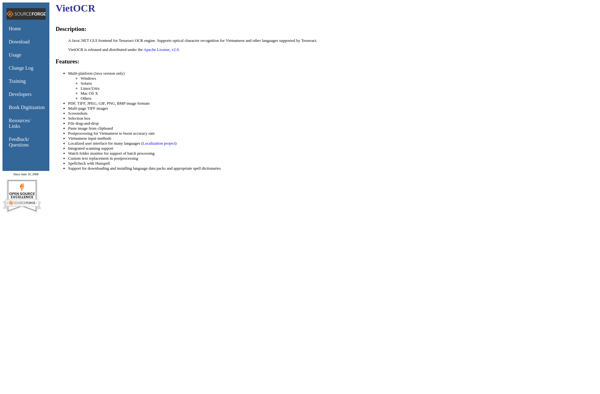
VietOCR: Open Source OCR Software for Vietnamese Language
High accuracy OCR software for Vietnamese language, extracts text from images and PDF files
What is VietOCR?
VietOCR is an open source optical character recognition (OCR) engine developed by Vietnamese engineers and researchers. It is designed specifically for recognizing Vietnamese text in images and scanned documents.
Some key features of VietOCR:
- Supports extraction of Vietnamese text from common image formats like JPG, PNG, TIFF as well as scanned PDF files
- Uses advanced machine learning algorithms trained on millions of Vietnamese text samples
- Achieves industry-leading accuracy in recognizing Vietnamese printed and handwritten scripts
- Can handle documents with mixed Vietnamese, English and numerical text
- Offers preprocessing features for image enhancement, layout analysis and noise removal
- Easy to use graphical interface for batch OCR processing
- Available as ready-to-use software packages for Windows, Linux and macOS
- Provided under open source license for customization and integration into other applications
With its robust OCR capabilities tailored for the Vietnamese language, VietOCR enables efficient digitization of paper documents in Vietnamese for archival, search and editing on computer systems.
VietOCR Features
Features
- Supports optical character recognition for Vietnamese text
- Can extract text from images and PDF files
- Open source software
- Customizable for new fonts and languages
- Command line and GUI versions available
- Actively maintained and updated
Pricing
- Open Source
Pros
Free and open source
High accuracy for Vietnamese text
Active development community
Customizable and extensible
Supports latest Ubuntu LTS releases
Cons
Limited language support beyond Vietnamese
Steep learning curve for customization
May require manual tuning for optimal accuracy
Lacks some features of commercial OCR products
Official Links
Reviews & Ratings
Login to ReviewThe Best VietOCR Alternatives
View all VietOCR alternatives with detailed comparison →
Top Ai Tools & Services and Ocr and other similar apps like VietOCR
Here are some alternatives to VietOCR:
Suggest an alternative ❐
Adobe Acrobat DC
Adobe Acrobat DC is a suite of applications and services developed by Adobe Systems for working with PDF files, which is a widely used file format for document exchange. Acrobat DC stands for Document Cloud, reflecting Adobe's focus on cloud-based services and collaborative workflows. Key Components and Features: Adobe Acrobat...

CamScanner
CamScanner is a popular mobile application available for both iOS and Android devices. It allows users to scan paper documents and photos into digital copies using their phone's camera.Once scanned, CamScanner utilizes advanced image processing technology to automatically crop, enhance, and sharpen scanned documents to improve clarity and readability. Some...

ABBYY FineReader PDF
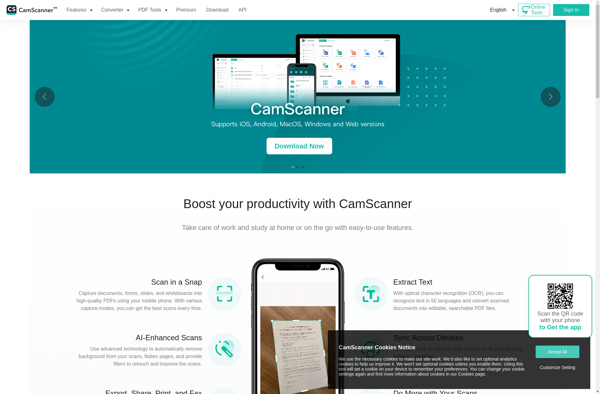
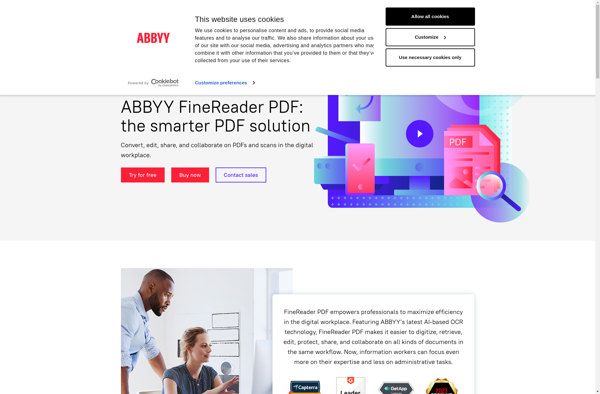
ABBYY FineReader PDF is an optical character recognition and PDF software application developed by ABBYY. It is designed to help users scan paper documents and images, including photos, screenshots, PDF files, and more, and convert them into editable and searchable digital formats.Some of the key features of ABBYY FineReader PDF...

CopyFish
CopyFish is an open-source plagiarism detection software designed for teachers and professors to check student submissions for copied or unoriginal content. It works by comparing student papers, essays, code, and other work against various databases and search engines to identify matched text.Some key features of CopyFish include:Open-source web application that...

FreeOCR
FreeOCR is an optical character recognition or OCR software that is open source and free for Windows users. It allows extracting and converting text from images such as scanned books, papers, PDF files, screenshots, and photos into several editable and searchable file formats including Microsoft Word doc, plain text txt,...

OSS Document Scanner
OSS Document Scanner is an open-source document scanning application for Linux operating systems. It provides an easy way to scan paper documents and save digital copies on your computer.Some key features of OSS Document Scanner include:Scanning documents and saving them as PDFs or common image formats like JPG and PNGAutomatically...

GImageReader
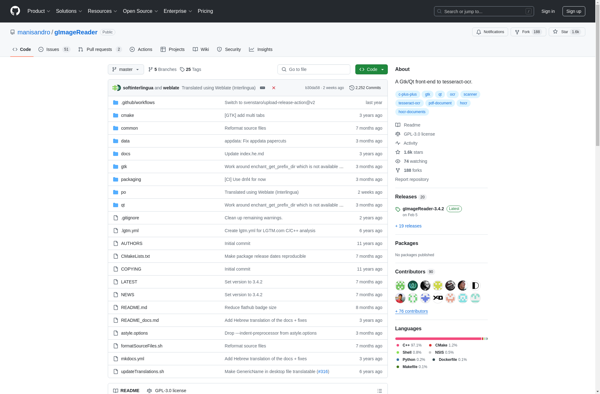
GImageReader is a free, open source optical character recognition (OCR) software for Linux operating systems. It provides users with the ability to scan paper documents, images, screenshots, and even PDF files, and convert the text in them to searchable and editable digital text files.Some of the key features of GImageReader...

Adobe Scan
Adobe Scan is a mobile scanning app developed by Adobe Inc. It is available on both iOS and Android platforms.The app allows users to capture paper documents, receipts, forms, business cards, whiteboard notes and more using the camera on their mobile device. It can automatically detect the document in the...

Tesseract
Tesseract is an optical character recognition (OCR) engine that was originally developed by Hewlett-Packard in the 1980s and open sourced in 2005. It is now maintained by Google.Tesseract allows for the recognition of printed text in images, such as scanned documents and photos. It can handle a variety of image...


OpenScan
OpenScan is an open source document scanning application designed for Linux operating systems. It provides users with an easy way to scan paper documents, photos, and other physical media directly into digital file formats.Some key features of OpenScan include:Scans directly into common file types like PDF, JPEG, PNG, and TIFFSupports...

Novadys OCR Web Service
Novadys OCR Web Service is a cloud-based optical character recognition (OCR) API that can automatically extract text and data from images and PDF documents with high accuracy. It works by analyzing image or PDF files uploaded to its servers and identifying textual elements, then exporting the text so it can...







