
WinSshFS 4every1
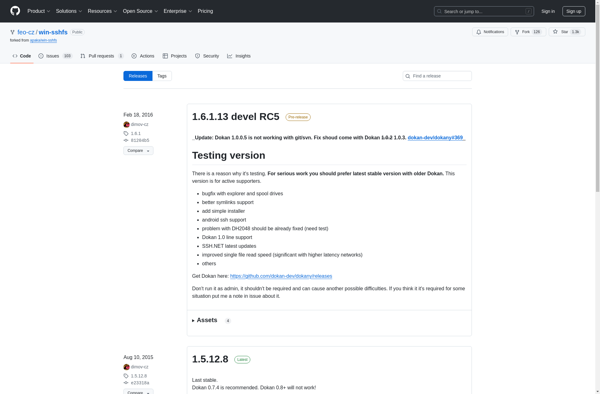
WinSshFS 4every1: Easy-to-Use SSHFS Client for Windowss
WinSshFS 4every1 allows you to mount remote filesystems over SSH, providing a simple graphical interface to connect to Linux/Unix servers and access files securely.
What is WinSshFS 4every1?
WinSshFS 4every1 is an user-friendly SSHFS client application designed specifically for the Windows operating system. It enables mounting of remote Linux/Unix filesystems locally over a secure SSH connection, allowing seamless access of files stored on servers.
Some key features of WinSshFS 4every1 include:
- Intuitive graphical user interface for easy setup of SSHFS mount points
- Secure encryption of data transmission through SSH protocol
- No need for installing binaries or additional software on the server-side
- Support for connecting to a wide range of Unix/Linux platforms like Ubuntu, Debian, RHEL, etc.
- Integration with Windows Explorer for browsing mounted directories just like local folders
- Configurable auto-mount feature to persist folders
- Support for SSH keys and key-based authentication
Unlike legacy SMB protocol, WinSshFS leverages the security and reliability of SSH for file access. The software is perfect for developers, IT administrators, cloud engineers, and other tech professionals who need seamless remote access. It can mount on demand without permanently storing data locally.
WinSshFS 4every1 Features
Features
- Graphical user interface for easy setup
- Mount remote Linux/Unix filesystems over SSH
- Browse remote files in Windows Explorer
- SSHFS client for Windows
- Supports SFTP, SCP and SSH protocols
- No need to install cygwin or other tools
- Secure remote file access through SSH encryption
- Works with most SSH servers like OpenSSH
Pricing
- Free
- Open Source
Pros
Cons
Reviews & Ratings
Login to ReviewThe Best WinSshFS 4every1 Alternatives
View all WinSshFS 4every1 alternatives with detailed comparison →
Top Remote Work & Education and Remote Access and other similar apps like WinSshFS 4every1
No alternatives found for WinSshFS 4every1. Why not suggest an alternative?






