
Xpiks
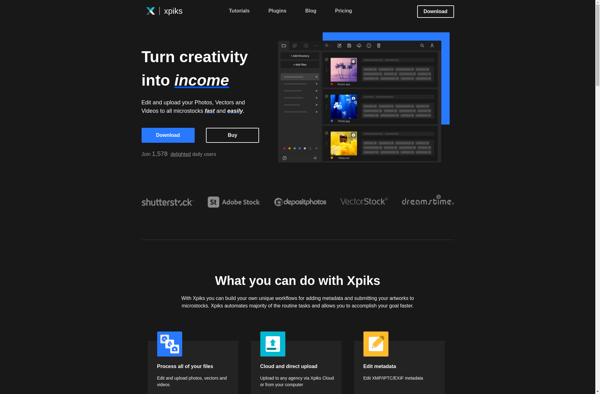
Xpiks: Photo Management App for macOS
Xpiks is a photo management app for macOS that helps you organize your photo library with features like raw file support, color and face tagging, geo-tagging, keywords and star ratings. It also allows generating photo collections and keeps backup copies of all edits.
What is Xpiks?
Xpiks is a feature-rich photo management application designed specifically for macOS. It helps photographers organize large photo libraries, categorize images, and maintain an effective image editing workflow.
Some key capabilities of Xpiks include:
- Import photos from multiple sources like memory cards, hard drives and online services
- Add color labels, star ratings, keywords, location info to photos
- Face recognition to auto-tag people in photos
- Flexible categorization with hierarchical keywords, custom tags and collections
- Non-destructive image editing with full raw file support
- History panel to undo adjustments at any point
- Integration with image editors like Photoshop and Affinity
- Back up online to Google Photos or Dropbox
- External storage sync to always have latest files
- Slideshow creation with configurable image sequence & transitions
Overall, Xpiks combines powerful organization tools with intuitive photo enhancement capabilities to offer a native macOS experience for managing large image collections. The feature set spans from intelligent import & tagging to creative editing, storage and sharing.
Xpiks Features
Features
- Raw file support
- Color and face tagging
- Geo-tagging
- Keywords and star ratings
- Generating photo collections
- Keeps backup copies of edits
Pricing
- One-time Purchase
Pros
Cons
Official Links
Reviews & Ratings
Login to ReviewThe Best Xpiks Alternatives
View all Xpiks alternatives with detailed comparison →
Top Photos & Graphics and Photo Management and other similar apps like Xpiks

StockSubmitter