
3D Color Changer

3D Color Changer: Change Accent Color Across Windows Interface
3D Color Changer is a lightweight Windows application that allows you to quickly change the accent color used across the Windows interface. It has a simple interface with various color options to choose from.
What is 3D Color Changer?
3D Color Changer is a free utility program for Windows that provides an easy way to modify the accent color used across the Windows user interface. It allows you to choose from a variety of preset color options or input a custom hex color code.
Some of the key features of 3D Color Changer include:
- Lightweight app with a clean and intuitive interface
- Several default accent colors to choose from like red, green, blue, pink, etc.
- Option to input a custom hex color code
- Support for both light and dark theme options in Windows
- Real-time preview of accent color change
- Sets accent color globally across Windows OS elements like Start menu, Action Center, window title bars, etc.
As a simple yet useful customization software, 3D Color Changer can help you easily personalize the look and feel of your Windows computer in just a few clicks. It works on Windows 10, 8.1 and 7 without the need for technical knowledge or complex steps.
3D Color Changer Features
Features
- Change accent color across Windows interface
- Simple interface
- Various color options to choose from
Pricing
- Freemium
Pros
Cons
Official Links
Reviews & Ratings
Login to ReviewThe Best 3D Color Changer Alternatives
View all 3D Color Changer alternatives with detailed comparison →
Top Os & Utilities and Customization and other similar apps like 3D Color Changer
Here are some alternatives to 3D Color Changer:
Suggest an alternative ❐
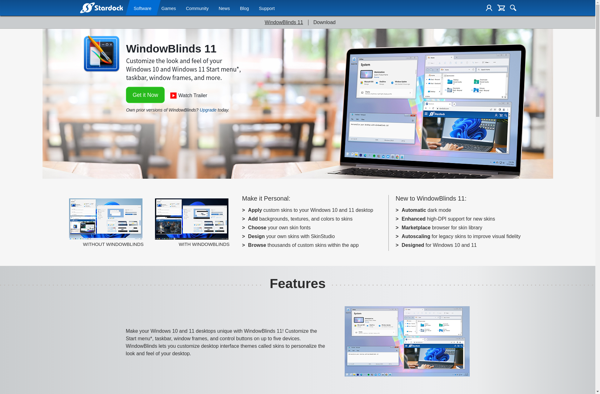
WindowBlinds

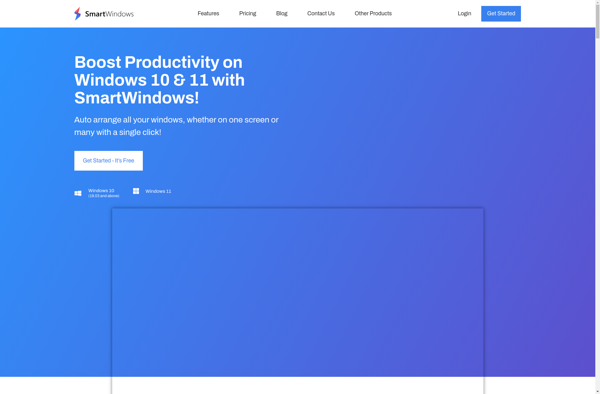
SmartWindows

AeroTuner







