AniFX
AniFX: Free 2D Animation Software
AniFX is a free and open-source 2D animation software for Windows, offering frame-by-frame and tween animation, onion skinning, layers, customizable brushes, and export options compatible with various image and video formats.
What is AniFX?
AniFX is a free and open-source 2D animation software for Windows. It is designed to provide a complete workflow for creating 2D animations from start to finish.
Some of the key features of AniFX include:
- Intuitive timeline for frame-by-frame and tween animation
- Onion skinning to aid with consistency across frames
- Layers system for managing different animation elements
- Customizable brushes for frame painting and drawing
- Import of images, audio, and video to add to animations
- Camera effects like pan, zoom, and rotation
- Export options to GIF, MP4, AVI, image sequence, and more
AniFX aims to make 2D animation accessible for beginners, while also providing the tools that advanced users need. Its open-source nature allows developers to expand its features over time as well. Overall, it's a promising free alternative for those looking to get into 2D animation on Windows.
AniFX Features
Features
- Frame-by-frame animation
- Tween animation
- Onion skinning
- Layers
- Customizable brushes
- Export to image and video formats
Pricing
- Free
- Open Source
Pros
Cons
Reviews & Ratings
Login to ReviewThe Best AniFX Alternatives
View all AniFX alternatives with detailed comparison →
Top Graphics & Design and Animation and other similar apps like AniFX
Here are some alternatives to AniFX:
Suggest an alternative ❐
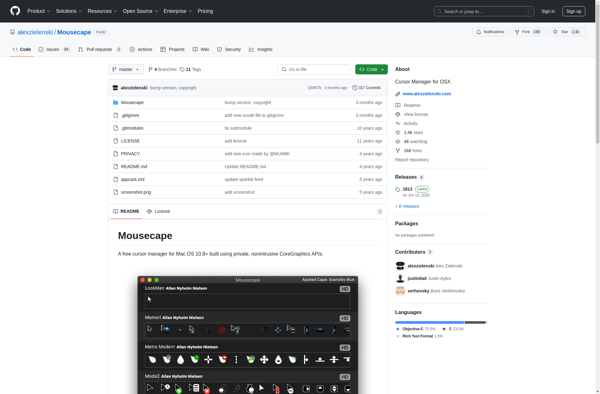
Mousecape

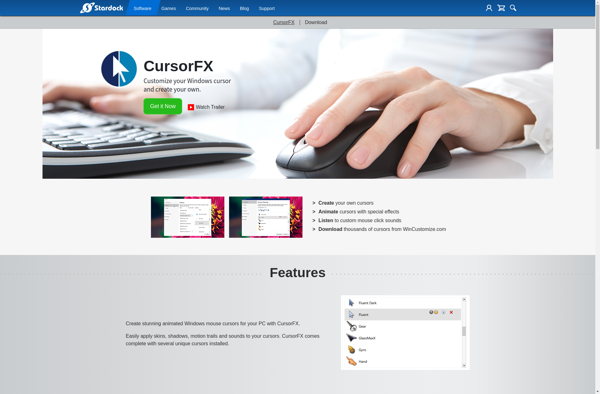
CursorFX

RealWorld Cursor Editor