RealWorld Cursor Editor
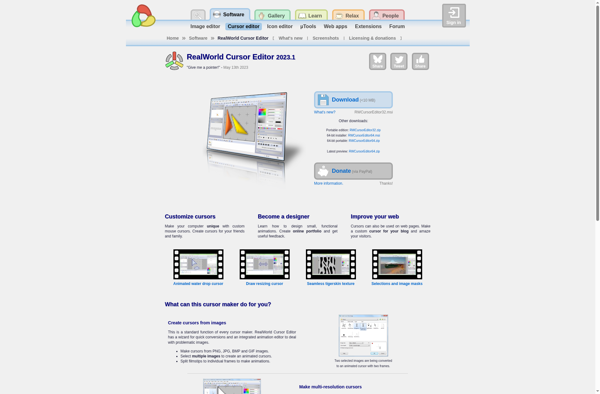
RealWorld Cursor Editor: Create Custom Cursors & Mouse Pointers
A software for Windows that allows you to create and edit custom cursors and mouse pointers with ease, featuring a user-friendly interface and animation tools.
What is RealWorld Cursor Editor?
RealWorld Cursor Editor is a powerful yet easy-to-use cursor and mouse pointer editor for Windows. With this software, you can easily create custom cursors and mouse pointers to personalize your computer.
Some key features of RealWorld Cursor Editor include:
- Intuitive interface with various drawing and animation tools to design cursors
- Support for importing images to use in cursors
- An animation timeline for adding frame-by-frame animations to cursors
- Options to set hotspots and adjust colors of cursors
- Export and save cursors in different formats like .cur, .ani, .png
- Comes with a library of preset animated cursors
- Works with all versions of Windows
RealWorld Cursor Editor makes it simple for anyone to create unique and lively cursors for their Windows PC without needing design expertise. Both casual and professional users will find its features helpful for adding personalization and polish to their system's mouse pointers.
RealWorld Cursor Editor Features
Features
- Create and edit custom cursors
- Import images to use for cursors
- Animate cursors
- Preview cursors before applying
- Save and organize cursor libraries
Pricing
- Freemium
Pros
Cons
Official Links
Reviews & Ratings
Login to ReviewThe Best RealWorld Cursor Editor Alternatives
View all RealWorld Cursor Editor alternatives with detailed comparison →
Top Os & Utilities and Customization and other similar apps like RealWorld Cursor Editor
Here are some alternatives to RealWorld Cursor Editor:
Suggest an alternative ❐
Mousecape

CursorFX

Art Cursors


Microangelo Toolset


AniFX

Axialis CursorWorkshop