
Asciinema
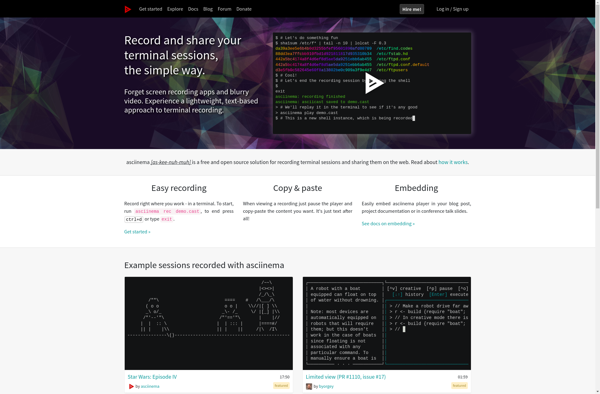
Asciinema is a free and open-source terminal session recorder. It allows you to easily record terminal sessions and replay them in the browser. Useful for developers to demonstrate command-line workflows.
Asciinema: Terminal Session Recorders
Free and open-source terminal session recorder, record and play back terminal sessions in the browser, useful for developers to demonstrate command-line workflows.
What is Asciinema?
Asciinema is a free, open-source terminal recording program. It allows users to easily record terminal sessions and replay them in a web browser. Some key features of Asciinema include:
- Lightweight and easy to use - just install the CLI tool and start recording
- Share recordings as links - once recorded, sessions get a permanent URL for sharing
- Embedded playback - recordings can be embedded in blogs, documentation pages, etc.
- Text search - find relevant moments in long recordings
- Speed control and basic editing - adjust pace and trim recordings
- Supports multiple terminal emulators and OSes - works across Linux, macOS, etc.
Asciinema is aimed primarily at developers and tech writers who want to demonstrate terminal workflows and scripts. Some common uses cases include:
- Documenting shell commands and workflows
- Sharing examples of console/CLI app usage
- Showing terminal UI features and capabilities
- Creating tutorial recordings for the command line
Since the recordings are fully open and embeddable for free, Asciinema provides a lightweight alternative to video for terminal session capture and sharing.
Asciinema Features
Features
- Record terminal sessions and replay them in a web browser
- Share recordings with others via URL
- Embed recordings on websites
- Text search within recordings
- Synchronized scrolling for side-by-side terminal and output views
- Idle time compression to skip pauses
- Open source and extensible
Pricing
- Open Source
- Free
Pros
Free and easy to use
Great for demonstrating terminal workflows and CLI tools
Embeddable recordings for tutorials and documentation
Platform independent
Cons
Limited customization options
No video or audio capture
Requires installation of client app to record
Limited security features
Official Links
Reviews & Ratings
Login to ReviewThe Best Asciinema Alternatives
View all Asciinema alternatives with detailed comparison →
Top Development and Terminal Tools and other similar apps like Asciinema
Here are some alternatives to Asciinema:
Suggest an alternative ❐
Terminalizer
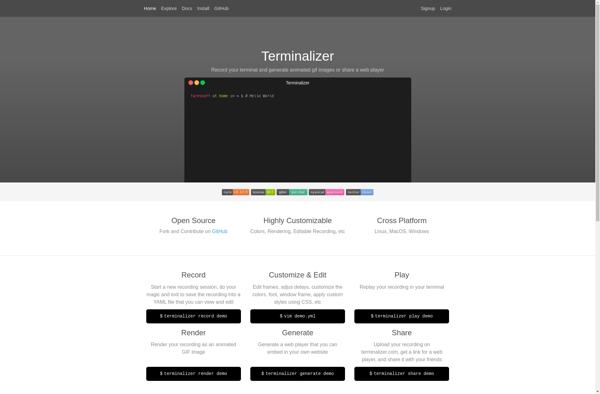
Terminalizer is an open-source, MIT licensed tool for recording terminal sessions and converting them into animated GIFs and MP4 videos. It provides a simple way to create step-by-step terminal tutorials and demo applications to share online.Some key features of Terminalizer include:Cross-platform support for Linux, macOS, and WindowsCustomizable terminal themes and...

Teleconsole
Teleconsole is a feature-rich remote access and remote support software designed for IT professionals, managed service providers, and support teams. It allows secure and easy remote access to computers and servers to provide remote support, management, and troubleshooting.Key features of Teleconsole include:Remote Control - Remotely take control of computers and...

Showterm
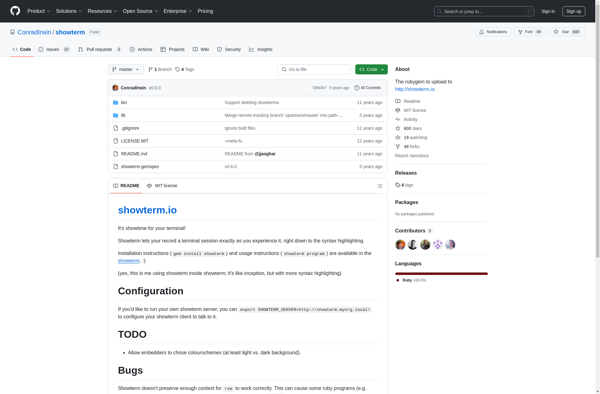
Showterm is a terminal emulator application designed for macOS that aims to improve the terminal experience with various enhanced features and customization options.Some of the key features of Showterm include:Tabbed terminal windows - allows you to open multiple terminal sessions in tabs within one window.Text search - search within terminal...

Ttygif
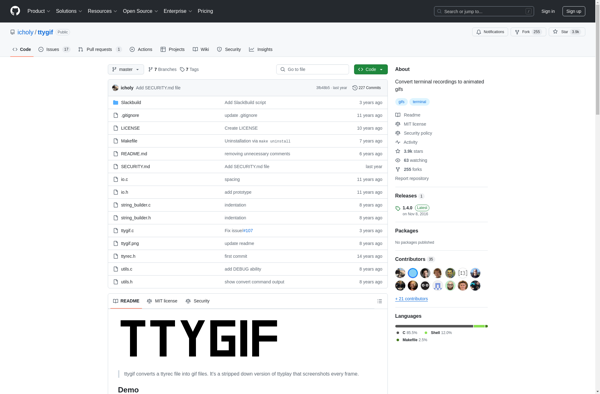
ttygif is a command line application used to record terminal sessions and convert the recordings into animated GIF images. Some key features and usage scenarios of ttygif include:Lightweight and easy to use without any complex setup or configurationSupports recording not just text, but also terminal color schemes and formattingUseful for...

Ttyrec
ttyrec is an open-source command-line program for Linux and UNIX-like systems that records all text printed to a terminal and saves it to a file. This file can then be replayed to show exactly what happened in the terminal session.Some key features and uses of ttyrec include:Recording terminal sessions for...