Autodesk Maya

Autodesk Maya: Comprehensive 3D Animation Software
A powerful tool for creating interactive 3D applications, including video games, animated films, TV series, and visual effects, Autodesk Maya offers tools for 3D modeling, texturing, rigging, animation, simulation, rendering, matchmoving, and compositing.
What is Autodesk Maya?
Autodesk Maya is a highly extensible and customizable 3D computer animation software application used primarily for creating interactive 3D applications, including video games, animated films, TV series, and visual effects. Since its initial release in 1998, Maya has become an industry-standard tool in the 3D community because of its comprehensive feature set.
Maya provides a robust toolset for 3D modeling, texturing, rigging, animation, simulation, rendering, matchmoving, and compositing. Its modeling capabilities include polygon, NURBS, and subdivision surface modeling tools that allow artists to quickly create and refine 3D assets. The texturing tools allow users to paint directly onto 3D models and map complex materials and textures.
Rigging in Maya provides artists with advanced skeleton, joint, and deformation tools to give modeled characters and objects movement and life-like motion. The strong animation toolset includes keyframing, inverse kinematics, dynamics, and motion paths. Maya offers physics-based simulation for effects such as cloth, hair, particles, and fluids. The Arnold renderer integrated directly into Maya delivers production-quality rendering capabilities.
Some key features of Maya include: photorealistic rendering, character rigging, fluid, cloth, hair and fur simulation, matchmoving for virtual production, large scene handling with USD support, interoperability with other Adobe Creative Cloud apps, and a fully customizable interface. With its comprehensive toolset and integration with other media tools, Autodesk Maya facilitates efficient 3D content creation pipelines.
Autodesk Maya Features
Features
- 3D modeling
- Texturing and shading
- Animation
- Rigging
- Rendering
- Dynamics and effects
- Matchmoving and camera tracking
Pricing
- Subscription-Based
Pros
Cons
Reviews & Ratings
Login to ReviewThe Best Autodesk Maya Alternatives
View all Autodesk Maya alternatives with detailed comparison →
Top Photos & Graphics and 3D Modeling & Animation and other similar apps like Autodesk Maya
Here are some alternatives to Autodesk Maya:
Suggest an alternative ❐
Blender

Lumion


TouchDesigner
Rhinoceros


Cinema 4D

Spline

IClone

Plasticity

Zmodeler

3D Model Maker

Fragmentarium

Paint3D


Houdini


Enscape3D


Polydust


DX Studio


MagicaCSG

AC3D

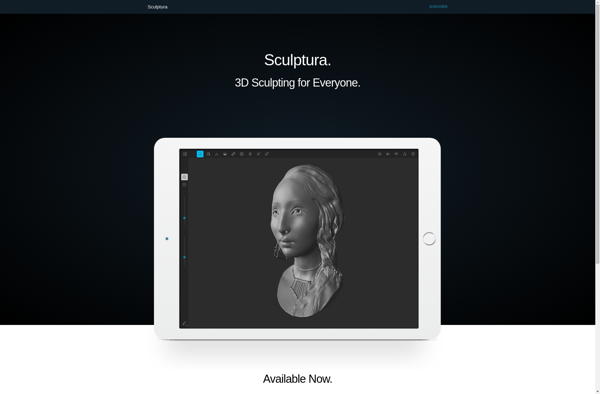
Sculptura
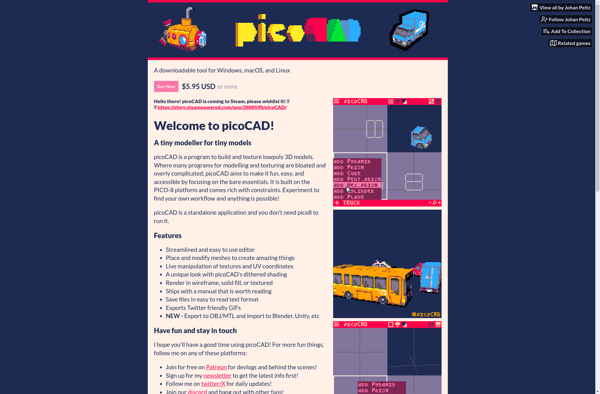
PicoCAD

OpenFX


3DTin

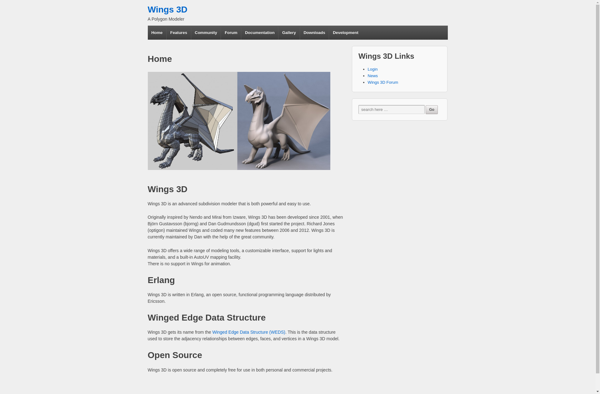
Wings 3D

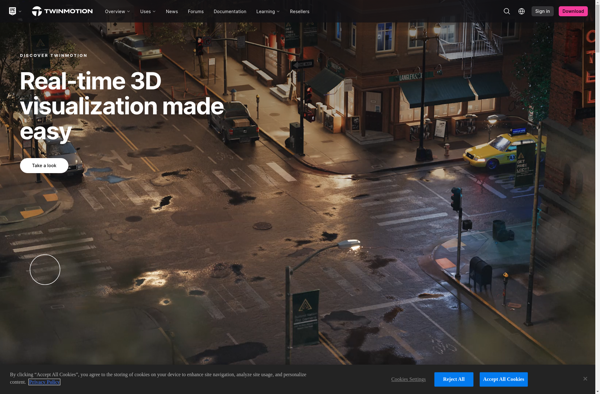
Twinmotion

LightWave

Sensei Format


Archipelis 3D
Hexagon

RenderJuice

Dead Deer


Swift 3D


MeshMagic 3D Modeling Software

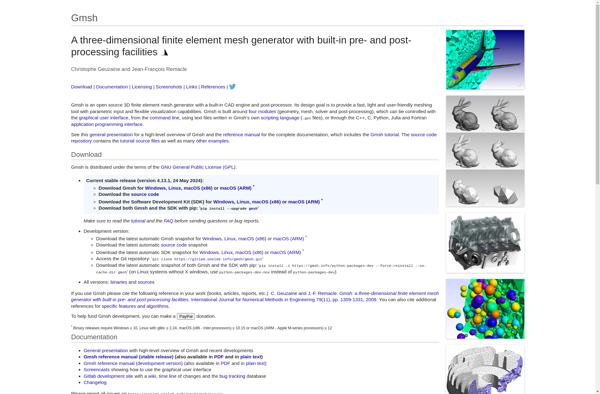
Gmsh

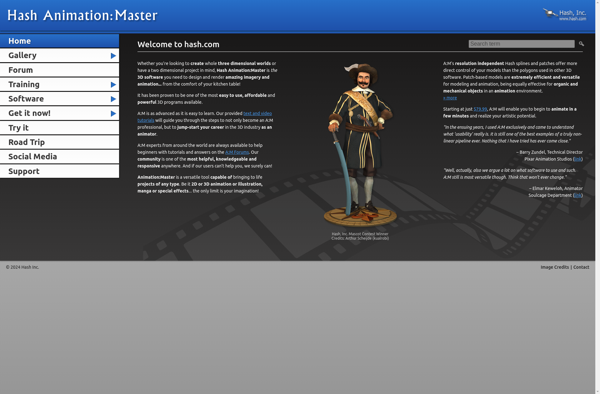
Animation Master

CorelCAD

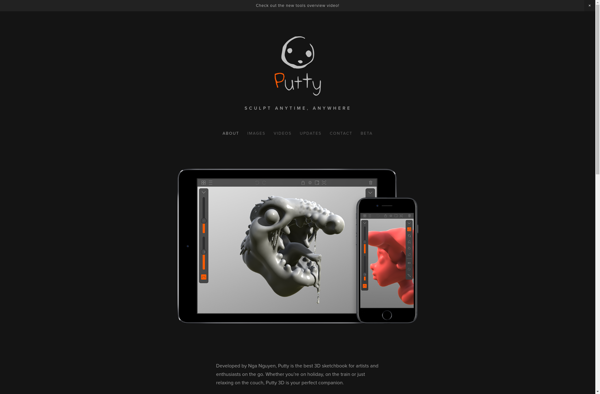
Putty3D
XYZmaker

EasyToy


Vectary


Clara.io

Artist3D

3DSimED

K-3D


Metasequoia

Bforartists

Atlantia.tv

MessiahStudio

GroBoto


Structure Synth

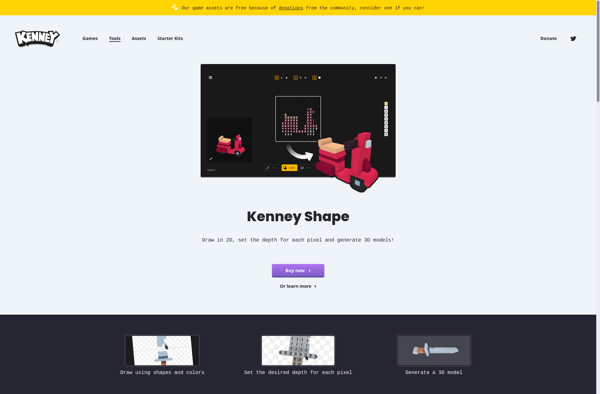
KenShape

RealFlow


Rocket 3F


DeleD CE


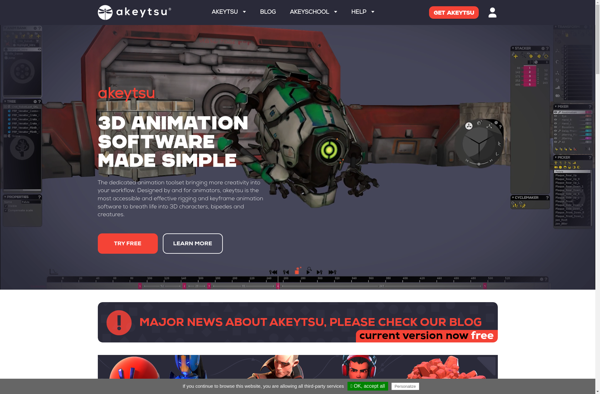
Akeytsu

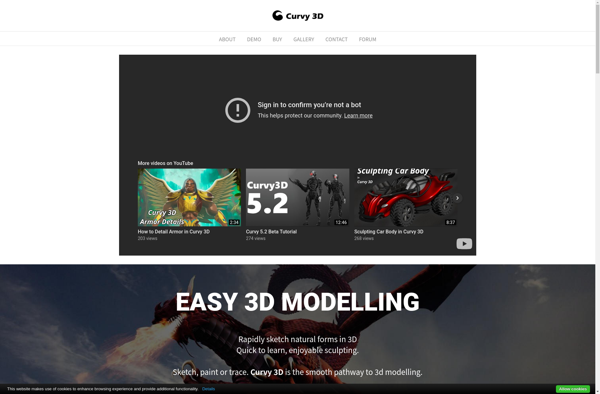
Curvy 3D
Scribble3d


PhotoAnim


Realsoft 3D

Pulldownit Pro

VoidWorld

CharacterFX

MachStudio Pro

CB Model Pro

Bakery Relight