Autoupdate

Autoupdate: Automatically Install Updates
Autoupdate is a software tool that automatically installs updates for applications and the operating system. It checks for available updates, downloads them in the background, and installs them with little or no user interaction required.
What is Autoupdate?
Autoupdate is a software utility that keeps applications and the operating system up-to-date by automatically installing the latest updates. It works by periodically checking online for available updates released by software vendors and the OS provider. When new updates are found, Autoupdate downloads and installs them silently in the background without interrupting the user.
Some key features of Autoupdate include:
- Automatic update checks and downloads without any user input needed
- Support for keeping dozens of apps like web browsers, media players, and office suites updated
- Options for scheduling when to check for and install updates
- Configuration settings to customize amount of user notifications
- Rollback functionality to uninstall problematic updates
- Low resource usage and performance impact while running in the background
By automating software maintenance, Autoupdate saves users considerable time and frustration compared to manually managing updates across many applications. It helps ensure all computer programs are current from a security and bug fix perspective with little ongoing effort. Overall Autoupdate simplifies and secures software update management.
Autoupdate Features
Features
- Automatic update checks
- Automatic background downloads
- Automatic installations with minimal user interaction
- Supports updates for applications and operating system
- Customizable update settings
- Scheduling options for updates
Pricing
- Free
- Freemium
- Subscription-Based
Pros
Cons
Official Links
Reviews & Ratings
Login to ReviewThe Best Autoupdate Alternatives
View all Autoupdate alternatives with detailed comparison →
Top Os & Utilities and System Maintenance and other similar apps like Autoupdate
Here are some alternatives to Autoupdate:
Suggest an alternative ❐
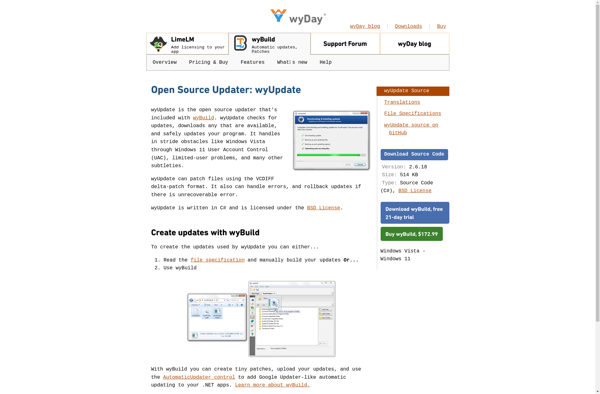
WyUpdate

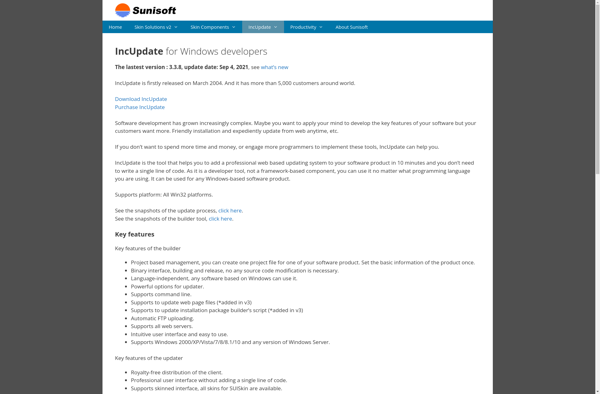
IncUpdate

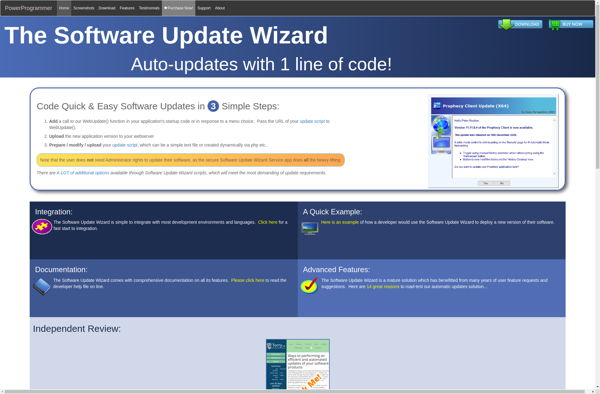
Software Update Wizard