Binary to Header
Binary to Header
Converts binary files into header files for C/C++ projects with variable declarations, arrays, and formatting
What is Binary to Header?
Binary to Header is a lightweight software utility that allows developers to easily convert binary data files such as images, audio, video, etc. into C/C++ header files. The generated header file contains variable declarations and byte array initializers that can be conveniently included into C/C++ projects.
This tool analyzes the input binary file, determines appropriate data types and formats the binary contents as a byte array initializer that can be used to initialize a variable in code. It also adds proper comments and formatting to make the output readable.
Some key features of Binary to Header include:
- Supports a variety of input binary files - image formats like PNG, JPG, GIF, BMP, audio files, video files, etc.
- Auto-detects data types for declarations - unsigned char, int, etc.
- Handles files of any size, splits output into multiple arrays if needed
- Adds comments indicating file name, size, type, etc.
- Easy to use interface - simply select the input file
- Generates ready-to-use C/C++ code
- Completely free and open source
The header file output can be easily included into any C/C++ project, giving access to the binary data in the form of initialized arrays, without needing separate files. This allows embedding images, audio, data files, etc. directly into executables.
Binary to Header Features
Features
- Converts binary files to C/C++ header files
- Supports raw binary data, images, audio files, etc
- Customizable variable and array naming
- Adjustable formatting and spacing
- Works with Windows, Linux and Mac
- Command line interface
Pricing
- Open Source
Pros
Cons
Official Links
Reviews & Ratings
Login to ReviewThe Best Binary to Header Alternatives
View all Binary to Header alternatives with detailed comparison →
Top Development and Code Utilities and other similar apps like Binary to Header

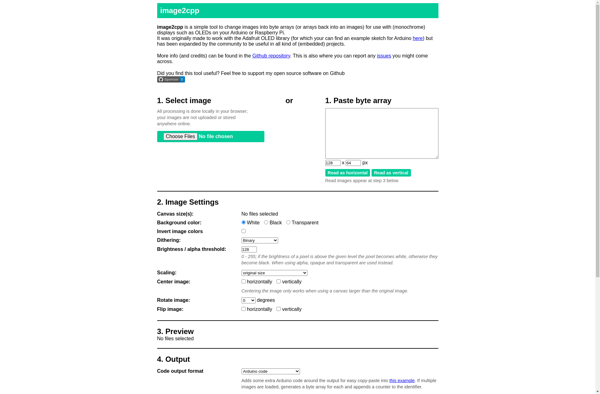
Image2cpp

File To C Array