
Image2cpp

image2cpp: Open Source Image Code Converter
Convert images into C/C++ code with image2cpp, an open source tool encoding image data into arrays or vectors for compilation.
What is Image2cpp?
image2cpp is an open source command line utility that converts image files such as PNG, JPEG, BMP, and GIF into C/C++ code. It encodes the binary pixel data of images into a const unsigned char array or std::vector that can be compiled directly into a C/C++ program.
By embedding images directly into applications as code, resources can be compiled into an executable rather than loaded at runtime. This is useful for creating standalone applications, embedding icons or textures in games, storing images in firmware, and other use cases.
Some key features of image2cpp include:
- Supports various image formats including PNG, BMP, JPEG, TIFF, GIF
- Can output as simple C array or C++ vector
- Customizable variable and function names in output
- Settings for compressing data with ZLib to reduce size
- Command line usage for batch image conversion
- Open source MIT license
image2cpp is available cross-platform for Linux, Windows, and Mac. With its simple conversion process, it can greatly ease deploying images in C/C++ applications. The generated source code can be easily compiled into projects without external dependencies.
Image2cpp Features
Features
- Converts image files like PNG, JPEG, BMP, etc. into C/C++ code
- Supports encoding images as byte arrays, std::vectors, or wxImages
- Can compress images using RLE encoding to reduce code size
- Has command line interface and GUI for easy use
- Open source and cross-platform (Windows, Linux, macOS)
Pricing
- Open Source
Pros
Cons
Official Links
Reviews & Ratings
Login to ReviewThe Best Image2cpp Alternatives
View all image2cpp alternatives with detailed comparison →
Top Development and Code Generation and other similar apps like Image2cpp

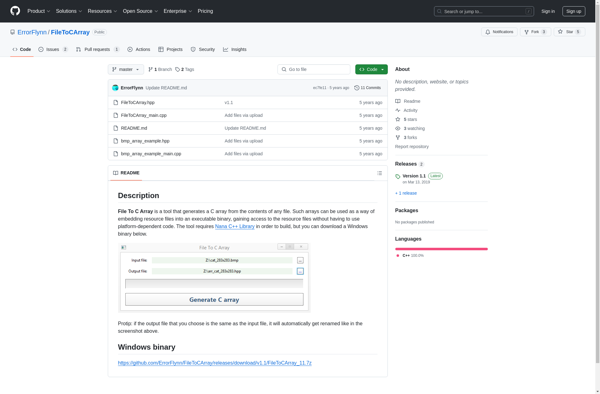
File To C Array

Binary to Header