File To C Array
File To C Array: Convert Files to C Language Array
Convert any file into a C language array for embedded programming needs, store files and data within C code with File To C Array software tool.
What is File To C Array?
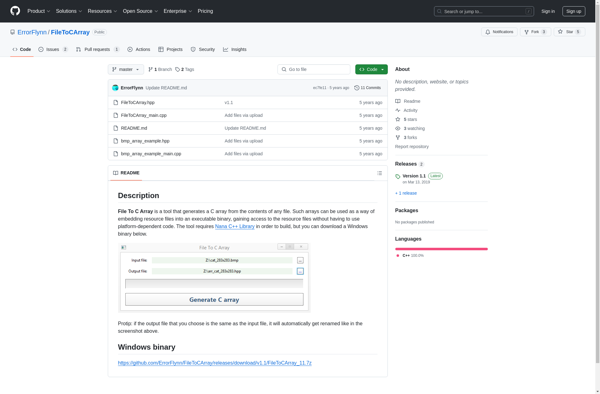
File To C Array is a handy utility for embedded C developers. It takes any file such as images, audio, text, hex, etc. and converts it into a C language array that can be compiled directly into an embedded application.
This allows you to store files and data directly inside your C firmware code instead of needing an external storage system or file access. Some key features include:
- Supports any file type - image, audio, text, hex, pdf, etc.
- Customizable array variable name and type
- Adjustable array formatting options
- Works with any compiler - gcc, keil, iar, etc.
- Command line usage for batch processing
- Unicode support for international characters
File To C Array is useful for situations where you need to bundle files and data with your firmware but don't have the external storage capacity. Storing files as C arrays allows easy distribution as it keeps everything contained within a single firmware file.
File To C Array Features
Features
- Converts any file into a C array
- Supports binary, text, image, audio files
- Customizable array name and type
- Works with any C compiler
- Command line interface
Pricing
- Open Source
Pros
Cons
Official Links
Reviews & Ratings
Login to ReviewThe Best File To C Array Alternatives
View all File To C Array alternatives with detailed comparison →
Top Development and Code Generation and other similar apps like File To C Array
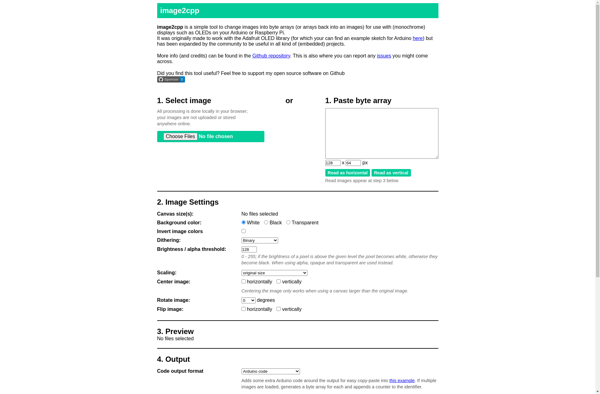
Image2cpp

Binary to Header