BXO Terminal is a modern, easy-to-use terminal emulator and command line interface for Windows, Mac and Linux. It provides advanced SSH capabilities, theming, tabs, splits and other useful features for power users and developers.
Advanced SSH capabilities, theming, tabs, splits and more for Windows, Mac and Linux power users and developers
What is BXO Terminal?
BXO Terminal is a popular open-source terminal emulator and command-line interface application for Windows, macOS, and Linux operating systems. It aims to provide a modern, customizable, and user-friendly terminal environment for users ranging from casual to advanced.
Some of the standout features of BXO Terminal include:
Supports common terminal features like tabs, splits, theming, keyboard shortcuts, etc. to provide a customizable workspace
Secure SSH client included with support for SFTP, port forwarding, key bindings, and other SSH capabilities
Aesthetic retro UI with vibrant themes and style options
Extensive plugin ecosystem and integration support to extend functionality
Built-in text editor, file manager, and other tools for convenience
Cross-platform support across Windows, macOS, and multiple Linux distros
With its balance of usability, customization options, and developer-friendly tools, BXO Terminal strikes an appealing option for those seeking a capable and modern terminal app. Both casual and power users have adopted BXO Terminal to replace default terminals and enable richer command-line workflows. The open-source nature also allows contributing to and enhancing the tool over time.
BXO Terminal Features
Features
Modern and intuitive user interface
Advanced SSH capabilities
Theming and customization options
Tabbed interface with split-screen support
Integrated terminal multiplexer
Scriptable and extensible with plugins
Cross-platform support (Windows, macOS, Linux)
Pricing
Open Source
Pros
Highly customizable and feature-rich
Seamless SSH integration
Efficient workflow with tabs and splits
Actively maintained and updated
Open-source and free to use
Cons
Steep learning curve for beginners
Limited out-of-the-box functionality compared to some commercial alternatives
Occasional performance issues on older or less powerful systems
RealTerm is a versatile serial port and TCP/IP terminal program designed to replace HyperTerminal for engineers and developers. Some of its key features include:Full ANSI and VT100/VT220 terminal emulation.Plain ASCII view, hexadecimal view and binary view for incoming data.Data logging with timestamp to files.Scripting to automate test and measurement tasks.Dedicated...
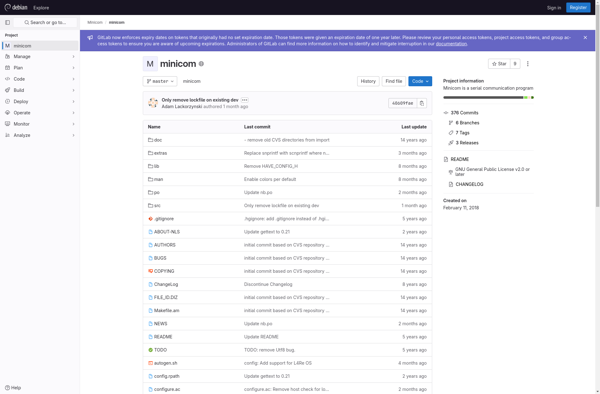
Minicom is a text-based terminal emulation program for Unix-like operating systems. It is designed to connect to devices with a serial interface, such as routers, switches, servers, and other hardware that can be configured over a serial cable.Some key features of Minicom include:Making TCP/IP connections to network devices that have...
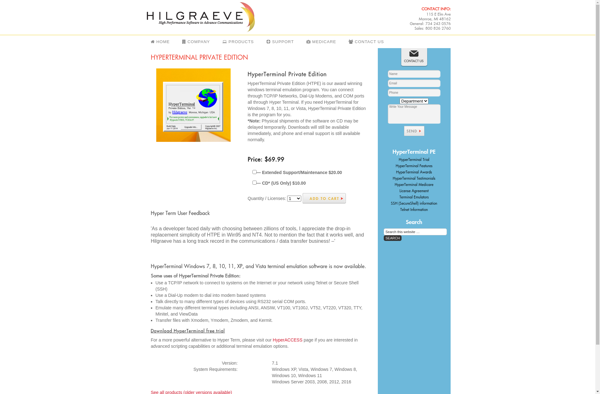
HyperTerminal is a terminal emulation program that was included in some versions of Microsoft Windows, starting in Windows 95 and up to Windows XP. It allowed users to connect to other computer systems, like UNIX servers, mainframes, and BBS systems, using common protocols like Telnet and modem dial-up connections.With HyperTerminal,...
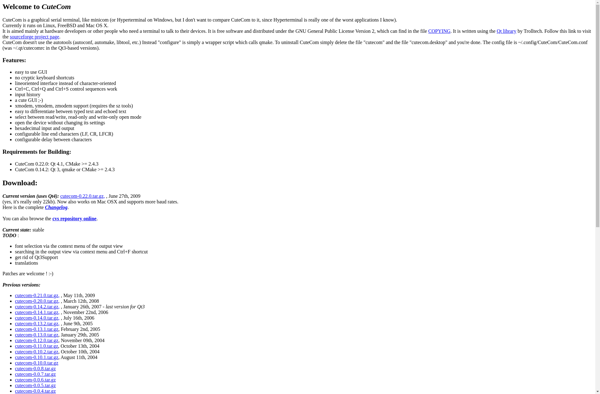
CuteCom is a free, open source, cross-platform serial terminal program that allows connecting to serial devices such as modems, sensors, microcontrollers, etc. to interactively send and receive data.Some of the key features of CuteCom include:Support for multiple simultaneous connections to different devices/portsLogging all communication with connected devices to plain text...
Bray++ Terminal is a feature-rich terminal emulator and command-line interface application for Linux, Windows, and macOS operating systems. It aims to provide an enhanced and customizable terminal environment to help developers, system administrators, and power users be more productive.Some of the notable features of Bray++ Terminal include: Multiple tabs -...
GtkTerm is an open-source terminal emulator application built using the GTK+3 toolkit. It provides a simple yet capable terminal environment for Linux and UNIX-like systems.Some of the key features of GtkTerm include:Multiple tabbed terminalsCustomizable appearance with changeable color schemes, fonts, transparency etc.Standard terminal abilities like scrollback, copy/paste, unlimited historyKeyboard shortcuts...
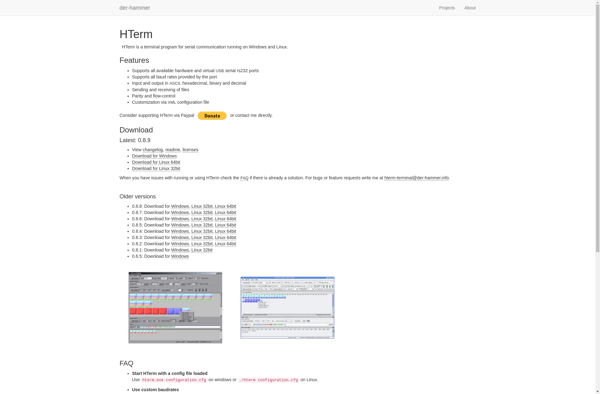
HTerm is a free and open source terminal emulator application for Windows. It provides a command-line interface for interacting with your computer's file system, processes, and executing commands.Some key features of HTerm include:Multiple tabbed terminalsCustomizable themes and appearanceKeyboard shortcuts and hotkeysLightweight and fastSupports features like splitting panes horizontally or verticallyCompatible...
QtTerm is an open-source terminal emulator application developed using the Qt framework. It provides a graphical interface for accessing a Linux/Unix shell, similar to GNOME Terminal, Konsole, or xterm.Key features of QtTerm include:Supports common terminal operations like SSH connections, copy/paste, tabs, and custom themesLightweight and fast compared to some terminal...
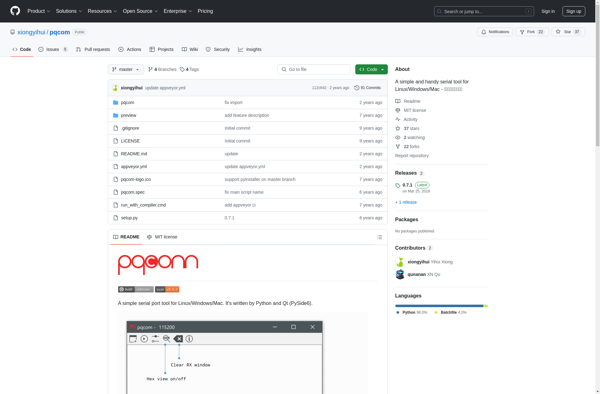
pqcom is an open-source email application developed by Lessware. It is designed with a strong focus on privacy and security for personal communication.Some key features of pqcom include:End-to-end encryption using OpenPGP and S/MIME to keep emails privateSupport for major email protocols like IMAP and SMTPMinimalist and straightforward user interface for...