CAD Reader

Autodesk Viewer: Free CAD Drawing & Model Viewers
View and print CAD drawings and models with Autodesk Viewer, a free software that supports major CAD file formats, allowing for quick viewing without full CAD software.
What is CAD Reader?
CAD Reader is a lightweight, free software application designed specifically for viewing and printing CAD drawings and models. It supports all major 2D and 3D CAD file formats including DWG, DXF, DWF, STEP, IGES, STL, and more.
With CAD Reader, you can quickly open CAD files without needing full CAD software installed. It allows you to pan, zoom, and rotate models for viewing the design intent. You can view layers, measurements, and other properties. It also provides print tools to output drawings and 3D models.
As it is focused purely on CAD viewing and printing, the software launches quickly and runs with low system resources. This makes it ideal for teams and non-CAD users to view and share CAD data when on the go or in meetings. It can also serve as a free DWG viewer alongside paid CAD packages in enterprise settings.
Overall, CAD Reader makes CAD file access and sharing easy for downstream teams, clients, and non-technical stakeholders. With its free price tag and small download size, it can enable broader access to key CAD asset viewing across an organization or for external project partners.
CAD Reader Features
Features
- View CAD drawings
- Print CAD drawings
- Supports major CAD formats
- Quick viewing without full CAD software
Pricing
- Free
Pros
Cons
Official Links
Reviews & Ratings
Login to ReviewThe Best CAD Reader Alternatives
View all CAD Reader alternatives with detailed comparison →
Top Development and Cad Software and other similar apps like CAD Reader
Here are some alternatives to CAD Reader:
Suggest an alternative ❐
Autodesk AutoCAD

DraftSight

ZWCAD

BeckerCAD

GstarCAD

SelfCAD


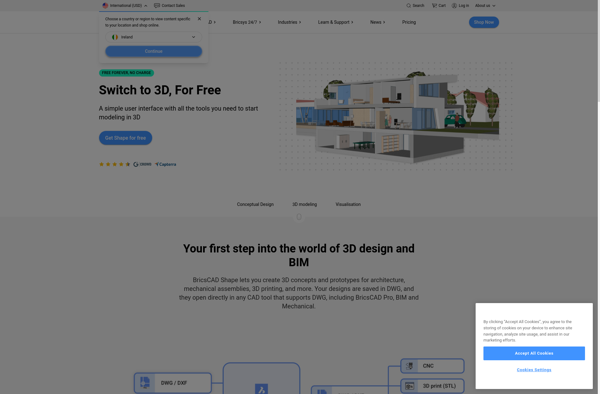
BricsCAD Shape