CamSpace
CamSpace: Open-Source Video Conferencing
Self-hosted alternative to Zoom with video meetings, screen sharing, messaging, and team collaboration features
What is CamSpace?
CamSpace is an open-source, self-hosted video conferencing and online meeting solution similar to Zoom or GoToMeeting. It allows organizations to set up their own private and secure video conferencing servers rather than relying on third-party services.
Key features of CamSpace include:
- HD video meetings - Host HD video conferences, webinars, conference calls with screen sharing
- Cross-platform support - Compatible across devices like desktops, laptops, tablets, and smartphones
- Instant messaging - Real-time chat and messaging between meeting participants
- Recording and playback - Record sessions for future reference and playback
- Virtual whiteboard - Collaborative whiteboarding integrated right into the meeting
- Security and privacy - End-to-end encryption for meeting data and communications
- Custom branding - Customize the meeting client with your own branding, logo, etc.
- Self-hosted option - Host on your own servers for complete data privacy and control
CamSpace is built using open source technologies like WebRTC and runs on Linux. It can be deployed on cloud or on-premise infrastructure, providing organizations with a secure and fully featured alternative to closed source apps like Zoom, Cisco WebEx, or GoToMeeting for their video meetups.
CamSpace Features
Features
- Video conferencing
- Screen sharing
- Messaging
- Recording
- Virtual backgrounds
- Polling
- Whiteboard
- Breakout rooms
- Calendar integrations
- File sharing
Pricing
- Open Source
- Self-Hosted
Pros
Cons
Official Links
Reviews & Ratings
Login to ReviewThe Best CamSpace Alternatives
View all CamSpace alternatives with detailed comparison →
Top Remote Work & Education and Video Conferencing and other similar apps like CamSpace
Here are some alternatives to CamSpace:
Suggest an alternative ❐
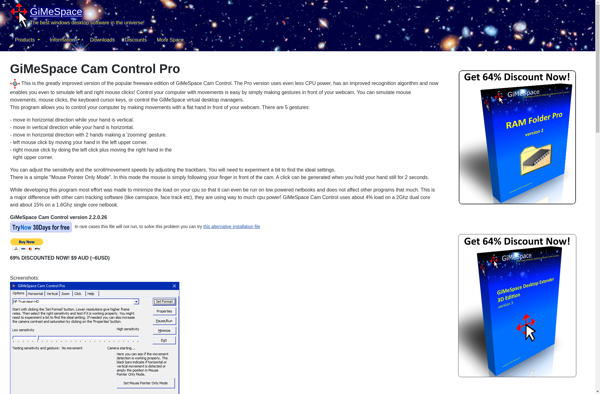
GiMeSpace Cam Control

Camera mouse

Enable Viacam

EagleEyes