Chronolapse
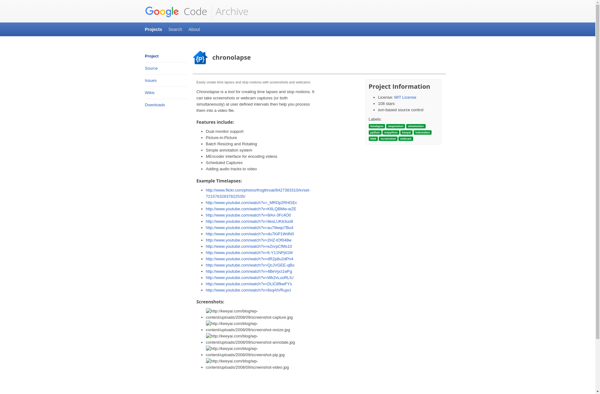
Chronolapse: Time-Lapse Photography Software for Windows
Create stunning time-lapse videos from image sequences with Chronolapse, a user-friendly software for Windows that offers automatic FPS calculation, image stabilization, and smooth transition effects.
What is Chronolapse?
Chronolapse is a user-friendly time-lapse software for Windows that makes it easy to produce professional-quality time-lapse videos. Simply import your sequence of images, adjust the settings to your preference, and Chronolapse handles the rendering. Key features include:
- Intuitive timeline interface for arranging image sequences
- Automatic FPS calculation based on sequence length and playback duration
- Image stabilization to smooth out unwanted camera movement
- Transition effects like fade, dissolve, zoom for smooth playback between scenes
- Flexible output options with full HD 1080p support
- Batch processing to render multiple time-lapse sequences
With an emphasis on automation, Chronolapse simplifies advanced time-lapse post-processing so you can focus on capturing great images. It's perfect for beginner and professional photographers alike. The free version is fully functional with an optional paid Pro version unlocking additional features.
Chronolapse Features
Features
- Time-lapse photography software for Windows
- Create time-lapse videos from image sequences
- Automatic FPS calculation
- Image stabilization
- Smooth transition effects
Pricing
- Free
- Freemium
Pros
Cons
Official Links
Reviews & Ratings
Login to ReviewThe Best Chronolapse Alternatives
View all chronolapse alternatives with detailed comparison →
Top Photos & Graphics and Time-Lapse Software and other similar apps like Chronolapse
Here are some alternatives to Chronolapse:
Suggest an alternative ❐
CamStudio

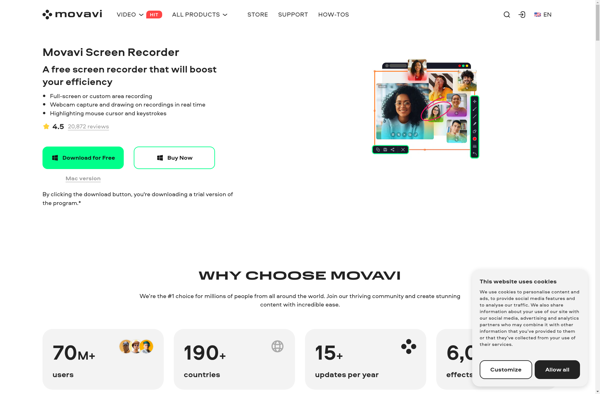
Movavi Screen Recorder

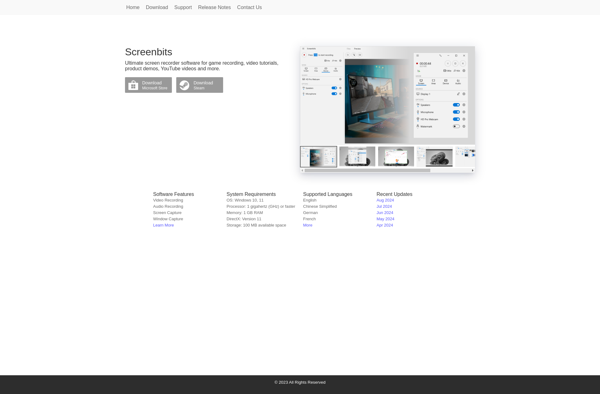
Screenbits

Rylstim Screen Recorder

BSR Screen Recorder