ClassicMenu Indicator

ClassicMenu Indicator

ClassicMenu Indicator is a desktop menu applet for Linux systems running GNOME Shell. It restores the classic GNOME menu style, bringing back familiar options and layouts.
ClassicMenu Indicator screenshot

ClassicMenu Indicator: Restore Classic GNOME Menu Style

A desktop menu applet for Linux systems running GNOME Shell, restoring the classic menu style with familiar options and layouts.

What is ClassicMenu Indicator?

ClassicMenu Indicator is an open-source desktop menu applet for Linux desktop environments using the GNOME Shell interface. It is designed to restore the classic GNOME 2 menu style and layout in newer GNOME versions, providing a more familiar user experience for those accustomed to older GNOME releases.

Some of the key features of ClassicMenu Indicator include:

  • Restores a classic two-column Applications/Places/System menu style
  • Customizable main menu button and icon
  • Search bar for easily finding apps
  • Option to unsorted apps menu
  • Supports GNOME Shell extensions for added functionality
  • Available for multiple Linux distributions like Ubuntu, Fedora, openSUSE, etc.

By installing the ClassicMenu Indicator applet, Linux users can bring back the familiar main menu layout and functionality they may prefer from older GNOME 2 releases in newer desktop versions. It integrates cleanly with modern GNOME 3 and provides a more traditional menu experience.

ClassicMenu Indicator Features

Features

  1. Restores classic GNOME 2 menu style and layout
  2. Supports both GNOME Shell and Unity desktops
  3. Customizable with various themes and options
  4. Searchable menu with category views
  5. Drag and drop menu items for easy organization
  6. Supports app folders and pinned favorites
  7. Lightweight and configurable

Pricing

  • Free
  • Open Source

Pros

Familiar interface for GNOME 2 users

Highly customizable appearance and behavior

Improves usability for keyboard users

Helpful search makes finding apps easy

Lightweight and stable

Active development and user community

Cons

Less integration with GNOME 3

Extra configuration required for best experience

Some themes and layouts are outdated

Occasional bugs or glitches

Limited options compared to original GNOME 2 menu

Requires third-party PPA installation

Reviews & Ratings

Login to Review
No reviews yet

Be the first to share your experience with ClassicMenu Indicator!

Login to Review

The Best ClassicMenu Indicator Alternatives

Top Os & Utilities and Desktop Customization and other similar apps like ClassicMenu Indicator

Here are some alternatives to ClassicMenu Indicator:

Suggest an alternative ❐

Whisker menu icon
Whisker menu

Whisker Menu is an application launcher and task manager designed specifically for the Xfce desktop environment on Linux. It aims to provide a simple but powerful way to access installed applications and manage open windows.Some of the key features of Whisker Menu include:Slick graphical interface for launching applicationsCustomizable categories to...
Whisker menu image
MintMenu icon

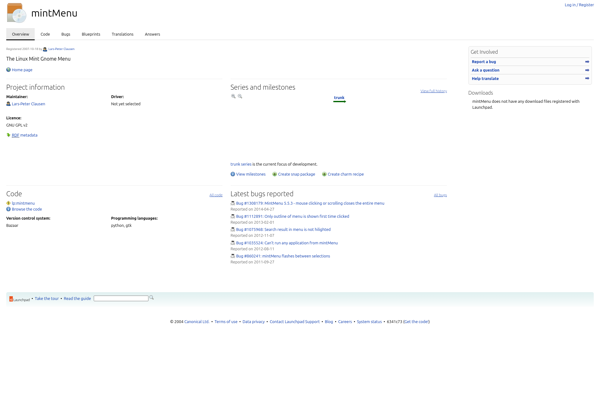
MintMenu

mintMenu is an application menu replacement for the Linux Mint desktop environment. It offers a sleek, intuitive menu that helps users easily launch programs, open folders and files, access system settings, and more.Some key features of mintMenu include:Search function to quickly find applicationsFavorites section for convenient access to commonly-used itemsCustomizable...
MintMenu image
Cardapio icon

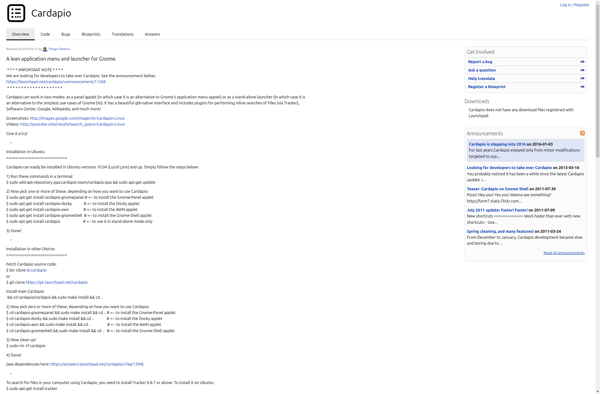
Cardapio

Cardapio is an open source point-of-sale system designed specifically for restaurants, cafes and bars. It runs on Linux and provides all the basic features needed to handle orders and transactions in a food service establishment.Some key features of Cardapio include:Table management - Track table status, transfer guests, split bills etc.Order...
Cardapio image
GnoMenu icon

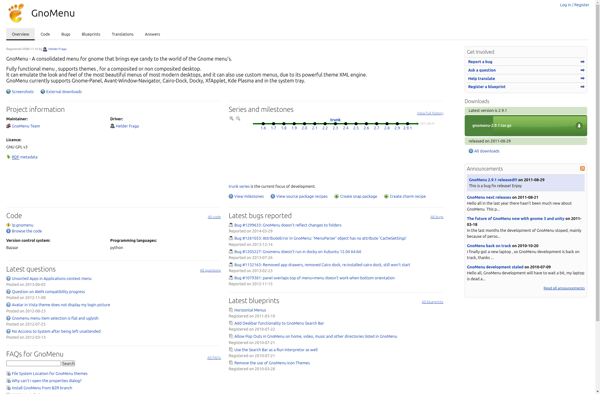
GnoMenu

GnoMenu is a free and open source menu designed for the GNOME desktop environment. It aims to provide a more traditional application menu for users who prefer that style over the default GNOME menu.Some key features of GnoMenu include:Easy access to installed applications sorted into categories like Multimedia, Internet, Accessories...
GnoMenu image