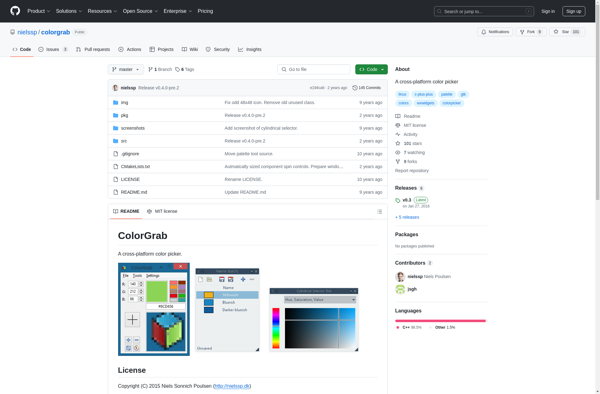
ColorGrab is a free color picker tool for Windows that allows users to easily select any color from anywhere on their screen. It has a simple interface with options to copy color HEX and RGB values.
What is ColorGrab?
ColorGrab is a handy and free color picker application for Windows. It makes selecting any on-screen color extremely easy - simply launch the app and hover over any spot to instantly grab its color.
Some key features of ColorGrab include:
Quickly sample colors from any spot on your screen
Displays the sampled color's HEX, RGB, HSL, and CMYK values
Option to instantly copy the HEX or RGB code with one click
Magnifier tool zooms in on target area for precision picking
Color history panel shows all sampled colors in one place
Supports both primary and secondary displays
Lightweight and easy to use - no frills interface
ColorGrab is useful for designers, developers, artists, or anyone who works with colors and needs an efficient way to sample and leverage exact colors seen on screen. Its simple, no fuss workflow makes grabbing colors extremely fast and frictionless.
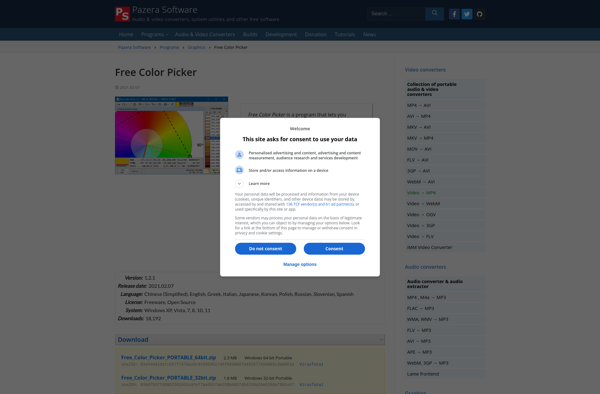
Free Color Picker is an open source color selection tool for Windows that makes it easy for designers, developers, and anyone else to sample colors from anywhere on their screen.Some key features of Free Color Picker include:A magnified color view that allows accurate sampling of on-screen colorsAbility to hover over...
PicPick is a versatile screen capture utility and image editor for Windows. It provides an easy way to take customizable full screen or region-specific screenshots. Key features include:Quickly capture full screen images, active windows, rectangular or free-form regions, as well as scrolling website screenshotsAnnotate screenshots with various shapes, text boxes,...
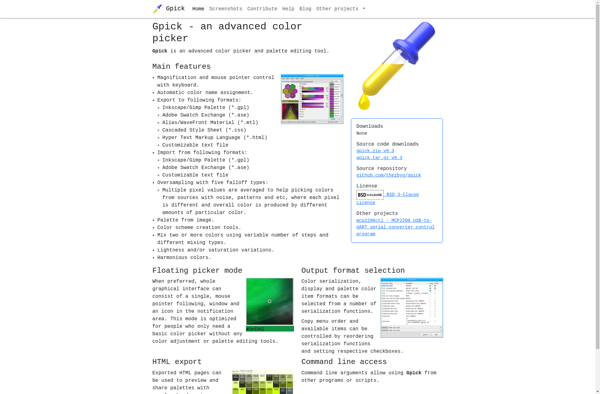
gpick is a free, open source color picker and palette design application for Linux systems. It provides an intuitive graphical user interface for selecting colors from anywhere on your screen or creating custom color palettes.Some key features of gpick include:Pick colors from any point on your screen with just a...
Instant Eyedropper is a handy utility program for Windows that makes it easy to pick up colors from anywhere on your screen. It runs minimized in the system tray, so you can quickly activate it with a hotkey whenever you need to sample a color.Some key features of Instant Eyedropper:Lightweight...
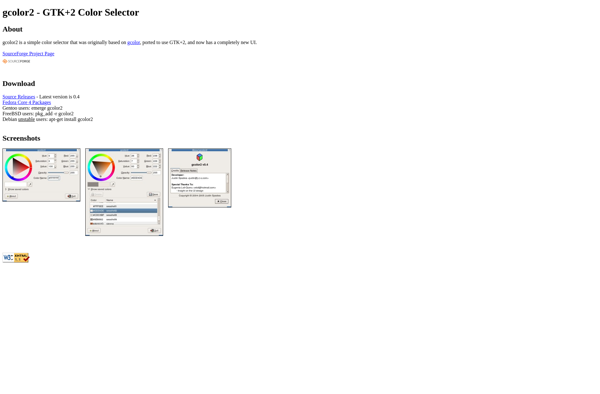
gcolor2 is an open-source color picker and palette creation tool for Linux. Developed using the GTK+ toolkit, gcolor2 provides an intuitive graphical interface for selecting, modifying, and managing custom color palettes.Some key features of gcolor2 include:Intuitive palette editor - Easily create, edit, rearrange, and delete color swatches in custom palettes.Support...
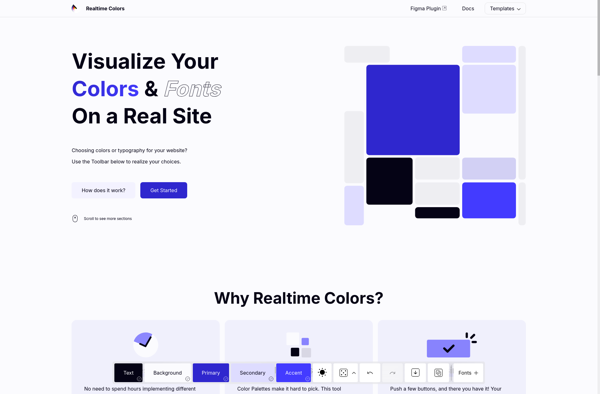
Realtime Colors is a free and easy-to-use color palette and scheme software. It allows designers, artists, and anyone who works with color to easily browse, create, and customize different color combinations.Some key features of Realtime Colors:Intuitive interface for browsing and creating color palettesReal-time updates - see colors change instantly as...
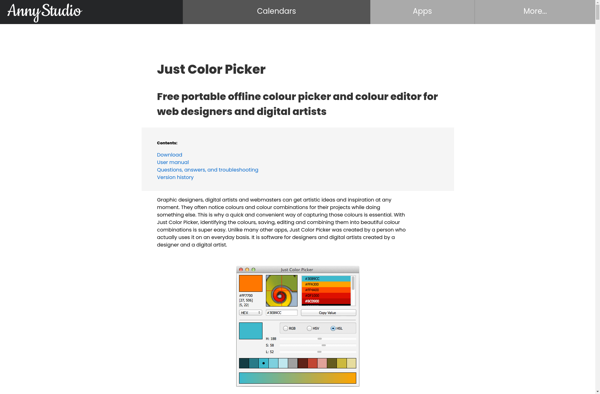
Just Color Picker is a simple yet powerful color selection tool for Windows. Developed by developer Alexey Kolosov, this free software enables designers, developers, and everyday users to quickly and easily pick colors from anywhere on their screen.To use Just Color Picker, simply run the application and hover your mouse...