Colorsquid

Colorsquid: Free Open Source Vector Graphics Editor
A free open source vector graphics editor for Windows with extensive drawing and color tools for creating professional graphics and illustrations, support for layers, gradients, and effects.
What is Colorsquid?
Colorsquid is a feature-rich, free and open source vector graphics editor for Windows. It is designed to provide an expansive set of tools for creating professional illustrations, designs, diagrams, and other graphics.
Some key features of Colorsquid include:
- Intuitive user interface with customizable workspaces and toolbars
- Support for multiple pages and layers for advanced editing
- Advanced drawing and shape tools like the pen, bezier curves, polygons, etc.
- Gradient, pattern, and texture tools for colorful and rich graphics
- Text tools with full typography control and text along path
- Effects like drop shadow, glow, blurs, distortions and more to enhance graphics
- Export graphics in high-quality SVG, PDF, PNG formats and more
- Scripting and plugin capabilities for customization and automation
- Completely free and open source under GPL3 license
With its wide array of illustration tools rivaling premium software, Colorsquid is an excellent choice for artists, designers, and anyone in need of a full-featured vector graphics application free of cost.
Colorsquid Features
Features
- Vector graphics editor
- Drawing tools
- Color tools
- Layer support
- Gradient support
- Effect support
Pricing
- Open Source
Pros
Cons
Official Links
Reviews & Ratings
Login to ReviewThe Best Colorsquid Alternatives
View all Colorsquid alternatives with detailed comparison →
Top Photos & Graphics and Graphics Editors and other similar apps like Colorsquid
Here are some alternatives to Colorsquid:
Suggest an alternative ❐
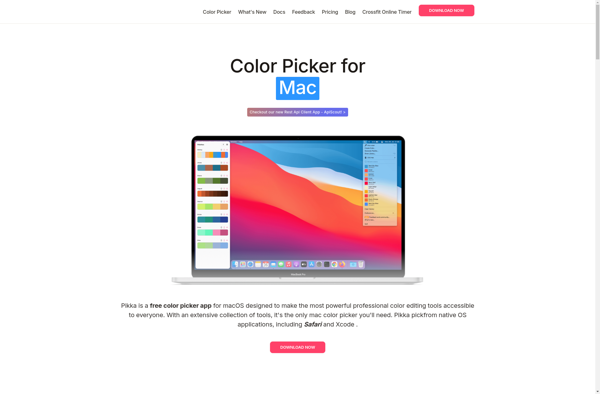
Pikka
Coloree