Congether
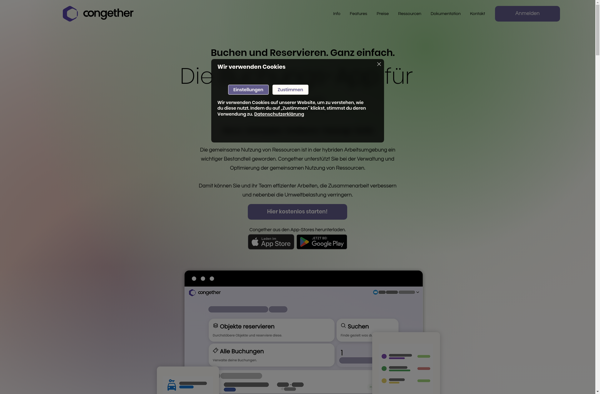
Congether: Free Video Conferencing Software for Meetings
Free video conferencing software with screen sharing, chat, and recording options, available on Windows, Mac, Linux, Android, and iOS platforms
What is Congether?
Congether is a free, open-source, self-hosted video conferencing software designed for teams who want greater control and privacy over their online meetings. It allows users to conduct meetings, webinars, conference calls with features like screen sharing, chat, polling and recording options.
Some of the key features of Congether include:
- Works across platforms like Windows, Mac, Linux, Android and iOS
- Encrypted peer-to-peer video calls to ensure privacy
- Screen sharing for presentations and team collaboration
- Chat and polls for better audience engagement
- Recording option to save meetings for future reference
- Customizable interface with themes and branding options
- User management and access controls for admins
- Integration with Active Directory/LDAP for easy login
- Virtual backgrounds for hiding surroundings during video calls
As Congether is self-hosted, users have complete data ownership and control over their video conferences. Organizations also save on subscription costs associated with paid tools like Zoom, Webex etc. The open-source nature allows for customizations as per their needs.
Congether Features
Features
- Video conferencing
- Screen sharing
- Chat
- Recording options
- Cross-platform - Works on Windows, Mac, Linux, Android and iOS
Pricing
- Free
- Open Source
Pros
Cons
Official Links
Reviews & Ratings
Login to ReviewThe Best Congether Alternatives
View all Congether alternatives with detailed comparison →
Top Remote Work & Education and Video Conferencing and other similar apps like Congether
Here are some alternatives to Congether:
Suggest an alternative ❐
Datadog

Grafana

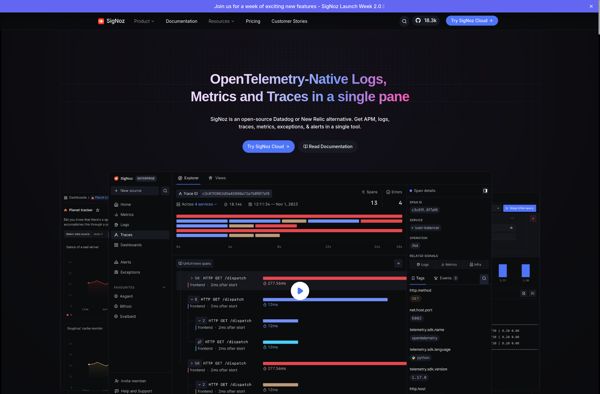
SigNoz

Hosted Graphite