DISM GUI
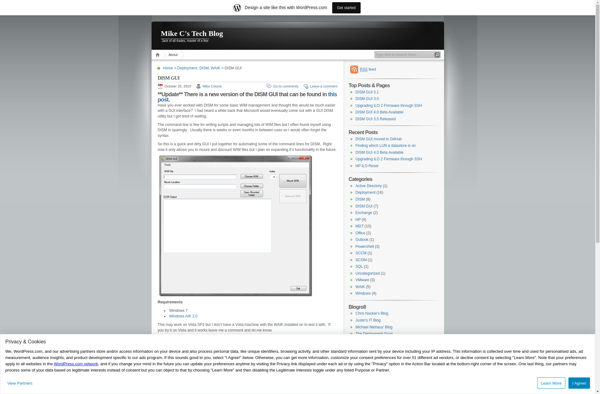
DISM GUI: Access DISM Functionality with Ease
Discover DISM GUI, a graphical user interface for the DISM command-line tool in Windows, simplifying access to essential functionality.
What is DISM GUI?
DISM GUI is a free, open-source graphical user interface for the Deployment Image Servicing and Management (DISM) command-line tool in Windows. DISM is used to service Windows images and prepare them for deployment, but it relies solely on a complex set of commands that can be difficult to use.
DISM GUI provides a simple point-and-click interface that makes it easier for both IT professionals and regular users to access the powerful functionality of DISM. With DISM GUI, you can easily perform tasks like:
- Mount and unmount Windows images
- Add, remove, and list packages within an image
- Capture or apply an image to a system
- Fix image corruption issues
- Manage drivers, international settings, and Windows features
Key features of DISM GUI include: an intuitive ribbon-style interface, integrated DISM log viewer, automated repair functions for corrupted images, built-in help documentation, command history, and more. It eliminates the need to memorize and manually type DISM commands while still exposing the full capabilities of DISM.
DISM GUI streamlines Windows image customization, servicing, and deployment by bridging the power of DISM with the simplicity of a graphical interface. It's a valuable tool for any IT pro or power user working with the Windows image lifecycle.
DISM GUI Features
Features
- Graphical user interface for DISM command line tool
- Manage features, packages, drivers, international settings
- Apply, capture, mount Windows images
- Export drivers to folder or CAB file
- Integrate with Windows Explorer context menu
Pricing
- Free
Pros
Cons
Reviews & Ratings
Login to ReviewThe Best DISM GUI Alternatives
View all DISM GUI alternatives with detailed comparison →
Top Os & Utilities and System Maintenance & Repair and other similar apps like DISM GUI

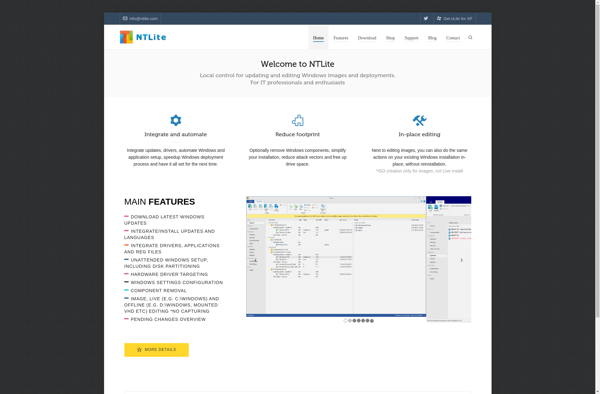
NTLite

Dism++