EasyAppIcon
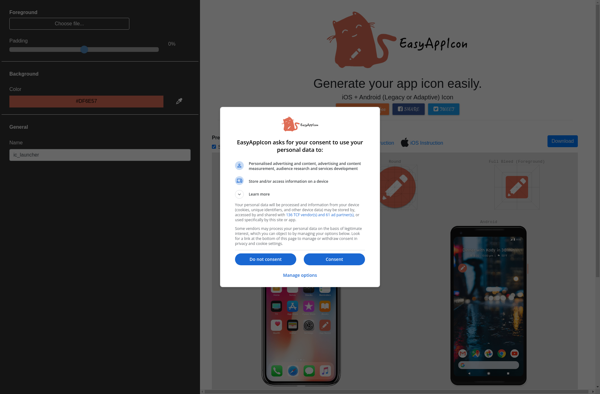
EasyAppIcon: Customize Mac App Icons Easily
Change and customize app icons on your Mac with EasyAppIcon, a simple drag-and-drop interface for applying new icons, previewing changes, and reverting back if needed.
What is EasyAppIcon?
EasyAppIcon is an application for Mac OS that enables users to easily customize the appearance of application icons on their system. It provides a streamlined interface that allows dragging and dropping new icons onto apps, previewing the changes, and reverting back if needed.
Some key features of EasyAppIcon include:
- Simple drag-and-drop replacement of icons for any app, folder, file, or disk on a Mac
- Support for applying icons in ICNS, Iconset, PNG, JPEG, TIFF, GIF formats
- Real-time preview of icon changes before applying them
- Options to revert icons back to their original artwork
- Fully resizable and retina-optimized icons
- Batch changing capabilities to update multiple icons at once
- Built-in icon editor to tweak icon designs
- iCloud sync to transfer custom icons between multiple Macs
Overall, EasyAppIcon provides an easy way for Mac users to customize the aesthetic of their system by replacing default application icons. It makes the process straightforward even for tech novices through its intuitive drag-and-drop workflow. The ability to preview, revert, and sync icons across devices is an added convenience for personalized setups.
EasyAppIcon Features
Features
- Drag-and-drop interface for easy icon customization
- Preview icon changes before applying them
- Revert to original icons with a single click
- Supports a wide range of file formats for icon images
- Batch processing to change multiple app icons at once
Pricing
- One-time Purchase
Pros
Cons
Official Links
Reviews & Ratings
Login to ReviewThe Best EasyAppIcon Alternatives
View all EasyAppIcon alternatives with detailed comparison →
Top Os & Utilities and Customization and other similar apps like EasyAppIcon
Here are some alternatives to EasyAppIcon:
Suggest an alternative ❐
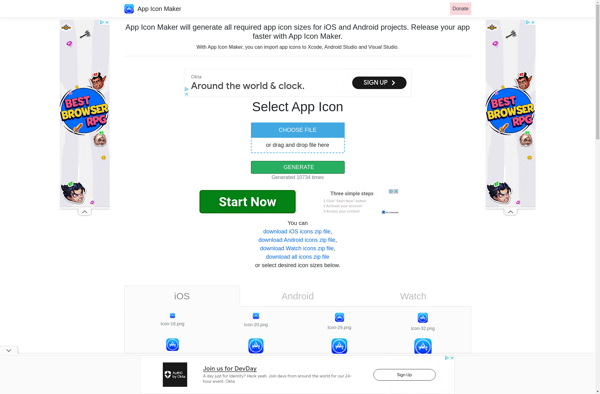
App Icon Maker
MakeAppIcon

AppIconizer


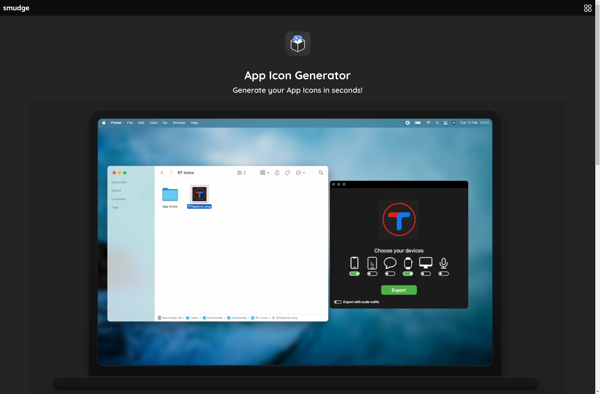
App Icon Generator

Favicon-generator.org


Flat Icon Generator