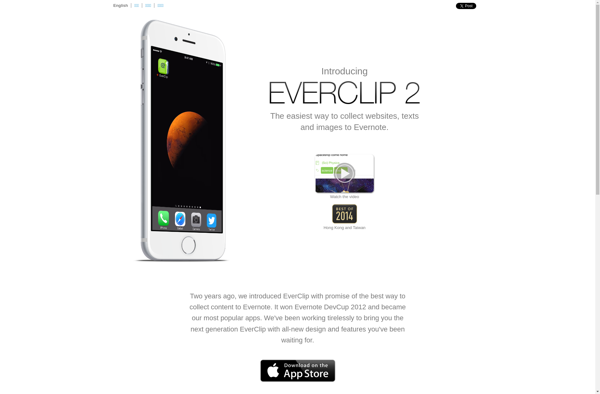
Everclip is a lightweight clipboard manager and text snippets organizer. It allows you to save text, images, files, and other content for later use, search snippets easily, and access your clipboard history.
What is Everclip?
Everclip is a multi-platform clipboard manager and text snippets organizer app. It provides a quick and easy way to capture, organize and reuse text snippets, links, images, files and other content.
With Everclip, you can easily save anything to your clipboard to access later. It maintains a searchable history of everything you've copied, so you can quickly find and reuse content again in the future. The app runs quietly in the background and is there whenever you need it.
Some of the key features of Everclip include:
Save and organize text snippets, links, images, files etc for reuse
Quickly search your entire clipboard history
Sync clips between devices with iCloud or other services
Tag clips to organize and find important snippets fast
Paste snippets directly into documents and apps
Automatically clear old clips on schedule
Works across Windows, Mac, iOS, Android etc
Everclip provides a handy way to capture important bits of content and recall them effortlessly whenever you need. It helps boost your productivity by reducing repetitive typing and cutting down research time.
Everclip Features
Features
Save text, code snippets, images, files
Organize clips into notebooks
Search and quickly access clips
Sync clips across devices
Clipboard history
Keyboard shortcuts
Cross-platform (Windows, Mac, Linux)
Pricing
Freemium
Subscription-Based
Pros
Simple and easy to use
Lightweight with minimal system resource usage
Good for organizing code snippets
Syncs clips across devices
Free version available
Cons
Limited features compared to more full-featured clipboard managers
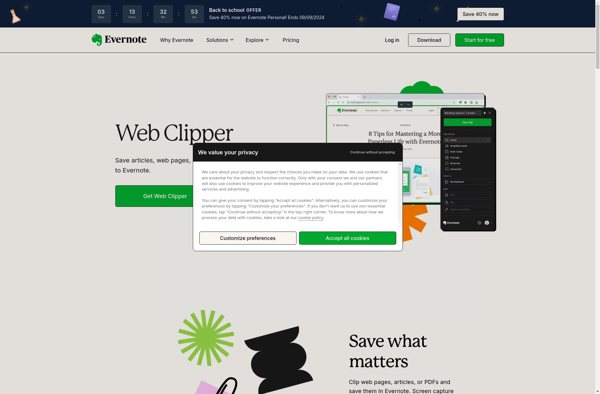
The Evernote Web Clipper is a browser extension available for Google Chrome, Mozilla Firefox, Microsoft Edge, and Apple Safari. It provides a quick and easy way to save web content that you want to reference later into your Evernote account.With just a click, you can clip entire web pages or...
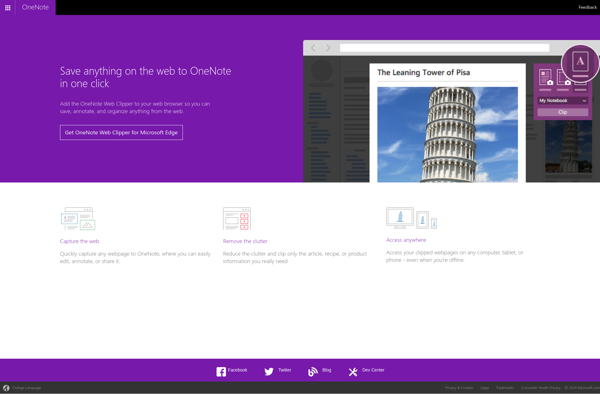
OneNote Web Clipper is a free browser extension available for Google Chrome, Mozilla Firefox, Microsoft Edge, and Apple Safari. It provides an easy way to save web content directly into OneNote, Microsoft's digital notebook app.With OneNote Web Clipper, users can quickly clip portions of web pages, including text, images, and...
Diigo Web Collector is a powerful browser extension and web service that helps users collect, organize, highlight and annotate web pages for research and knowledge management.Some key features include:One-click capturing of any web page or portion of text into your Diigo libraryHighlight important passages and add sticky notes right in...
Pastebot is a handy macOS utility that gives you a central place to store everything you copy to your clipboard. It runs quietly in the menu bar, automatically saving everything that hits your clipboard so you can come back to it later.Once launched, Pastebot creates a persistent library of your...
Clips is a free video creation app from Apple exclusively for iOS devices. It allows users to easily record and edit short multi-clip videos up to 30 minutes in length. Clips features an intuitive interface for combining multiple video clips with other media elements like photos, text, graphics, animated emoji,...
Shelf is a free web clipper, read-it-later app and personal knowledge management tool. It allows you to easily capture articles, tweets, videos, recipes, social media posts and more from across the internet to reference and organize later. Clips are saved to your personal Shelf where you can also take notes...
Collamark is an online project management and collaboration software designed for agile teams. It provides a variety of features to help teams plan sprints, break down projects into actionable tasks, track progress, and communicate effectively.Some of the key features of Collamark include:Kanban boards for visualizing work and tracking progressCustomizable workflows...
A clipboard manager is a type of software that keeps track of the items you copy and paste while using your computer. It saves your copy-paste history in a queue or database, allowing you to easily access everything you've recently copied to the clipboard.The main purpose of a clipboard manager...