Filelister
Filelister: Organize and Search Your Files Across Multiple Hard Drives
Free open source program for indexing and quick searching of files, tags and catalogs across multiple hard drives.
What is Filelister?
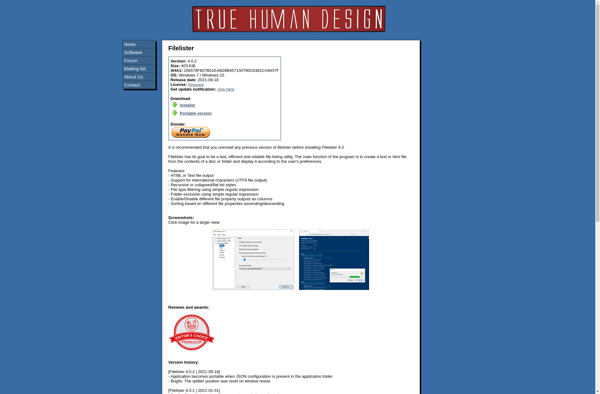
Filelister is a free, open source software application designed to help users organize, search, and access files stored across multiple hard drives or storage devices. It works by indexing the full contents of all designated drives, building a searchable database of file details, tags, and content.
Once indexing is complete, Filelister provides a simple yet powerful interface for searching and browsing through your files. You can search by file name, tags, date modified, text content inside documents, and more. Advanced options like regex and boolean search give you precise control over results.
Beyond searching, Filelister allows you to visually browse files by storage location or custom virtual folders. You can create manual tags and auto-tagging rules to categorize files. The software also includes basic image, video, and document viewers so you can check the contents of files without opening them in another program.
Key features include: full content search, tagging, virtual folders, broad format support, access control, portable mode, thumbnail previews and more. Filelister runs on Windows PCs and is licensed under the GNU GPL v3 open source license.
Filelister Features
Features
- Scans drives to build an index of files
- Allows searching, tagging and cataloging of documents, photos, music and more
- Helps organize and search files across multiple hard drives
- Free and open source
Pricing
- Open Source
Pros
Cons
Official Links
Reviews & Ratings
Login to ReviewThe Best Filelister Alternatives
View all Filelister alternatives with detailed comparison →
Top File Management and File Indexing and other similar apps like Filelister
Here are some alternatives to Filelister:
Suggest an alternative ❐
Directory Lister Pro

Snap2html

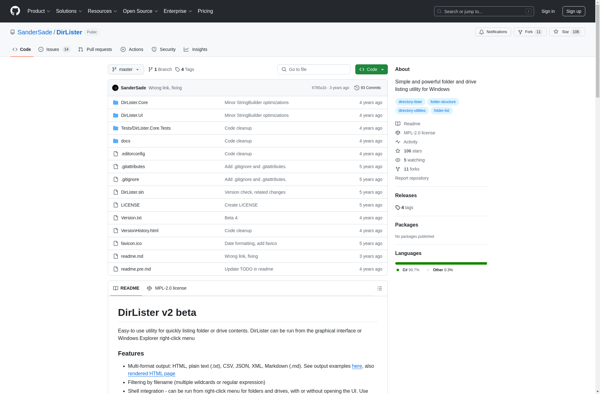
DirLister

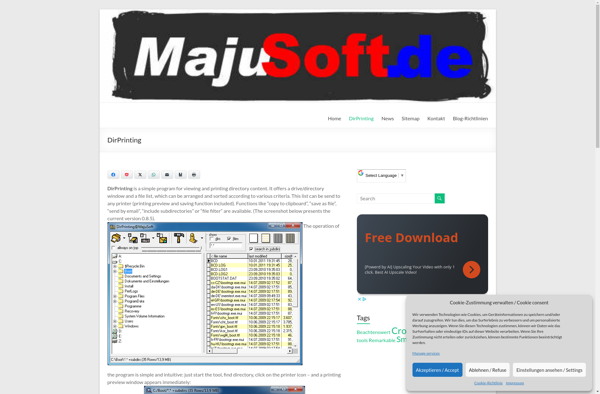
DirPrinting

Filelist Creator

Print Window

Dir2HTML

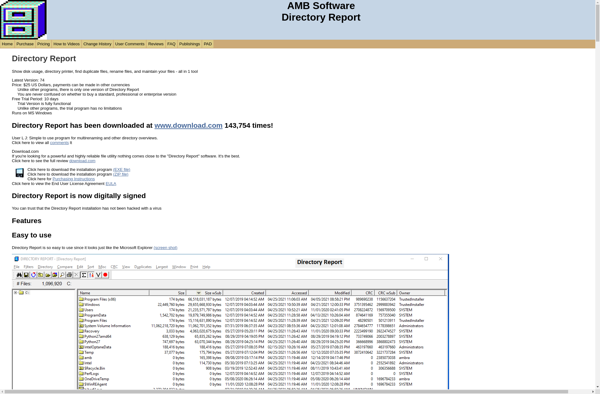
Directory Report

Yourdir

Folder2List