
Filename Extension Column
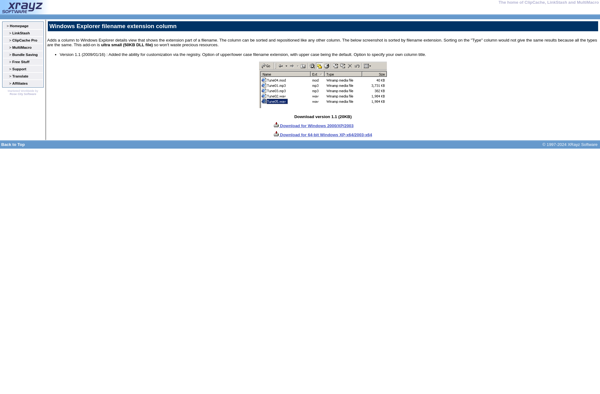
Filename Extension Column: Identify File Types Easily
A Windows utility that adds a column to Windows File Explorer, displaying the file extensions for all files, helping you identify file types at a glance.
What is Filename Extension Column?
Filename Extension Column is a free, open-source utility for Windows that adds an additional column to Windows File Explorer displaying the file extensions for all files. This makes it easy to identify different file types at a glance based on their extensions instead of relying on icons or other visual cues.
The tool integrates seamlessly into File Explorer and is lightweight with no impact on performance. Once installed, a new column titled "Extension" appears in Details view in File Explorer. As you navigate folders and drives, this column shows the file extension for each file such as .docx for Word docs or .pdf for PDFs.
By showing the file extensions explicitly, Filename Extension Column makes it harder to disguise file types and easier to spot potentially malicious files masquerading with misleading icons. It also helps identify unknown file types based on the extension when the icon is generic or unrecognized.
As a portable app, Filename Extension Column does not require installation or admin rights. It can be run directly after downloading with no permanent changes made to the system. It works on Windows 7, 8, 10 and 11. The open-source code for the utility is available on GitHub.
Filename Extension Column Features
Features
- Adds a column to Windows File Explorer displaying file extensions
- Works with any version of Windows that supports File Explorer
- Lightweight and easy to use
- Helps identify file types quickly
Pricing
- Freeware
Pros
Cons
Official Links
Reviews & Ratings
Login to ReviewNo reviews yet
Be the first to share your experience with Filename Extension Column!
Login to ReviewThe Best Filename Extension Column Alternatives
View all Filename Extension Column alternatives with detailed comparison →
Top Os & Utilities and File Management and other similar apps like Filename Extension Column
No alternatives found for Filename Extension Column. Why not suggest an alternative?







