Icons from File
Icons from File: Extract Images from Files
Extract icons, cursors, and other images from exe, dll, icl, and more files with ease, view or export them as needed.
What is Icons from File?
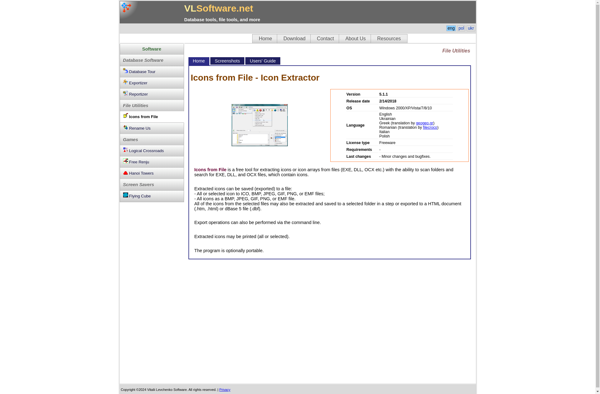
Icons from File is a small utility that allows you to easily extract icons, cursors, and other image resources from exe, dll, ocx, icl, and other files. It scans the files you select and extracts all the images resources so you can view them or export them to icon files or image files.
Some key features of Icons from File:
- Scans exe, dll, ocx, icl and other files for icons, cursors, bitmaps etc.
- Displays all the images found within the files in a convenient viewer
- Lets you export images to .ico, .bmp, .jpg, .png, and other formats
- Provides an explorer style interface that makes it easy to browse images
- Automatically names exported icons based on resource names
- Lightweight and easy to use utility
Icons from File is useful for extracting icons from old executable files, viewing contents of icon libraries, converting images to different formats, and more. It can save time compared to manually extracting images with other tools. The simple drag and drop interface makes it accessible for most users.
Icons from File Features
Features
- Extracts icons, cursors, and other images from exe, dll, icl, and other files
- Scans files to identify and extract images
- Allows you to view and export the extracted images
- Supports a variety of file formats
Pricing
- Free
- One-time Purchase
Pros
Cons
Official Links
Reviews & Ratings
Login to ReviewThe Best Icons from File Alternatives
View all Icons from File alternatives with detailed comparison →
Top and other similar apps like Icons from File
Here are some alternatives to Icons from File:
Suggest an alternative ❐
IcoFX


IconsExtract

IconViewer


Greenfish Icon Editor Pro


ICL Icon Extractor


Quick Any2Ico


Cuttlefish


Icon Resource Viewer

JDraw


FavIcon from Pics


Thumbico

IconLover


Batch Icon Extractor


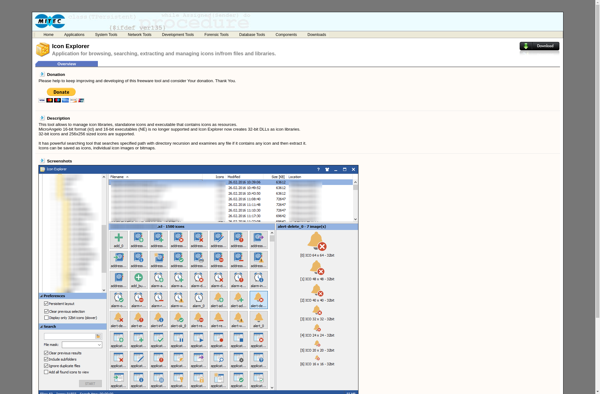
Icon Explorer

Any to Icon


Icoutils