Lf (file manager)
lf is a terminal file manager written in Go. It is lightweight, customizable, and aims to be fast and user-friendly. Some key features are native Go bindings, icons, previews, contextual color themes, plugins, and more.

lf: Terminal File Manager
A lightweight, customizable terminal file manager written in Go with native Go bindings, icons, previews, contextual color themes, plugins, and more.
What is Lf (file manager)?
lf is a terminal file manager written in Go that focuses on being lightweight, customizable, and performing well. Some key features and aspects of lf include:
- Native Go bindings for high performance
- Support for icons and image previews
- Contextual color themes that adapt to current directory
- Plugins for extending functionality
- Minimal resource usage and quick start up
- Easy navigation with vim-like key bindings
- Tabs for managing multiple locations
- Customizable UI through configuration file
- Batch rename utilities
- Archive support for compressed formats
- Portable single binary executable
Overall, lf aims to blend the convenience of graphical file managers with the speed and efficiency of the terminal. Its focus on customizability and keyboard-driven interaction makes it well-suited for power users and those who work frequently on the command line.
Lf (file manager) Features
Features
- Native Go bindings for speed
- Customizable colors and themes
- File previews and thumbnails
- Keyboard shortcuts and quick navigation
- Plugins and extensibility via Lua
- Tabs for managing multiple directories
- Built-in text editor and file viewer
Pricing
- Open Source
- Free
Pros
Very fast and lightweight
Highly customizable appearance
Powerful keyboard-driven workflow
Good for advanced terminal users
Extensible via plugins
Actively developed and maintained
Cons
Terminal only (no GUI version)
Steep learning curve for beginners
Limited built-in features compared to GUI file managers
Not many graphical file previews
Plugin ecosystem still developing
Official Links
Reviews & Ratings
Login to ReviewThe Best Lf (file manager) Alternatives
View all lf (file manager) alternatives with detailed comparison →
Top File Management and Terminal File Managers and other similar apps like Lf (file manager)
Here are some alternatives to Lf (file manager):
Suggest an alternative ❐
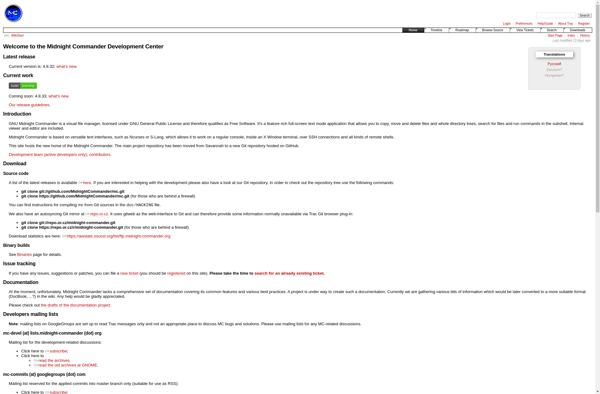
Midnight Commander
Midnight Commander (also known as mc) is an open-source visual file manager and shell for Unix-like systems. It provides a text-based user interface that allows users to efficiently manage files and directories, copy/move/delete files, view file contents, edit files, and execute shell commands.Some key features of Midnight Commander include:Two-panel interface...

Dolphin File Manager
Dolphin is an open-source file manager originally designed as the default file manager for the KDE desktop environment. It runs on various Unix-like systems including Linux, FreeBSD, and other POSIX-compliant operating systems.Dolphin strives to be a lightweight file manager that offers extensive functionality and customization options in an easy-to-use interface....

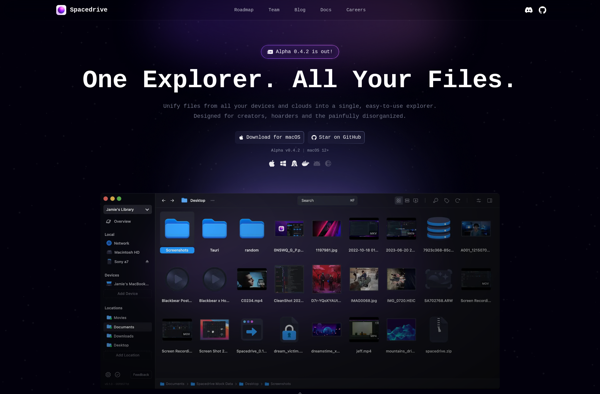
Spacedrive
Spacedrive is a innovative cloud storage and file sharing service launched in 2019. It offers users 1TB of free storage space to store and backup files, along with advanced collaboration features.Some key features of Spacedrive include:Intuitive web and mobile apps allow accessing Spacedrive from anywhereReal-time collaboration on documents and files...

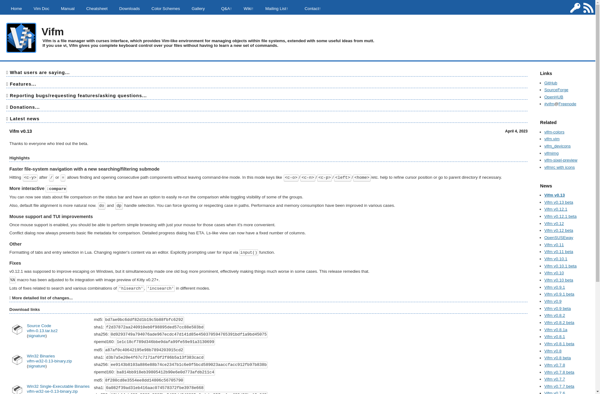
Vifm
Vifm is a terminal based file manager with Vim-like keybindings. It focuses on keyboard based operations and fast navigation, making it highly efficient for managing files and folders in the terminal.Some of the key features of Vifm include:Dual panel layout for side-by-side file comparisonsVim-like keybindings and modes for fast navigation...

Joshuto
Joshuto is an open-source alternative to JotForm for creating online forms and surveys. It is designed to be self-hosted, providing increased data privacy and control compared to hosted services.Some key features of Joshuto include:Drag-and-drop form builder to easily create contact forms, registration forms, surveys and more without any codingSupports multiple...


MuCommander
muCommander is an open-source, lightweight file manager and explorer aimed at power users. It provides a simple yet efficient way to handle files and folders on Windows, macOS, and Linux systems.Some key features of muCommander:Dual-pane interface allowing easy copy/move operations between foldersTabs for handling multiple locationsBookmarks and history for quick...


JumpFm
JumpFm is a social music streaming and discovery platform launched in 2021. It brings together music fans by allowing them to create, share, and listen to curated music stations across various genres and moods.Some key features of JumpFm include:Intuitive browsing through curated stations based on genres, artists, eras, and moodsAbility...

Samsung My Files
Samsung My Files is a file manager application developed by Samsung for its Android smartphones and tablets. It comes pre-installed on most Samsung Galaxy devices and serves as an easy way for users to browse, access, and manage their files and folders.My Files allows users to easily navigate both internal...


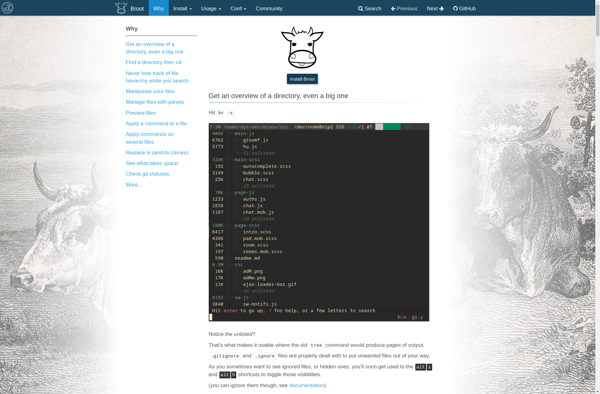
Broot
Broot is a relatively new file system browser and explorer for developers and power users. Some key features and benefits of Broot include:Very fast navigation and searching of directory structures, optimized for productivityCustomizable views - tree, grid, or custom layouts with various optionsGit status tracking - see file changes, commits,...

Noice
Noice is an open-source, customizable background noise and sound generator app available for Windows, Mac, and Linux operating systems. It was created by Nicolas Braud-Santoni in 2020 as a free alternative to premium white noise and ambient sound apps.Noice provides over 30 high-quality background noise soundscapes such as rain, thunderstorms,...