Lock My PC
Lock My PC: Freeware Desktop Lock
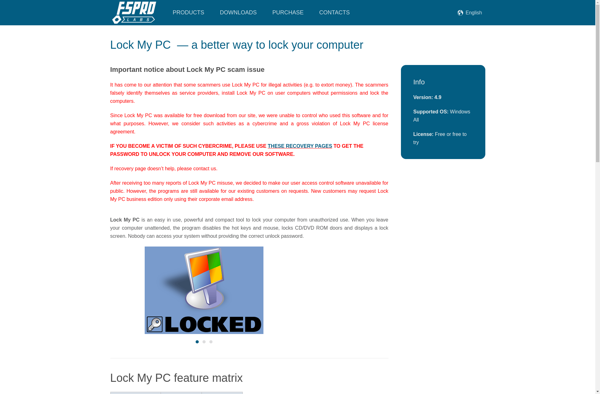
Lock My PC is a freeware program that allows users to password protect access to their computer. It locks the desktop when activated, preventing unauthorized access until the correct password is entered.
What is Lock My PC?
Lock My PC is a free program that provides a simple way for Windows users to lock down access to their computer. When activated, it immediately locks the desktop with a customizable background image, requiring the user's password to regain access and use the computer.
The key features of Lock My PC include:
- Quickly secure your computer with just one click
- Configure separate passwords for different user accounts
- Customize the background lock screen image
- Optionally lock down external drives and printers
- Lock your computer automatically after a period of inactivity
- View detailed access logs to see failed login attempts
Unlike full-disk encryption utilities, Lock My PC focuses solely on easily locking the Windows user interface to control access to your computer. With password protection, automatic locking, and detailed logging capabilities, it's a useful lightweight tool for home users to restrict computer use by children, guests, or unauthorized individuals when stepping away from your desk.
Lock My PC Features
Features
- Password protects access to computer
- Locks desktop when activated
- Prevents unauthorized access until correct password entered
Pricing
- Free
Pros
Cons
Official Links
Reviews & Ratings
Login to ReviewThe Best Lock My PC Alternatives
View all Lock My PC alternatives with detailed comparison →
Top Security & Privacy and Access Control and other similar apps like Lock My PC

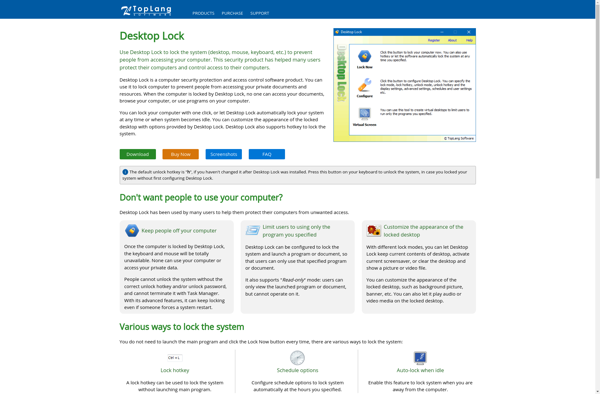
Desktop Lock