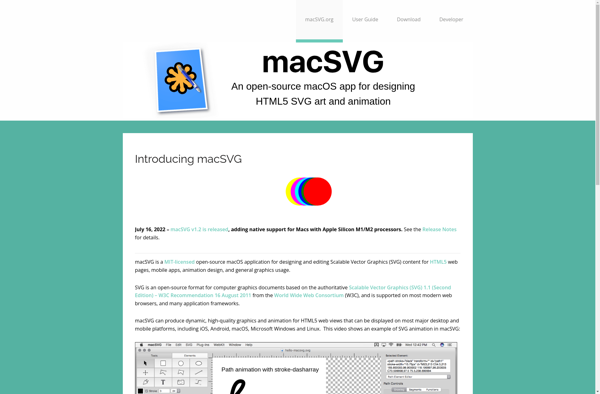
MacSVG
macSVG is a vector graphics editor for macOS that allows users to create and edit SVG graphics and animations. It has an intuitive interface with tools for shapes, pen, text, gradients, patterns, and more.
macSVG: Vector Graphics Editor for macOSs
Create and edit SVG graphics and animations with macSVG, a user-friendly vector editor for macOS, featuring shapes, pen, text, gradients, patterns, and more.
What is MacSVG?
macSVG is a feature-rich vector graphics editor developed specifically for macOS. It allows users to create, edit, and export SVG graphics and animations. Some key features of macSVG include:
- Intuitive user interface with macOS style controls
- Robust toolset for working with shapes, pens, text, gradients, patterns, and more
- Support for multiple layers and ability to organize graphic elements
- Animation timeline for creating simple SVG animations
- Export graphics to various raster and vector formats including PNG, JPG, GIF and PDF
- Scripting and automation capabilities via AppleScript and JavaScript
- Can open and import AI, EPS, PDF, and other vector formats
- Comes with large icon and art resource libraries
- Retina and dark mode support
With its focus on usability and features for macOS, macSVG provides an efficient vector graphics workflow to create everything from web graphics, icons, diagrams, interactive prototypes, animations, and more.
MacSVG Features
Features
- Vector graphics editor
- SVG support
- Animation
- Shape tools
- Pen tool
- Text tools
- Gradient and pattern fills
- Bezier paths
- Layers
- Export to PNG, JPG, TIFF
- macOS native app
Pricing
- One-time purchase
Pros
Intuitive interface
Powerful vector tools
Animation capabilities
Native macOS app
Clean SVG code output
Cons
Limited to macOS
No collaborative features
No Windows or Linux version
Costs money
Official Links
Reviews & Ratings
Login to ReviewThe Best MacSVG Alternatives
View all macSVG alternatives with detailed comparison →
Top Photos & Graphics and Vector Graphics Editors and other similar apps like MacSVG
Here are some alternatives to MacSVG:
Suggest an alternative ❐
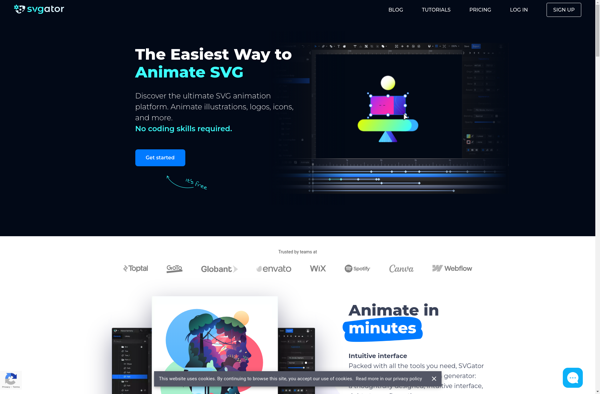
SVGator
SVGator is a feature-packed vector graphics and animation editor for working with Scalable Vector Graphics (SVG) images and animations. It provides a user-friendly graphical interface along with a wide range of tools for creating, editing, and animating vector graphics.With SVGator, users can quickly design high-quality SVG illustrations, icons, logos, website...

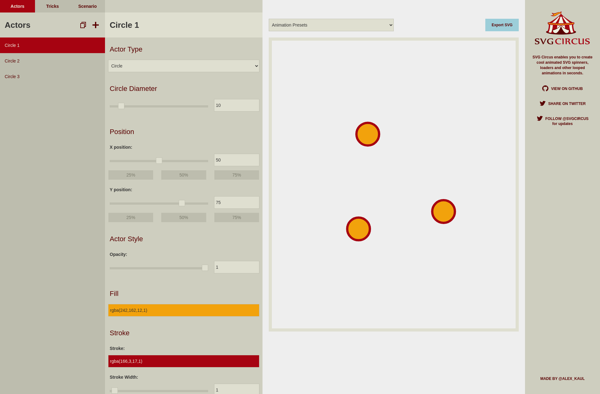
SVG Circus
SVG Circus is a powerful yet easy-to-use open source vector graphics editor for creating, editing, and exporting SVG (Scalable Vector Graphics) images. With an intuitive user interface and robust set of features, it is an excellent free alternative to premium tools like Adobe Illustrator or Inkscape.Key features of SVG Circus...

SVG Flipbook
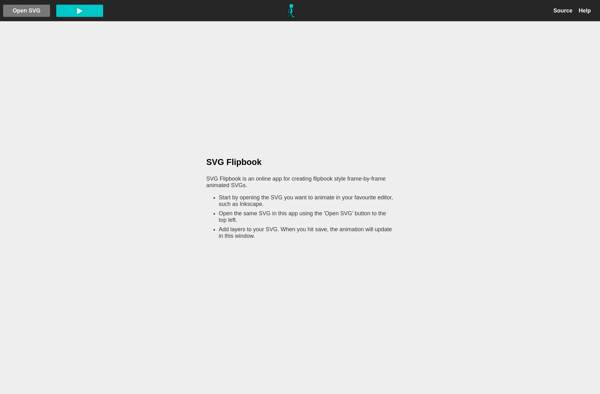
SVG Flipbook is a standalone desktop application used to create flipbook-style animated presentations and videos using Scalable Vector Graphics (SVG) files. It offers an intuitive interface for sequencing, timing, and transitioning between SVG images to build visually engaging flipbook animations.With SVG Flipbook, users can:Import individual SVG files or multipage SVG...

Expressive Animator
Expressive Animator is a feature-rich 2D animation software designed for creating traditional frame-by-frame animations. With an intuitive interface optimized for use with pen tablets, it allows animators to easily draw each frame of their animations using an extensive set of bitmap and vector drawing tools.Some of the key features of...


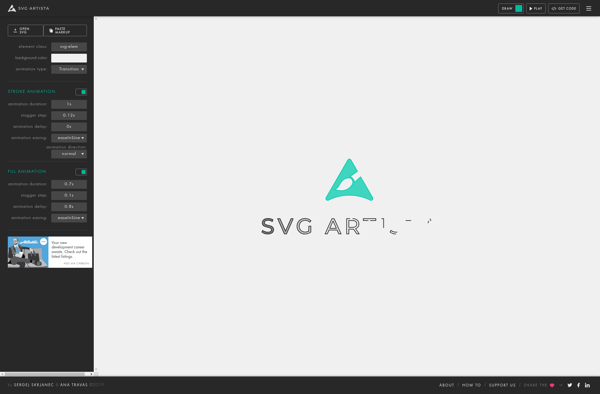
SVG Artista
SVG Artista is a feature-rich vector graphics editor designed specifically for working with Scalable Vector Graphics (SVG) images. It offers an easy-to-use interface and powerful capabilities for creating, editing, and optimizing SVG graphics.With SVG Artista, you can draw vector shapes, import images to trace into vector formats, edit node paths,...