MarkForLater
MarkForLater: Save Web Pages for Later
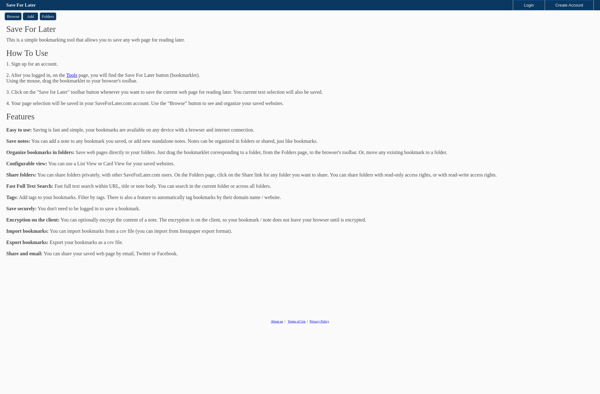
MarkForLater is a browser extension that allows users to save web pages, articles, recipes, and more to read later. It works across devices and syncs saved content in the cloud.
What is MarkForLater?
MarkForLater is a browser extension available for Chrome, Firefox, Safari, and Edge that allows users to easily save web pages, articles, recipes, videos, and more to a personalized list to view later. It serves as a reading list manager and pocket bookmarking tool.
When you come across something on the web you want to read, watch, or reference later, you can click the MarkForLater icon in your browser toolbar to save it. The page will be archived in your MarkForLater account. You can go back to the MarkForLater dashboard at any time to quickly access all your saved content in one place, even if you switch devices or browsers.
Some key features include:
- Works across all major desktop and mobile browsers
- Lets you organize saved web content with tags and folders
- Full-text search to easily find content in your archives
- Options for private or shared content
- Syncs everything securely in the cloud
- Sends optional email digests of saved content
MarkForLater aims to overcome bookmark clutter and information overload. It provides an easy way to flag web pages you want to revisit without having dozens of messy, disorganized open browser tabs. For those looking to minimize digital distractions and focus on the content most relevant to them, MarkForLater is a useful productivity tool.
MarkForLater Features
Features
- Save web pages, articles, recipes, etc. to read later
- Syncs saved content across devices
- Works as a browser extension
- Cloud sync for saved content
Pricing
- Freemium
Pros
Cons
Official Links
Reviews & Ratings
Login to ReviewThe Best MarkForLater Alternatives
View all MarkForLater alternatives with detailed comparison →
Top Productivity and Bookmarking and other similar apps like MarkForLater
Here are some alternatives to MarkForLater:
Suggest an alternative ❐
Instapaper

Diigo

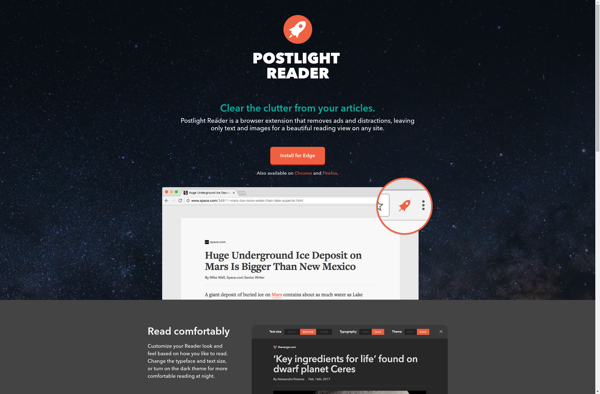
Postlight Reader (Mercury Reader)

Email This


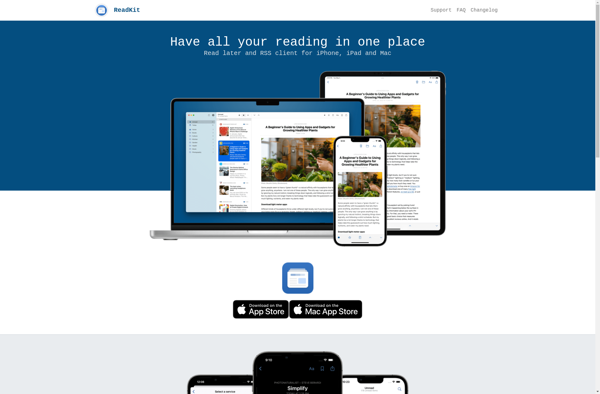
ReadKit

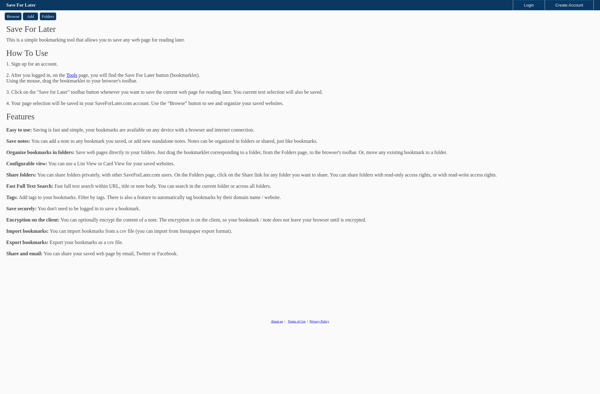
Save For Later

GmailMarks