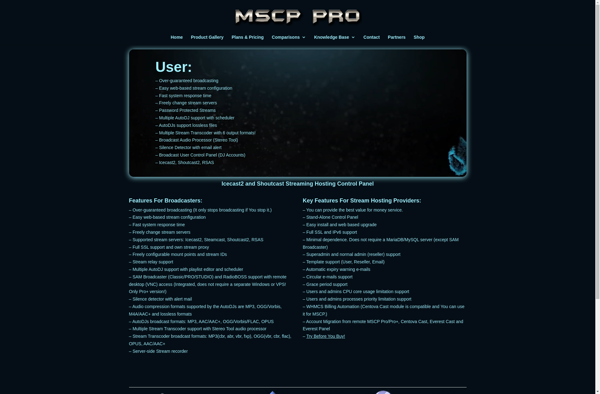
Media Control Panel
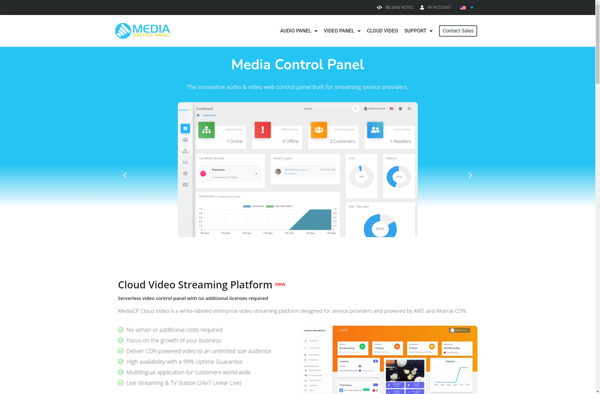
Media Control Panel: Free Media Center Software for Windows
A free, open-source media center software for Windows, allowing you to play videos, music, and view photos from your computer with plugin support and customizable skins.
What is Media Control Panel?
Media Control Panel (MCP) is a free, open-source media center application for Windows. It provides an intuitive interface for managing and playing your digital media library on a computer connected to a TV or home theater system.
Key features of MCP include:
- Plays videos, music, and photos from local hard drives or network locations
- Supports most common media formats out of the box
- Plugin architecture allows extending functionality through 3rd-party plugins
- Completely customizable interface via skins
- Myriad of configuration options for fine-tuning
- Active development community providing updates and fixes
MCP aims to be a full-featured media center while maintaining a small footprint and being easy to set up and use. The open-source nature allows enthusiasts to contribute features and improvements over time. It works well for those looking to set up a basic home theater PC without needing proprietary software or costly licensing.
Media Control Panel Features
Features
- Play videos, music, and photos
- Plugin support
- Customizable skins
- Remote control support
- Live TV support with DVR capabilities (with plugins)
- Online media streaming
- Media library management and metadata scraping
- Audio, video and image codecs support
- Support for external devices
Pricing
- Free
- Open Source
Pros
Cons
Official Links
Reviews & Ratings
Login to ReviewThe Best Media Control Panel Alternatives
View all Media Control Panel alternatives with detailed comparison →
Top Audio & Music and Media Players and other similar apps like Media Control Panel
Here are some alternatives to Media Control Panel:
Suggest an alternative ❐
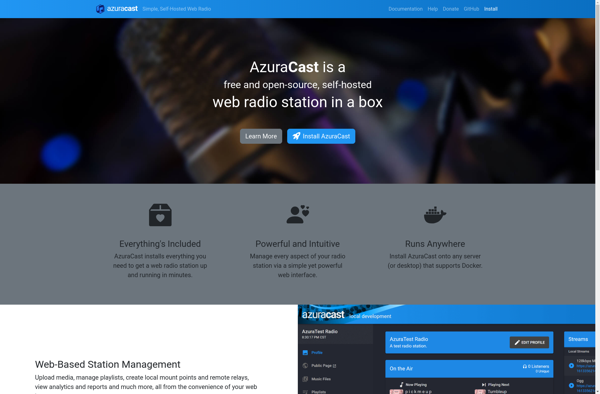
AzuraCast

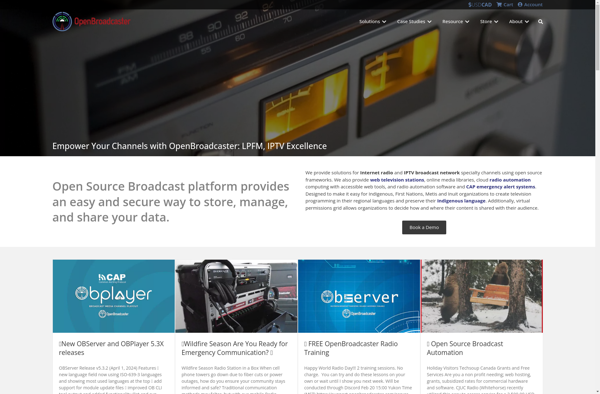
OpenBroadcaster

Everest Cast


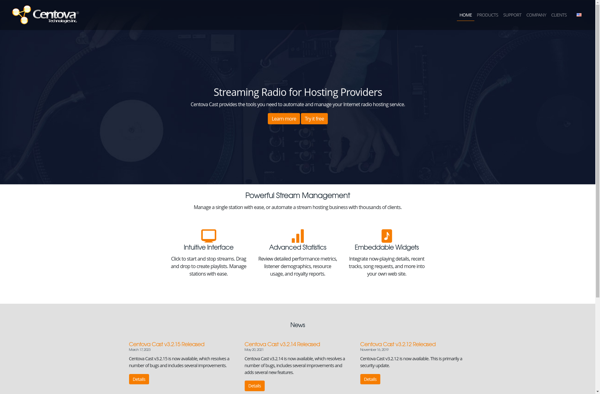
Centova Cast

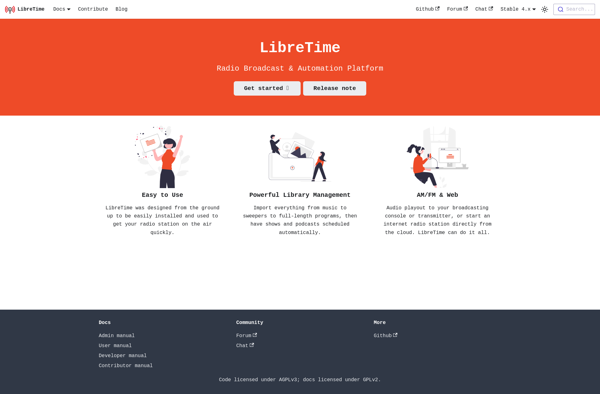
LibreTime

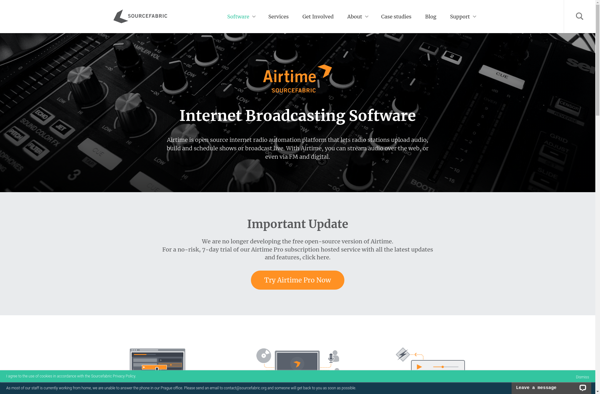
Sourcefabric Airtime

Media Server Control Panel Pro/Pro+