MyQuiz
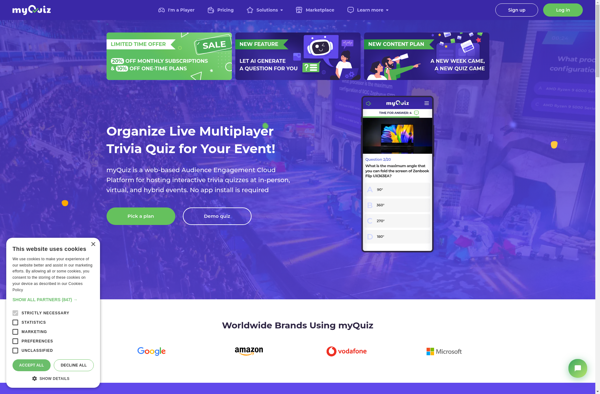
myQuiz is a quiz and survey builder that allows teachers and businesses to easily create quizzes, surveys, and assessments. It has a drag and drop builder, delivers tests on any device, provides analytics, and more.
myQuiz: Quiz and Survey Builder
Create quizzes, surveys, and assessments with ease using myQuiz, a comprehensive tool for teachers and businesses, featuring drag-and-drop builder, device-compatible delivery, analytics, and more.
What is MyQuiz?
myQuiz is an easy-to-use quiz and survey builder designed for teachers, businesses, and anyone who needs to create quizzes, surveys, assessments and more. With myQuiz, you can:
- Use the drag-and-drop builder to quickly create quizzes and surveys with different types of interactive questions
- Deliver tests seamlessly across devices, whether desktop or mobile
- Get in-depth analytics on quiz and survey results to gain insights
- Apply advanced settings to randomize questions, limit test times, allow retakes, and more
- Easily embed or share your quizzes and surveys
- Access from anywhere with the cloud-based software that requires no downloads
myQuiz makes creating and administering quizzes, tests, and surveys easy with its intuitive and feature-packed platform. Whether for classrooms, training, research or more, myQuiz provides robust tools for your assessment needs.
MyQuiz Features
Features
- Drag and drop quiz builder
- Deliver quizzes on any device
- Provide quiz analytics
- Assessments creation
- Surveys creation
Pricing
- Freemium
- Subscription-based
Pros
Easy to use interface
Mobile-friendly delivery
Useful analytics
Good for teachers and businesses
Cons
Limited free version
Can be pricey for small businesses
Analytics could be more advanced
Official Links
Reviews & Ratings
Login to ReviewThe Best MyQuiz Alternatives
View all myQuiz alternatives with detailed comparison →
Top Education & Reference and Teaching Tools and other similar apps like MyQuiz

TriviaMaker
TriviaMaker is free software used to create customized trivia quizzes for entertainment, education, or professional purposes. With an intuitive drag-and-drop interface, users can easily add multiple choice, true/false, or open-ended questions along with corresponding text, images, audio or video for each answer.The software has built-in templates to create a variety...