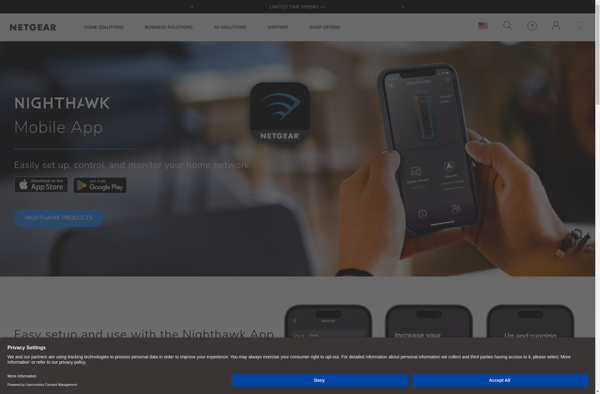
Nighthawk is an open source ad blocker and tracker blocker for Mac. It blocks ads, trackers and malware using custom lists to provide a cleaner and safer browsing experience. Nighthawk is lightweight, open source and customizable.
Nighthawk: Open Source Ad Blocker & Tracker Blocker for Mac
Lightweight ad blocker and tracker blocker for Mac, blocking ads, trackers, and malware using custom lists for a cleaner and safer browsing experience.
What is Nighthawk?
Nighthawk is an open source ad blocker and tracker blocker application for Mac. It aims to provide a clean and safe browsing experience by blocking ads, trackers and malware from loading on webpages.
Some key features of Nighthawk include:
Blocks ads, tracking scripts and malware using custom curated filter lists
Lightweight and optimized to have minimal impact on browser performance
Open source codebase allowing advanced customization of filters
Easy to use with no configuration required
Activates automatically on Safari startup
Blocks ads and trackers across all Safari tabs and windows
As an open source application, Nighthawk places user privacy and security as top priorities over monetization. Its custom filter lists are more extensive than some premium ad blockers, leading to fewer ads, better page load times and less clutter on webpages. Users can also customize filter lists to their needs.
Overall, Nighthawk is a great choice for Mac users looking for a free yet powerful ad blocker that values user experience over revenue generation.
Nighthawk Features
Features
Open source ad blocker
Blocks ads, trackers and malware
Uses custom block lists
Lightweight and fast
Customizable
Pricing
Open Source
Pros
Blocks ads and trackers
Improves privacy
Speeds up web browsing
Open source code can be customized
Lightweight on system resources
Cons
May break some websites
Requires some technical knowledge to customize lists
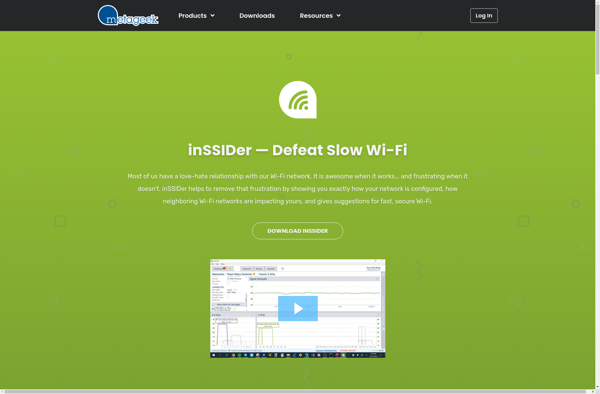
inSSIDer is a free, open source WiFi analysis tool for Windows. It allows you to visualize and understand the WiFi environment around you by scanning for wireless networks and access points in your area.Some of the key features of inSSIDer include:Identifying nearby WiFi network names (SSIDs)Determining the security type of...
Wifi Analyzer by farproc is a feature-rich WiFi network analysis application for Android. It enables users to visually map and monitor WiFi signals, troubleshoot network issues, identify crowded channels causing interference, locate WiFi dead zones in a home or office, and optimize router placement for better connectivity.Key features of Wifi...
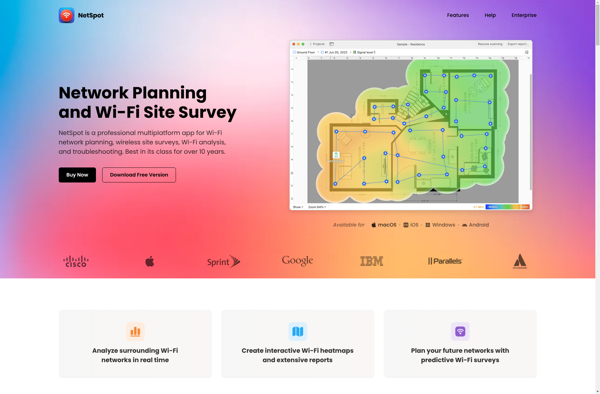
NetSpot is a Wi-Fi site survey tool used by IT professionals, network installers, and Wi-Fi consultants to analyze and troubleshoot Wi-Fi networks. It works on both Mac and Windows computers.Some key features of NetSpot include:Wi-Fi site surveys to measure signal strength, connectivity, throughput, interference, and moreHeatmaps showing coverage across floorplansAutomatic...
NETGEAR WiFi Analytics is a cloud-based platform that enables centralized monitoring and management of NETGEAR wireless access points. It provides network administrators comprehensive visibility into their WiFi environments to help optimize performance, enhance security and simplify troubleshooting.Key features of NETGEAR WiFi Analytics include:Device detection and tracking - Automatically discover all...
AirPort Utility is a software application developed by Apple Inc. to configure and manage Wi-Fi wireless access points and routers manufactured by Apple, including AirPort base stations, AirPort Express units, and Time Capsules.With AirPort Utility, users can set up a new AirPort wireless network, join an existing wireless network, view...
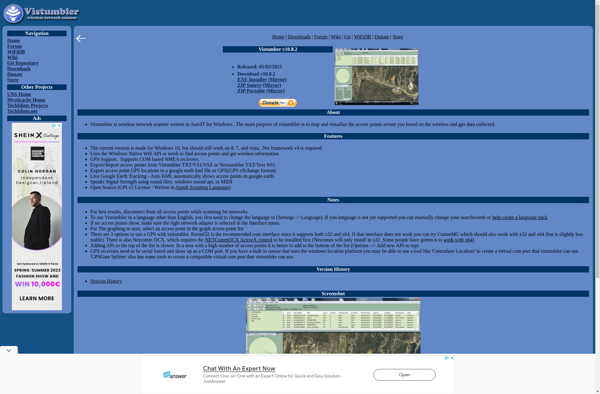
Vistumbler is a free, open-source Wi-Fi network scanner and analyzer for Windows operating systems. It allows users to detect wireless networks in the area and view detailed information about nearby wireless access points and routers.Some of the key features of Vistumbler include:Detection of wireless networks and access points in the...
WifiInfoView is a free portable program for Windows that allows users to easily get detailed technical information about wireless WiFi networks. Some of the key details it shows include:Network name (SSID)MAC addressSignal quality and strength percentageSecurity type (WEP, WPA, WPA2, etc.)Channel frequencyLink speedAnd more...It provides a simple graphical interface to...
WirelessNetView is a free network utility for Windows that provides detailed information about wireless networks and connected devices. Developed by Nir Sofer, it scans Wi-Fi networks in range and displays the following information:Network name (SSID)Authentication type (WEP, WPA, etc.)Encryption typeChannel frequency Signal qualityMAC address of connected devicesIP address of connected...
WiFi Scanner is an Android app that allows users to easily scan for nearby wireless networks and gather detailed information about them. With WiFi Scanner, you can view all the available WiFi networks in your vicinity along with data like the network name (SSID), signal strength, frequency, security type (WEP,...
Homedale is an open-source, self-hosted home inventory management application. Designed for simplicity and ease of use, Homedale helps homeowners organize, track, and manage their personal possessions in various rooms and locations around their home.With Homedale, users can create a catalog of all their belongings by entering details such as item...
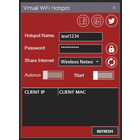
Virtual WiFi Hotspot is software that enables users to utilize their laptop's wireless internet connection as a WiFi hotspot to share with other devices. It transforms a laptop into a wireless access point, allowing smartphones, tablets, and other gadgets to connect to the internet through the laptop's WiFi.Some key features...
MyWiFi Networks is software that turns your laptop or desktop computer into a WiFi hotspot by using your existing internet connection. It allows you to share your computer's internet access with other devices through a private WiFi network.Some key features of MyWiFi Networks:Works on Windows, Mac OS X, and Linux...