Notes Plus
Notes Plus: Handwriting and Sketching App for iPad
Handwriting and sketching app optimized for the iPad with PDF annotation, note organization, and Apple Pencil support
What is Notes Plus?
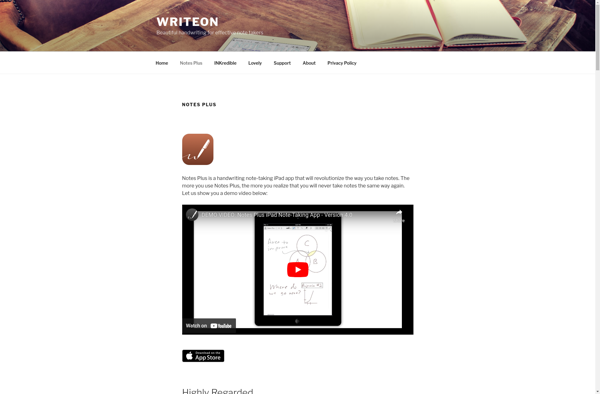
Notes Plus is a popular note-taking and PDF annotation app developed specifically for the iPad. It takes advantage of the iPad's large screen real estate and touch capabilities to provide a natural handwriting and sketching experience.
With Notes Plus you can write or type notes, sketch ideas, annotate PDFs, and organize all your documents in folders. It has advanced features like auto-save, palm rejection, pressure sensitivity, customizable pens and templates to mimic real-world notebooks.
The app allows you to take notes and annotate using an Apple Pencil, your finger, or a bluetooth keyboard. Notes Plus has top-notch organization capabilities - you can use quick search, tagging, sorting and arrangements to manage all your class notes, meeting notes, annotations and sketches efficiently.
If you need to mark up PDFs and eBooks for your classes or want to capture ideas through free-flowing sketches, diagrams, and more - then Notes Plus provides the right set of sophisticated tools tailored for academic and professional note-taking on the iPad.
Notes Plus Features
Features
- Handwriting and sketching
- Annotate PDFs
- Apple Pencil support
- Finger drawing
- Note organization with folders, tagging, search
- Sync notes across devices
- Record audio notes
- Import PDFs and images
- Variable pen sizes and colors
Pricing
- One-time Purchase
Pros
Cons
Official Links
Reviews & Ratings
Login to ReviewThe Best Notes Plus Alternatives
View all Notes Plus alternatives with detailed comparison →
Top Education & Reference and Note Taking and other similar apps like Notes Plus
Here are some alternatives to Notes Plus:
Suggest an alternative ❐
GoodNotes

Notability


CherryTree

Squid


Milanote


Evince

Trilium Notes

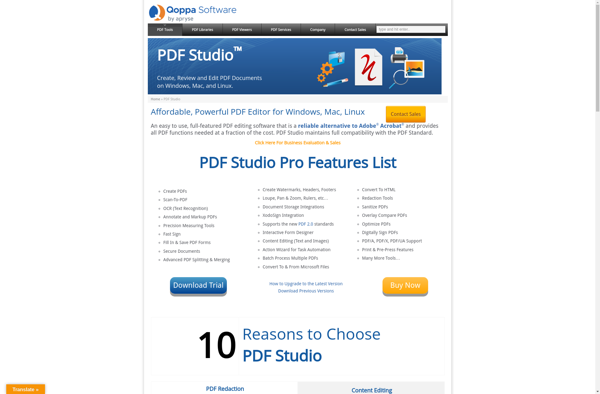
Qoppa PDF Studio

Cryptee

WizNote

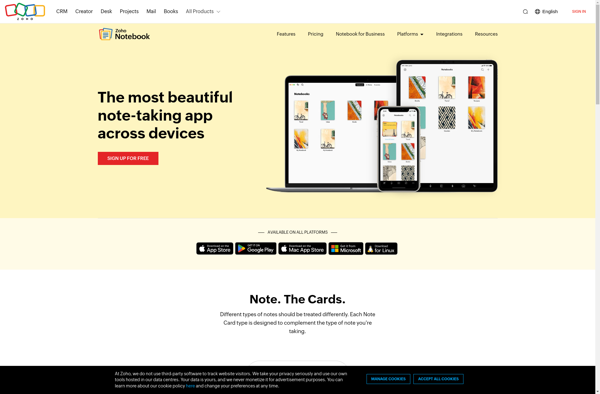
Zoho Notebook

Saber: Handwritten Notes