Passbox
Passbox: Secure Password Manager
Free, open source password manager for storing sensitive information in an encrypted vault with a single master password
What is Passbox?
Passbox is a free and open source password manager application that allows users to securely store passwords, credit card details, notes, and other sensitive information. It utilizes strong encryption to protect user data and ensures it is accessible only to those with the master password.
Key features of Passbox include:
- Secure encrypted vault protected by one master password
- Cross-platform support for Windows, Mac, Linux, iOS and Android
- Simple and intuitive user interface
- Open source code that has undergone third-party security audits
- Completely free with no paid upgrades or hidden fees
- Cloud sync across devices via Passbox Sync
- Auto-fill login credentials in browsers and apps
- Customizable password generator to create strong passwords
- Import passwords from other password managers like LastPass
As an open source project supported by donations, Passbox is developed for the community by security experts focused on privacy. For those seeking a no-cost yet secure and featurerich password manager for personal or business use, Passbox is an excellent choice to consider.
Passbox Features
Features
- Secure password storage
- Encrypted vault protected by master password
- Auto-fill login credentials in browsers
- Password generator
- Cross-platform - available on Windows, Mac, Linux, iOS and Android
Pricing
- Free
- Open Source
Pros
Cons
Official Links
Reviews & Ratings
Login to ReviewThe Best Passbox Alternatives
View all Passbox alternatives with detailed comparison →
Top Security & Privacy and Password Manager and other similar apps like Passbox
Here are some alternatives to Passbox:
Suggest an alternative ❐
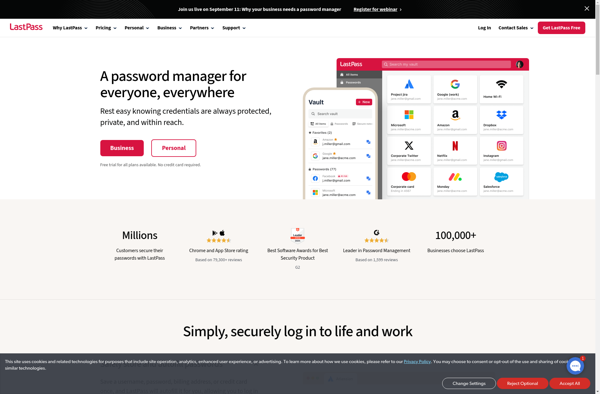
LastPass

Passfindr


Avira Password Manager


Drive Password

Password Sender