
Pengwin
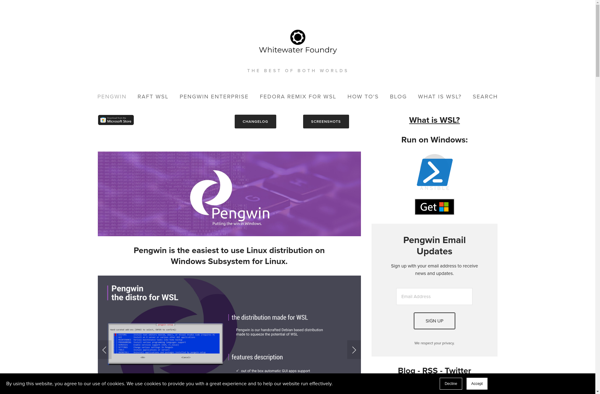
Pengwin: Runs Linux on Windows 10
Linux environment for Windows Subsystem for Linux (WSL), with apt package management, running Linux apps and tools natively on Windows
What is Pengwin?
Pengwin is a complete Linux distribution based on Debian that has been optimized to run seamlessly within Windows Subsystem for Linux (WSL). It comes preloaded with essential Linux developer tools, editors, languages, and UI environments to provide a full-featured Linux development experience on Windows.
Some key features of Pengwin include:
- Based on the stable and reliable Debian Linux distribution
- Includes popular shells like bash, zsh, fish, and Pengwin-optimized Pengwin
- Comes preloaded with development tools like git, vim, emacs, Visual Studio Code
- Supports GUI apps like firefox, vlc, gimp, libreoffice, etc with an integrated X server
- Apt package management for installing/removing thousands of Linux apps/tools
- Specially tuned for low memory usage and fast I/O speed within WSL
- Easy to install and set up within minutes on any Windows 10 machine
In summary, Pengwin brings the Linux environment developers know and love to Windows 10, helping build, test, and run both Linux and Windows apps smoothly on the same machine. With Pengwin + WSL, there is no need to dual boot into a separate Linux OS or spin up virtual machines.
Pengwin Features
Features
- Runs Linux environment on Windows 10 using WSL
- Provides full Linux terminal and command line interface
- Uses apt package manager to install Linux apps and tools
- Allows running Linux apps natively on Windows
Pricing
- Free
- Open Source
Pros
Cons
Official Links
Reviews & Ratings
Login to ReviewThe Best Pengwin Alternatives
View all Pengwin alternatives with detailed comparison →
Top Os & Utilities and Linux Environments and other similar apps like Pengwin
No alternatives found for Pengwin. Why not suggest an alternative?







