Pixaki
Pixaki is a pixel art and sprite creation tool for iOS devices. It allows users to create detailed pixel artwork and animate sprites with layers, palettes, tools like filled shapes and symmetry drawing.
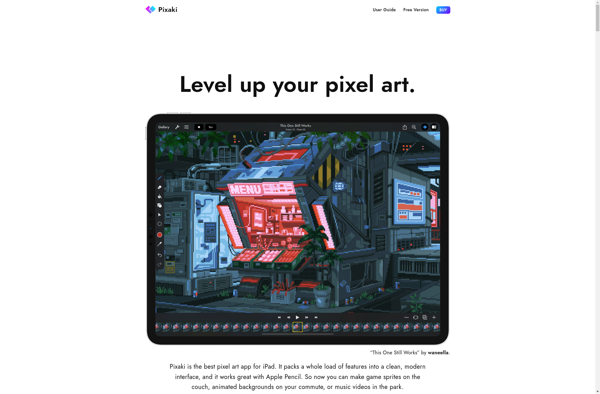
Pixaki: Pixel Art and Sprite Creation Tool
Create detailed pixel artwork and animate sprites with layers, palettes, tools like filled shapes and symmetry drawing on your iOS device with Pixaki
What is Pixaki?
Pixaki is a professional pixel art and sprite creation application designed for iOS devices like the iPhone and iPad. It provides artists and game developers with powerful tools to make intricate and detailed pixel artwork as well as animate game sprites.
Some key features of Pixaki include:
- Intuitive pixel-perfect drawing tools like pencils, shapes, line tools, and fill buckets
- Symmetry mode to easily create symmetrical art and sprites
- Multiple layers for more complex creations
- Onion skinning to view previous animation frames
- Custom palettes and color picking
- Canvas scaling up to 4K resolution
- Undo/redo functionality
- Copy, paste, and object selection
- Import of images, spritesheets, and animations
- Export Pixaki files, PNGs, animated GIFs
With its specialized pixel art capabilities tailored for mobile devices, Pixaki offers artists and game developers a feature-packed application to make stunning pixel artwork and optimized sprites on the go.
Pixaki Features
Features
- Pixel-level drawing tools
- Layers and layer management
- Onion skinning for animation
- Symmetry tools
- Custom brushes and shapes
- Color palettes
- Export animated GIFs
Pricing
- One-time Purchase
Pros
Intuitive and easy to use interface
Powerful tools for advanced pixel artists
Supports high resolution exports
Cross-platform compatibility
Cons
No desktop version
Limited animation capabilities compared to desktop software
No plugin support
Official Links
Reviews & Ratings
Login to ReviewThe Best Pixaki Alternatives
View all Pixaki alternatives with detailed comparison →
Top Photos & Graphics and Pixel Art & Sprite Editors and other similar apps like Pixaki
Here are some alternatives to Pixaki:
Suggest an alternative ❐
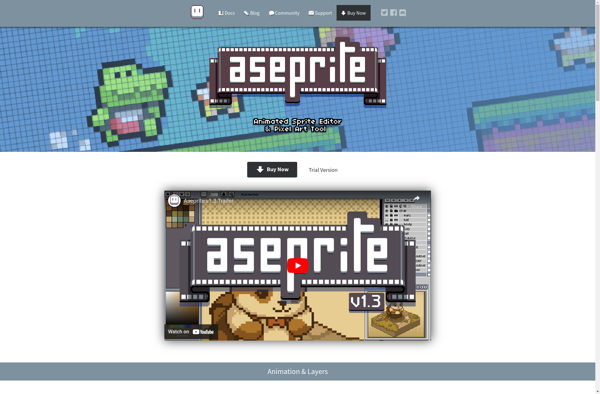
Aseprite
Aseprite is a feature-rich software specifically designed for creating 2D sprite graphics and pixel art animations. It is commonly used by indie game developers, pixel artists, and animators to produce retro-style graphics and animations for video games.Some key features of Aseprite include:Pixel-perfect workflow optimized for creating authentic retro graphics stylesLayers...
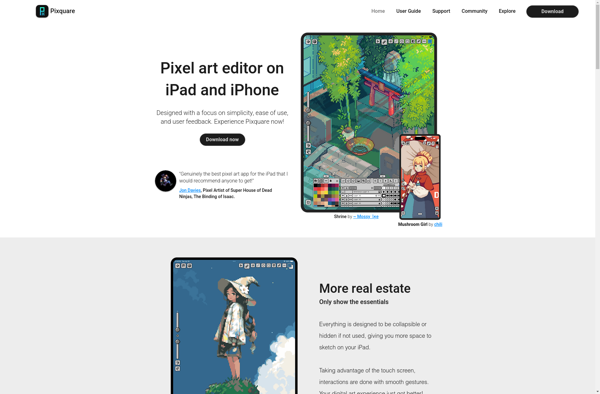
Pixquare - Pixel Art Editor
Pixquare is a feature-rich pixel art and sprite editor designed specifically for artists and game developers. With an intuitive interface and powerful toolset, Pixquare makes it easy to create stunning pixel art for any project.Some key features of Pixquare include:Layer-based workflow for advanced editingOnion skinning to preview animationsAnimation frames and...

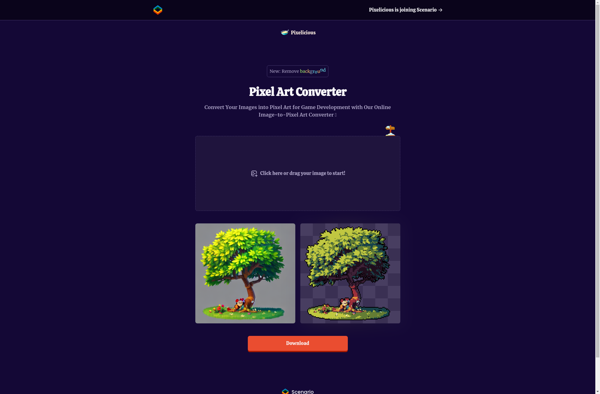
Pixelicious
Pixelicious is photo editing and pixel art software designed specifically for artists and game developers who work with pixel art. It provides powerful tools for efficiently creating, editing, and animating pixel artwork.Some key features of Pixelicious include:Advanced pixel art tools like the Pixel Brush, Color Picker, Tilemap Editor, and Animation...
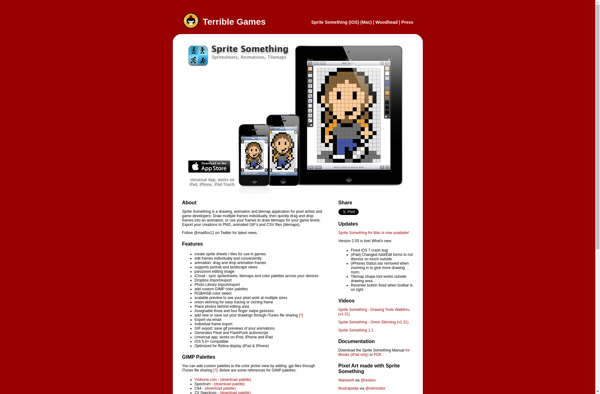
Sprite Something
Sprite Something is a flexible and easy-to-use 2D game engine and editor for creating 2D games, animations, and sprites. With its intuitive drag-and-drop workflow, Sprite Something allows anyone to quickly build 2D games without coding.Some key features of Sprite Something include:Drag-and-drop interface for placing sprites, textures, audio, and other assetsSupport...

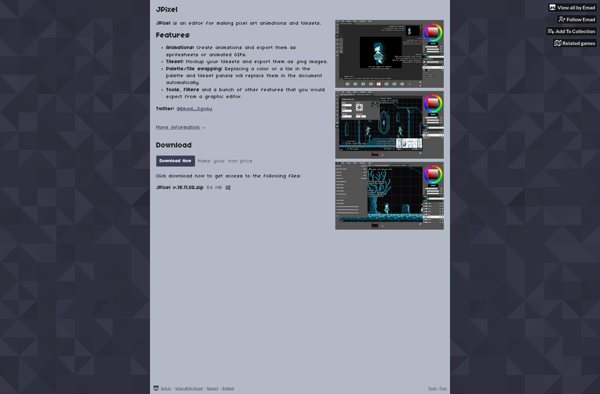
Jpixel
Jpixel is a free, open-source pixel art and sprite editor available for Windows, Mac and Linux operating systems. It provides a streamlined interface specifically designed for easily creating and editing pixel art graphics and sprite animations.Some key features of Jpixel include:Intuitive drawing and coloring tools - Includes a pencil, eraser,...