Pixtick is a graphic design and image editing software. It has features for creating logos, banners, graphics for websites and social media, and editing photos. Key features include vector graphic tools, hundreds of templates, and integrations with stock image sites.
Pixtick: Graphic Design and Image Editing Software
Graphic design and image editing software with logo creation, banner graphics, website and social media visuals, and photo editing features, including vector tools and stock image integrations.
What is Pixtick?
Pixtick is graphic design and photo editing software aimed at small business owners, marketers, bloggers, and entrepreneurs who need to create custom graphics and edit images. It provides an easy-to-use interface and tons of templates so no design experience is necessary.
With Pixtick, you can design logos, banners, ads, infographics, website graphics, social media images, and more. It comes packed with over 500 templates plus over 2 million stock photos, illustrations and effects integrated directly from Getty Images and iStock.
Key features include:
Logo maker with hundreds of icons and fonts
Cutout tool and image masking abilities for removing and changing backgrounds
Library of over 500 graphic templates
Over 2 million stock photos, graphics and effects
Animation and cinemagraph tools
Social media tools for designing posts and ads
Collaboration features to get feedback and approvals
Integrates with top stock image sites like Getty and iStock
Monthly subscription model based on number of users
With an easy-to-use drag and drop editor, lots of templates for inspiration, and direct access to stock photography, Pixtick provides small businesses and marketers an affordable way to create professional graphics and images.
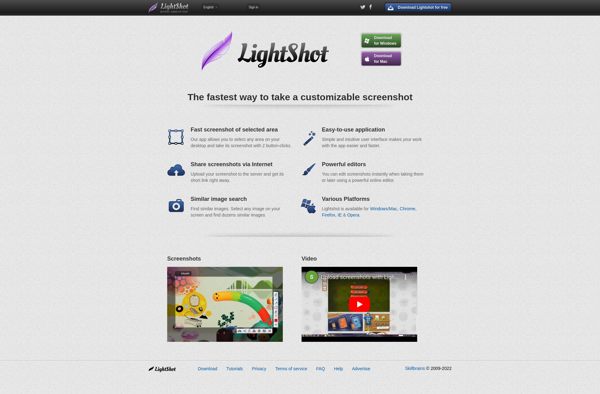
LightShot is a free screenshot application for Windows that provides an easy way to capture, edit, and share screenshots. Some key features of LightShot include:Quickly take full page, region, window, or scrolling screenshots with just a click or keyboard shortcut.Annotate screenshots by adding text, arrows, shapes, blur sensitive info, etc.Basic...
Greenshot is a lightweight, open-source screenshot tool for Windows. It makes capturing, editing, and sharing screenshots easy and quick.With Greenshot, you can capture entire screens, active windows, rectangular regions, as well as scrolling website pages. After taking a screenshot, you can annotate it with lines, arrows, text, shapes, and more....
PicPick is a versatile screen capture utility and image editor for Windows. It provides an easy way to take customizable full screen or region-specific screenshots. Key features include:Quickly capture full screen images, active windows, rectangular or free-form regions, as well as scrolling website screenshotsAnnotate screenshots with various shapes, text boxes,...
Spectacle is an open-source, lightweight utility for macOS that allows users to easily organize the windows open on their desktop using customizable keyboard shortcuts. It makes it simple to resize and position windows to maximize screen space and improve workflow.Some of the key features Spectacle offers include:Keyboard shortcuts to move...
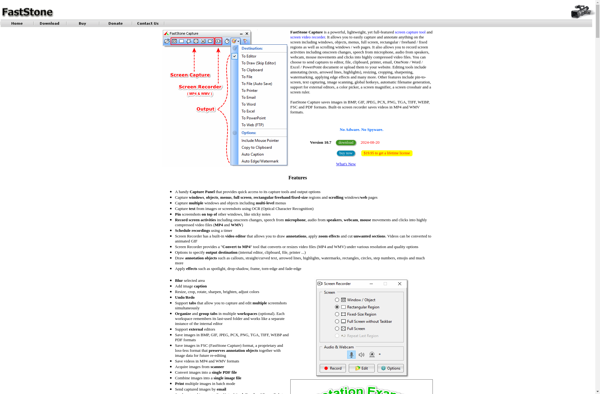
FastStone Capture is a powerful, yet lightweight and easy-to-use screen capture program and screen recorder. It provides all the essential screen capturing needs for home as well as professional users.Some key features of FastStone Capture:Capture anything on the screen including windows, objects, menus, full screen, rectangular/freehand regions and scrolling windows.Annotate...
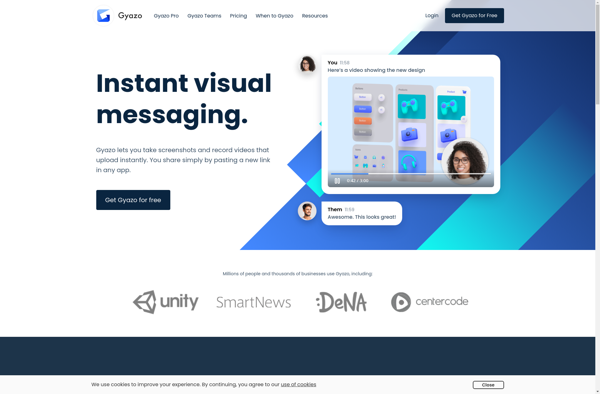
Gyazo is a lightweight screenshot tool that makes it easy to capture any part of your screen and get a shareable image link instantly. It works by integrating with your system to allow taking screenshots with just a click, then immediately uploading the image to Gyazo's servers and copying the...
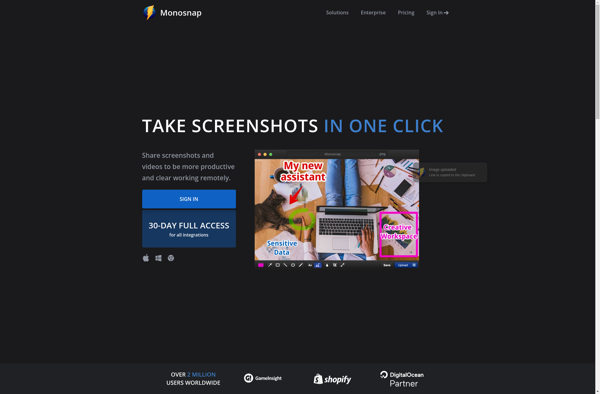
Monosnap is a feature-rich screenshotting and screen recording application developed by Anvil Eight for macOS and Windows platforms. It provides an intuitive and user-friendly interface to capture screenshots, annotate images, record screen activity, and share files online.Some of the key features of Monosnap include:Fullscreen, window, and customizable area screenshotsAdvanced image...
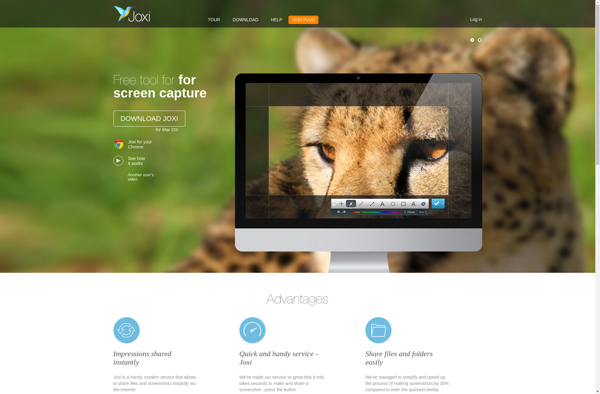
Joxi is a free online annotation and collaboration tool used to annotate images, screenshots, designs, documents, and other visual content. It allows users to easily draw on images, add text comments, arrows, shapes, blur sensitive regions, and collaborate with others in real-time.Some key features of Joxi include:Intuitive drawing and annotation...
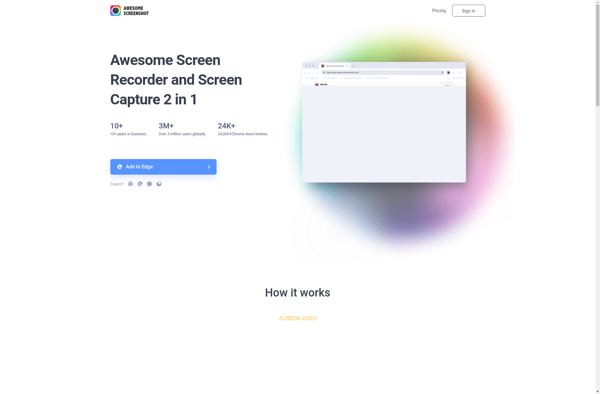
Awesome Screenshot is a feature-rich Chrome extension used for capturing screenshots. It goes beyond basic screenshotting and allows users to edit, annotate, and share images right from the browser.After taking a screenshot, you can crop, draw, add text, highlights, arrows, shapes, stickers and more on the image. It has a...
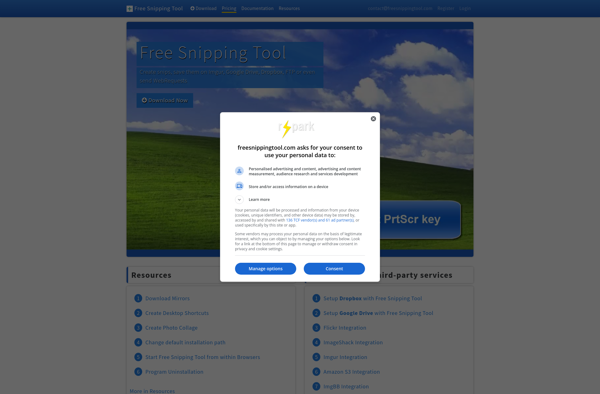
Free Snipping Tool is a free and open source screenshot capture software for Windows. Developed as an alternative to the default Windows Snipping Tool, it provides all the basic screenshot functionality along with some additional features.With Free Snipping Tool, users can capture fullscreen snapshots, rectangular regions, free-form selections, and windows...
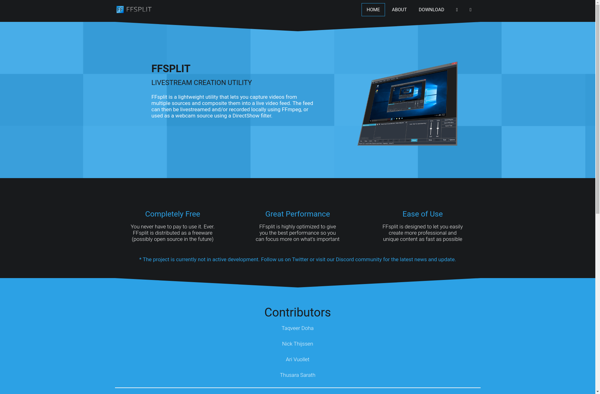
FFsplit is a free, open source video splitting software for Windows. It provides an intuitive interface to split or trim video files without re-encoding or quality loss.Some key features of FFsplit include:Splits videos quickly without transcoding or recompressionSupports all major video formats including MP4, MOV, AVI, MKV etc.Allows splitting video...
SnapDraw is a popular free diagramming and flowchart software used by individuals and teams for brainstorming, planning, analysis, and project documentation. It comes packed with features to help users map out ideas, processes, workflows, organizational structures, and more through intuitive diagrams.Some key features of SnapDraw include:Drag-and-drop interface that allows for...