PNGOUTWin
PNGOUTWin: Free PNG Image Optimizer for Windows
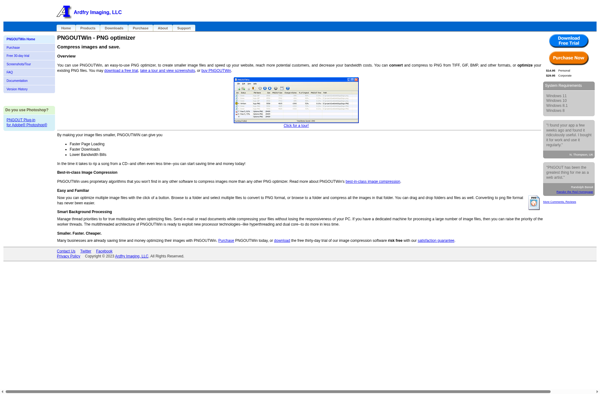
PNGOUTWin is a free program for Windows that optimizes PNG images to reduce file size. It supports both lossless compression and using a quality setting to allow some lossy compression.
What is PNGOUTWin?
PNGOUTWin is a free Windows application for optimizing PNG images to reduce file size. It was created by Ken Silverman based on the original command-line PNGOUT utility.
PNGOUTWin provides both lossless and "lossy" compression options for PNG files. In lossless mode, it recompresses the PNG without losing any image quality, similar to tools like OptiPNG and PNG Crush. This can significantly reduce file size with no visible changes.
PNGOUTWin also allows adjusting a "quality" setting, which enables lossy compression to achieve even smaller files. At maximum quality, it remains essentially lossless but allows better optimization. Lower quality settings introduce some artifacts and loss of clarity, but can give very small file sizes for Web images.
Other features include preserving metadata like color profile ICC tags, batch conversion of multiple images, and integration with Windows Explorer for right-click optimization of files. Overall PNGOUTWin provides one of the best balances of powerful compression while remaining free and easy to use.
PNGOUTWin Features
Features
- Lossless compression of PNG images
- Lossy compression with quality settings
- Batch processing of multiple files
- Command-line interface for integration with other tools
Pricing
- Free
Pros
Cons
Official Links
Reviews & Ratings
Login to ReviewThe Best PNGOUTWin Alternatives
View all PNGOUTWin alternatives with detailed comparison →
Top Photos & Graphics and Image Optimization and other similar apps like PNGOUTWin

JPEG Resampler