PTLens is a lens profile editor and RAW converter for Windows. It allows photographers to make lens corrections and adjustments to RAW photos. Key features include lens aberration corrections, vignetting control, distortion fixing, and full RAW processing.
PTLens: Lens Profile Editor and RAW Converter for Windows
PTLens offers lens profile editor and RAW converter features for Windows photographers, including aberration corrections, vignetting control, and full RAW processing.
What is PTLens?
PTLens is a powerful software tool designed for photographers who want granular control over lens corrections and RAW photo development. It goes beyond typical lens profile editors by offering a full RAW converter and enhancement suite.
Key features of PTLens include:
Load and edit lens profiles to correct distortions, lateral chromatic aberration, vignetting and more for hundreds of lenses
Manually correct lens flaws using tools like distortion mesh correction
Convert RAW files with adjustments for white balance, tone curves, color management, noise reduction and sharpening
Retouch photos with cloning and healing brushes
Batch export images to various formats like JPEG, TIFF and PNG
Photographers who need precise control over lens corrections and RAW processing can benefit from PTLens. It takes manual lens profile editing and batch RAW conversion to an advanced level compared to most photo editors. The customizable distortions tools and RAW engine make fine-tuning photos easier.
PTLens Features
Features
Lens aberration corrections
Vignetting control
Distortion fixing
Full RAW processing
Pricing
One-time Purchase
Pros
Effective lens correction capabilities
Flexible RAW processing options
User-friendly interface
Cons
Limited to Windows platform
May not have advanced features found in some RAW editors
Features
Lens aberration corrections
Vignetting control
Distortion fixing
Full RAW processing
Pricing
One-time Purchase
Pros
Comprehensive lens correction capabilities
Supports a wide range of lens profiles
Allows for precise adjustments to RAW photos
Intuitive and user-friendly interface
Cons
Limited to Windows platform
May have a learning curve for some users
Lacks some advanced RAW processing features found in other software
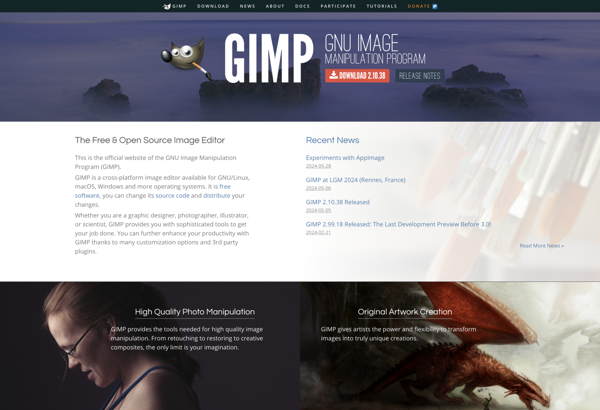
GIMP, or the GNU Image Manipulation Program, stands as a robust and freely available open-source image editing software. Serving as a compelling alternative to commercial counterparts, GIMP provides a rich set of features for photo retouching, graphic design, and digital art creation, making it accessible to users of all levels...
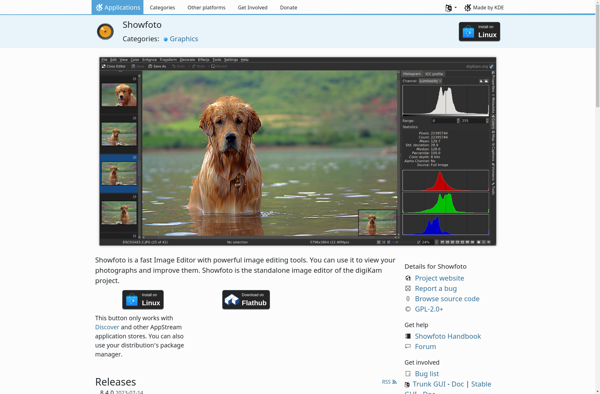
showFoto is a free, open source photo gallery program for Windows that helps you organize, view, and share your photo collection stored locally on your computer. Developed as an alternative to paid programs like ACDSee, showFoto comes packed with useful features to help you manage your growing photo library.With showFoto,...
XGimp is an open-source raster graphics editor based on GIMP. It was originally forked from GIMP to add advanced features aimed at professional photographers and image editors. Some key features of XGimp include:Support for Photoshop's native PSD file format for seamless editing of PSD files in XGimp.16-bit and 32-bit depth...
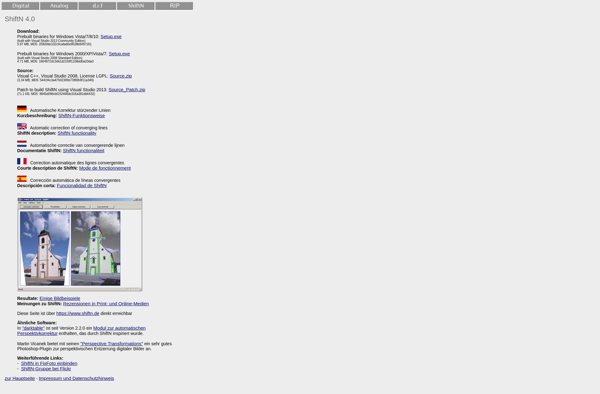
ShiftN is a robust workflow automation platform designed to help teams automate repetitive processes, build standardized workflows, and boost productivity. With an intuitive drag-and-drop interface, ShiftN makes it easy to map out even complex workflows without coding.Key features and benefits of ShiftN include:Visual workflow builder to map out processes step-by-stepConnectors...
Ultimate Paint is a versatile digital art and photo editing software for Windows. With an intuitive interface and powerful editing tools, it is suitable for hobbyists, students, professionals and everyone in between.Some key features of Ultimate Paint include:Intuitive and customizable interface - The UI is designed to allow easy access...
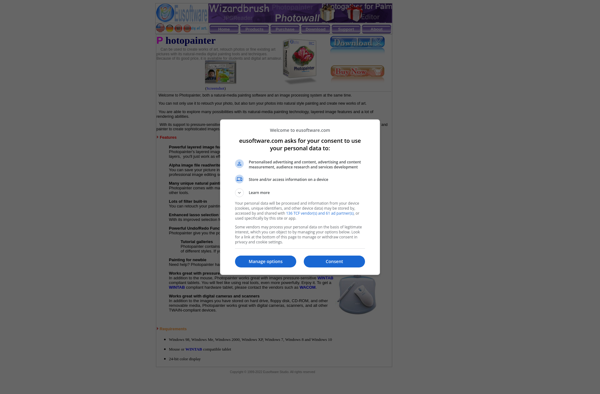
Photopainter is a professional-grade photo editing and retouching application designed for serious photographers and graphic designers. It provides a robust set of tools for enhancing images through color correction, lighting adjustments, smoothing skin, removing unwanted objects, creative compositing, special effects, and more.Key features of Photopainter include:Non-destructive editing allowing you to...
Glimpse Image Editor is a powerful yet easy-to-use open source image editing application. It is designed to be a free alternative to paid software like Photoshop and has support for Linux, Windows and Mac operating systems.Some key features of Glimpse Image Editor include:Intuitive user interface with layers supportTools for cropping,...
Wizardbrush is a digital painting and illustration software aimed at professional artists and hobbyists. It provides a realistic simulation of traditional painting and drawing techniques on a digital canvas.Some key features of Wizardbrush include:Hundreds of customizable brushes with support for scatter, textures, dual brushes, and more to emulate natural mediaIntuitive...
Saint Paint Studio is a free, open-source raster graphics editor available for Windows, macOS and Linux. It offers a straightforward user interface that is easy for beginners to pick up, while still providing versatile tools for more advanced users.Some of the key features in Saint Paint Studio include:Layers - Allows...
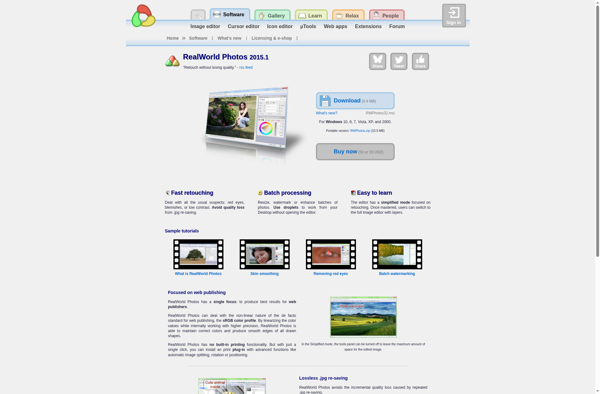
RealWorld Photos is a versatile photo editing application focused on creating realistic photo manipulations and enhancements. It sets itself apart with advanced AI tools that analyze lighting, textures, and perspectives to ensure added or removed elements blend naturally into the existing photo.Key features include:Object removal and addition with automatic masking...
NeoPaint is a free, open source raster graphics editor for Windows that provides a basic set of painting and image manipulation tools. Developed as an accessible alternative to premium software like Adobe Photoshop or Corel Painter, NeoPaint aims to deliver core image editing functionality without complex menus or licensing fees.With...