Save My Palette is a free web app that allows designers and artists to easily store, organize, and access color palettes. It has features to create, name, tag, and export palettes for later use.
Save My Palette: Free Color Palette Storage and Organization
A free web app for designers and artists to easily store, organize, and access color palettes, with features to create, name, tag, and export palettes.
What is Save My Palette?
Save My Palette is a free web application designed specifically for designers, artists, and other creatives to store, organize, and access color palettes. It allows users to easily create color palettes, name and tag them for organization, and export the palettes for use in design programs.
Some key features of Save My Palette include:
Intuitive interface for creating new palettes by inputting hex codes, using a color picker, or extracting colors from an imported image
Options to name palettes, add descriptor tags, and organize into custom folders
Library of all saved palettes that can be searched and filtered based on name, tags, etc.
Ability to export palettes in a variety of formats like PNG images, CSS/SASS variables, JSON, and more
Cross-platform accessibility with web app requiring no downloads or installs
Completely free to use with no ads, premium subscriptions, or limits on saved palettes
With its focus on fast, flexible color palette management, Save My Palette is ideal for designers, digital artists, and other creatives who regularly use color palettes in their work. The features for organizing, storing, and exporting palettes simplify workflow and make color accessibility and consistency easy.
Save My Palette Features
Features
Create and name color palettes
Tag palettes for easy organization
Export palettes for use in other applications
Store and access palettes online
Pricing
Free
Pros
Free to use
Intuitive and user-friendly interface
Allows for easy sharing and collaboration on color palettes
Accessible from any device with an internet connection
Cons
Limited customization options
No mobile app, only web-based
No advanced features like color analysis or palette generation
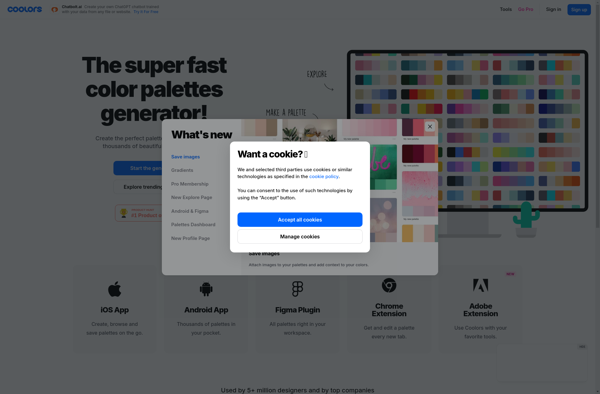
Coolors is a free online tool that allows users to quickly and easily generate attractive color schemes and palettes for web design projects, graphic design work, presentations, documents, and more.Some key features of Coolors include:An intuitive, visual interface for creating color schemes based on preferred hues, similarities, differences, and moreOptions...
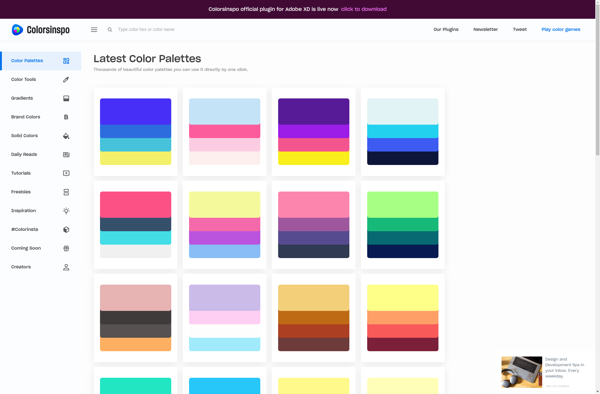
Colorsinspo is an online software used to easily create and manage color palettes for graphic design, web design, and other creative projects. It provides a simple interface for selecting colors and generating color schemes complete with hex codes.Some key features of Colorsinspo include:Intuitive tools for picking colors through color wheels...
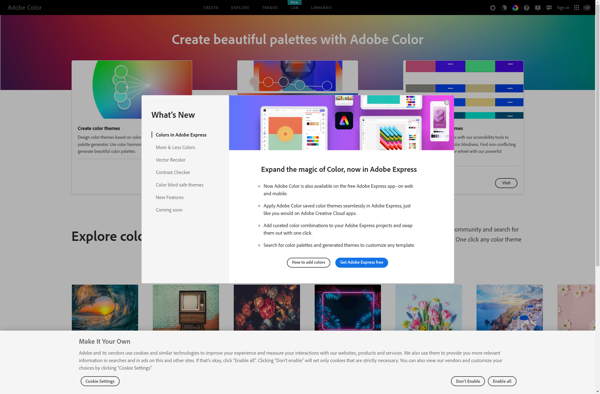
Adobe Color CC is an online tool by Adobe used for creating color schemes and color palettes. It is useful for graphic designers, web designers, artists, photographers, and anyone who works with color.Some key features of Adobe Color CC include:Intuitive color wheel to build custom color palettesPreset color schemes and...
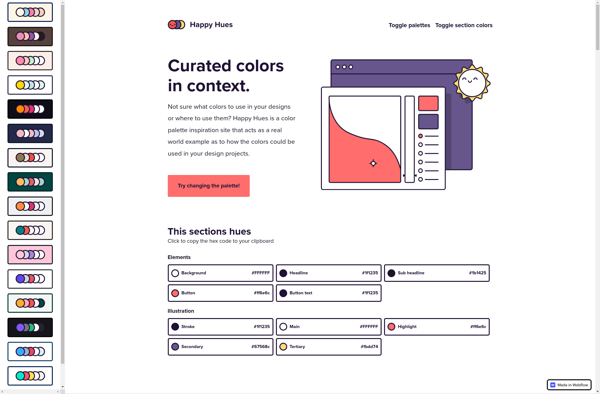
Happy Hues is a user-friendly interactive tool for generating attractive color palettes. It was created specifically to help designers, artists, hobbyists, and anyone working with color schemes to effortlessly produce pleasing color combinations.The application suggests color palettes based on the principles of color theory - instead of randomly matching colors,...
Paletton is a free online application for creating color palettes and schemes. It offers an interactive color wheel and palette visualization tool to help designers, artists, web developers and anyone who works with color for visual projects.Some key features of Paletton include:An easy-to-use interactive color wheel that shows relationships between...
Color Hunt is a free online tool for generating attractive color palettes and finding inspiration for designs and projects. It features a collection of thousands of curated color palettes that have been created by designers and color enthusiasts.Users can browse the premade palettes by color, popularity, recentness, and more. They...
SwatchBooker is an open source, cross-platform color matching application designed for graphic designers, artists, and creators. It allows users to easily create color palettes, identify Pantone, RGB, HEX, CMYK, and LAB color values, and match physical color samples from various materials such as paper, plastic, textile, and paint.Some key features...
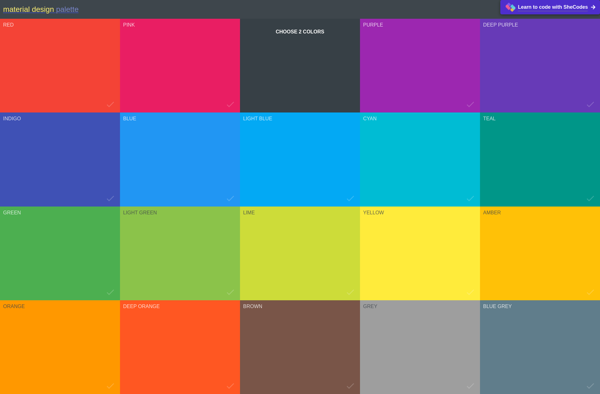
Material Palette is a free online tool used to create color palettes based on Google's Material Design color guidelines. It provides a simple interface to select a primary and secondary color, which are then used to generate a complete palette of 10 colors.Some key features of Material Palette include:Intuitive selection...
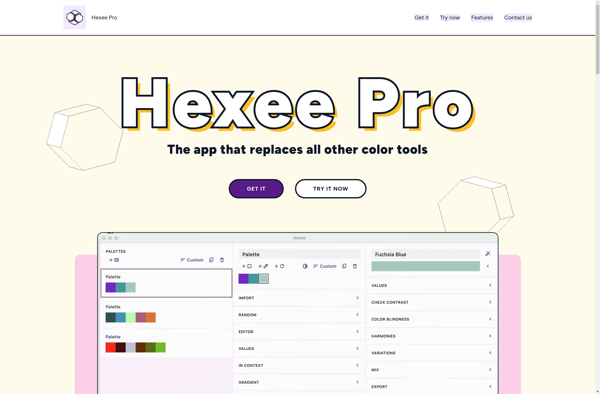
Hexee Pro is a feature-rich vector graphic design and illustration application built for Windows. It provides a wide range of vector tools and functionality to create intricate and complex vector artwork with ease.With Hexee Pro, users can illustrate anything from logos, icons, posters to complex vector scenes. It has a...
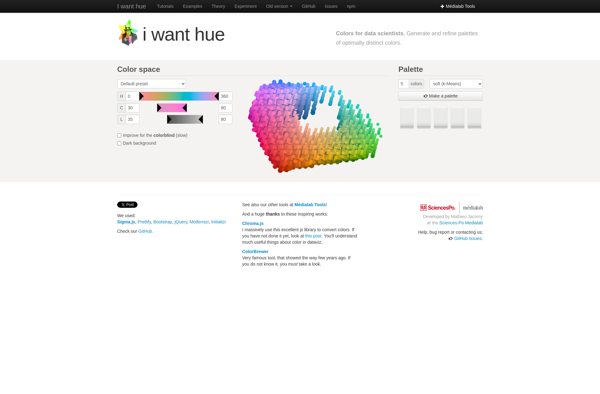
iWantHue is a popular iOS app that allows you to control your Philips Hue smart lighting system. It provides an easy way to manage your Hue lights, bridges, rooms, scenes, schedules, and more right from your iPhone or iPad.Some key features of iWantHue include:Intuitive control over individual Hue lights or...
Color Matcher is an essential software tool for graphic designers, web developers, UX designers, photographers and anyone working with color. It provides various useful features for choosing, matching and managing colors in creative projects:- Intelligent color palette generator - upload any image and instantly extract a beautiful color scheme. The...