
Screentik - Screenshot Capture Tool
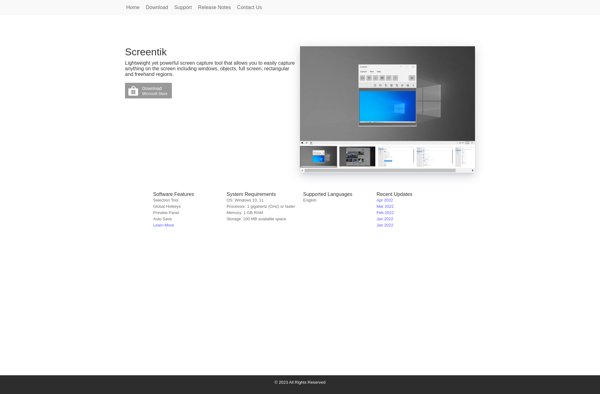
Screentik: Customizable Screenshot Capture Tool for Windows
Take control of your screen captures with Screentik, a powerful and easy-to-use screenshot capture software for Windows. Capture, annotate, and share screenshots with customizable options.
What is Screentik - Screenshot Capture Tool?
Screentik is a powerful yet easy-to-use screenshot capture and editing tool for Windows. With an intuitive user interface, you can quickly capture any part of your screen, annotate images with shapes and text, and save screenshots in various file formats including JPG, PNG, PDF, and more.
Some key features of Screentik include:
- Capture fullscreen, custom region, active window or scrolling screenshots
- Add text boxes, arrows, lines, highlights, obscuration features
- Built-in basic image editing tools like crop, resize, rotate, flip
- One-click uploading to image sharing sites
- Screen recording functionality to create video tutorials
- Support exporting to multiple file types
- Completely free with no ads or watermarks
Whether you need to capture screens for tutorials, product demos, bug reports, or any other documentation, Screentik makes it fast and efficient. With its user-friendly yet powerful options, Screentik is a great free alternative to premium tools like Snagit or Greenshot.
Screentik - Screenshot Capture Tool Features
Features
- Fullscreen and region capture
- Drawing tools for annotations
- Image editor
- Screen recording
- Upload screenshots to cloud services
Pricing
- Freemium
Pros
Cons
Official Links
Reviews & Ratings
Login to ReviewNo reviews yet
Be the first to share your experience with Screentik - Screenshot Capture Tool!
Login to ReviewThe Best Screentik - Screenshot Capture Tool Alternatives
View all Screentik - Screenshot Capture Tool alternatives with detailed comparison →
Top Os & Utilities and Screen Capture and other similar apps like Screentik - Screenshot Capture Tool
No alternatives found for Screentik - Screenshot Capture Tool. Why not suggest an alternative?







