Scrot
Scrot: Command Line Screen Capture Utility for Linux
A lightweight and easy-to-use screen capture tool for taking screenshots from the terminal in Linux, with simple command-line interface.
What is Scrot?
Scrot is a minimalistic command line screen capture application used in Linux operating systems. It provides basic yet powerful options for taking screenshots from the terminal prompt.
Some key features of scrot include:
- Capturing images of full screens, windows, or user-defined regions
- Delaying captures for a defined period to allow for screen preparation
- Setting image quality and file formats like PNG, JPEG, and BMP
- Applying actions like resizing images upon capturing
As a lightweight CLI tool, scrot excels in automation contexts where graphical screen capture tools may not be available. It can be easily scripted to take screenshots programmatically for testing or documentation purposes.
While scrot lacks extensive editing and annotation functions present in GUI options, it provides users a simple no-fuss way to capture Linux desktop images. Its focus on core screen grabbing functionality plus cross-desktop compatibility makes it a popular choice for screen capture among Linux power users and developers.
Scrot Features
Features
- Captures screenshots from the command line
- Can capture full screen, window, or region
- Supports multiple image formats like PNG, JPG, and BMP
- Can add delays before capturing
- Can capture screenshots repeatedly
- Can capture screenshots on mouse clicks
- Can capture screenshots to file or stdout
Pricing
- Open Source
Pros
Cons
Reviews & Ratings
Login to ReviewThe Best Scrot Alternatives
View all scrot alternatives with detailed comparison →
Top Os & Utilities and Screen Capture and other similar apps like Scrot
Here are some alternatives to Scrot:
Suggest an alternative ❐
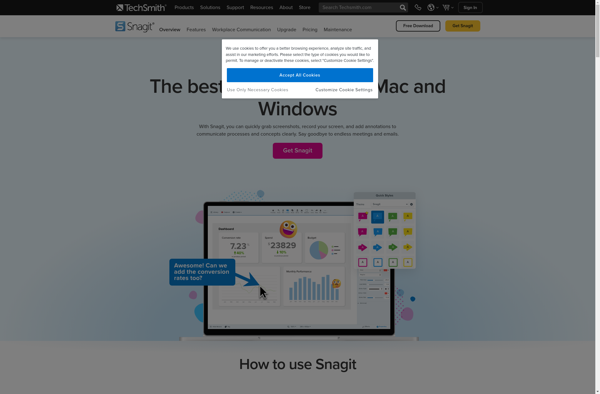
Snagit

Nimbus Capture


Gnome Screenshot

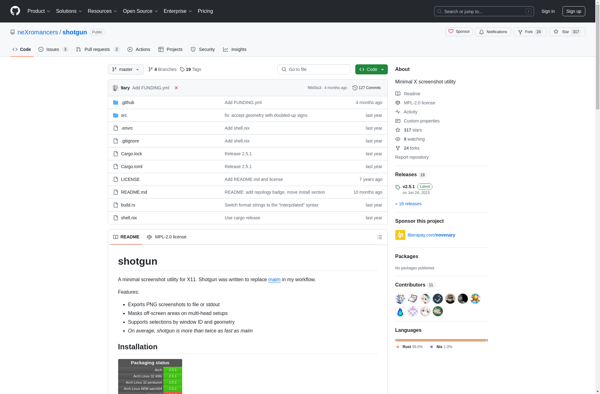
Shotgun (screenshot utility)