Sony PC Companion is a free software application developed by Sony to update, backup, and transfer media between Sony devices and a Windows computer. It provides access to support tools, software updates, media transfer features, and phone content backup.
Free Sony software for Windows, managing media between devices, updating support tools and software updates, backing up phone content and more
What is Sony PC Companion?
Sony PC Companion is a free software tool offered by Sony to integrate various Sony devices with Windows computers. It enables users to manage, update, transfer content from/to, and back up Sony smartphones, tablets, smartwatches, headphones, and other devices.
Key features of Sony PC Companion include:
Downloading and installing the latest software updates and firmware versions for compatible Sony devices
Transferring media files like photos, videos, and music between a Sony device and computer
Backing up important phone content like contacts, messages, calendar, media files, and settings
Managing contacts and media libraries between multiple devices
Accessing hardware diagnostic tools and support resources for troubleshooting
Setting up internet connections and Sony Entertainment Network accounts
Sony PC Companion offers a simple, unified interface to connect multiple Sony devices to a Windows PC. It aims to provide an efficient means of managing and syncing device content through a desktop computer. The tool is available for free from the official Sony website and does not contain any ads, premium subscriptions or in-app purchases.
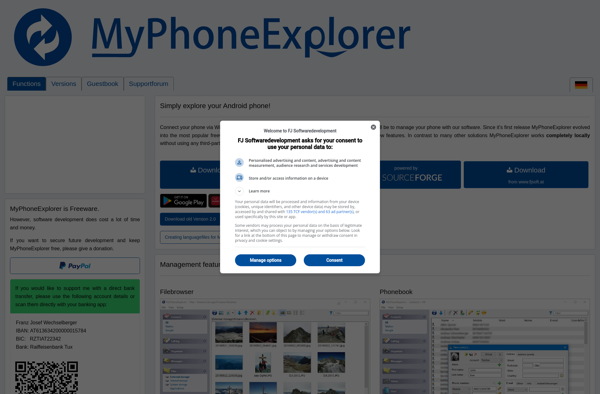
MyPhoneExplorer is a versatile and user-friendly software application that enables you to connect your Windows computer to your mobile phone via USB, Bluetooth, or WiFi in order to manage and transfer data between the two devices.With MyPhoneExplorer, you can synchronize and backup your phone's contacts, messages, calendar entries, music, photos,...
HiSuite is a free device management software application developed by Huawei for use with their Android smartphones and tablets. It provides an easy way for Huawei device owners to manage their phone's content and settings when connected to a Windows or Mac computer.Some of the key features of HiSuite include:Transferring...
Droid Explorer is a free file manager application for Android devices. It provides users with extensive file browsing and management capabilities to easily access files stored on an Android device or SD card.Some key features of Droid Explorer include:Intuitive file browser interface to easily navigate folders and view filesSupport for...
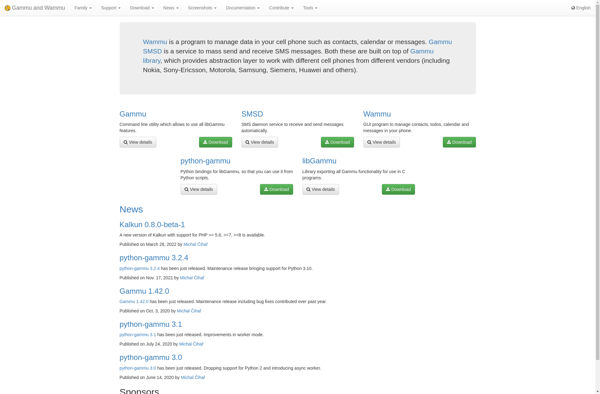
Wammu is an open-source application for managing various types of data on older mobile phones, especially Nokia models. It allows you to connect your phone to your computer via cable or Bluetooth and then access, edit, backup, and restore elements stored on the device.Some key features of Wammu include:Reading, adding,...
MOBILedit! is a versatile phone and PDA management software that allows you to manage contacts, messages, calendars, notes and other data from thousands of mobile phone models. Some key features include:Manage phonebooks with support for multiple numbers, addresses, email, notes, ringtones per contactSMS management with grouping, search, export, and other...
BluePhoneElite is a feature-rich VoIP softphone and PBX solution aimed at small-to-medium businesses. Developed by BlueFace, an Irish telecommunications company founded in 2003, BluePhoneElite enables users to make and receive phone calls via the internet using VoIP technology rather than traditional analog phone lines.Key features of BluePhoneElite include: Cloud-based PBX...
MobTime Cell Phone Manager is an application designed to help users track, control, and optimize how they use their smartphone. As cell phones become increasingly integral to our work and personal lives, MobTime aims to prevent them from becoming a source of distraction or addiction.At its core, MobTime tracks what...
DataPilot is an open-source data preparation and workflow management software. It allows users to visually build workflows for processing, transforming, analyzing, and reporting on data using a drag-and-drop interface.Key features include:Intuitive graphical interface for building workflows with drag-and-drop componentsConnect to various data sources including files, databases, APIs, etc.Transform and prepare...