Svox pico engine
Svox Pico Engine: Compact Text-to-Speech for Mobile Devices
A lightweight text-to-speech engine generating natural-sounding speech, ideal for embedding in mobile apps and devices
What is Svox pico engine?
The Svox Pico text-to-speech (TTS) engine is an efficient software-based speech synthesis solution optimized for embedded systems and mobile devices. Developed by Svox, a Swiss speech technology company, it utilizes very little memory and processing power while still producing high-quality, natural-sounding speech output.
Some key features of Svox Pico include:
- Compact size - under 1MB for both engine and voices
- Supports 22kHz and 16kHz sampling rates
- Over 40 languages available
- Design for embedded Linux systems and Android/iOS apps
- Low memory footprint and CPU usage
- Proprietary signal processing for natural intonation
The small resource requirements make Svox Pico suitable for handheld devices or consumer electronics that have limited hardware resources. It can turn text into speech on smartphones, tablets, in-car systems, e-book readers, robots, and more. The API provides control over speech parameters like rate, volume, pitch etc.
Overall, Svox Pico engine delivers highly intelligible and natural-sounding synthesized speech despite its tiny size. The compact TTS solution is easy to integrate and allows adding text-to-speech capabilities to portable electronics and embedded systems.
Svox pico engine Features
Features
- Compact size - designed for embedded systems
- Natural sounding speech synthesis
- Supports multiple languages
- Customizable voices
- SSML support for advanced speech synthesis
- APIs for easy integration
Pricing
- Free
- Freemium
- Subscription-Based
Pros
Cons
Reviews & Ratings
Login to ReviewThe Best Svox pico engine Alternatives
View all svox pico engine alternatives with detailed comparison →
Top Ai Tools & Services and Text-To-Speech and other similar apps like Svox pico engine
Here are some alternatives to Svox pico engine:
Suggest an alternative ❐
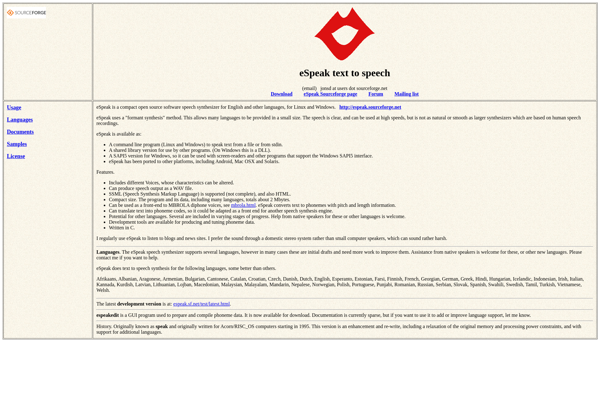
ESpeak

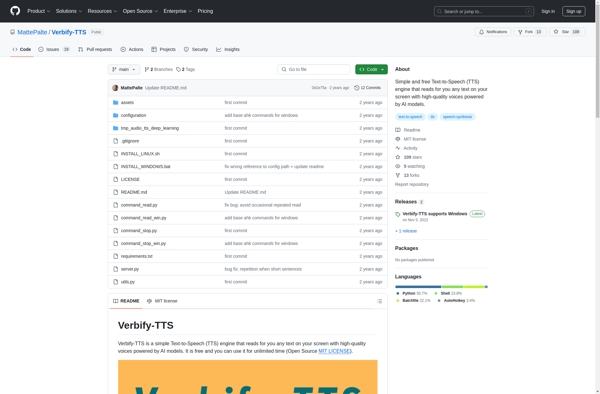
Verbify-TTS

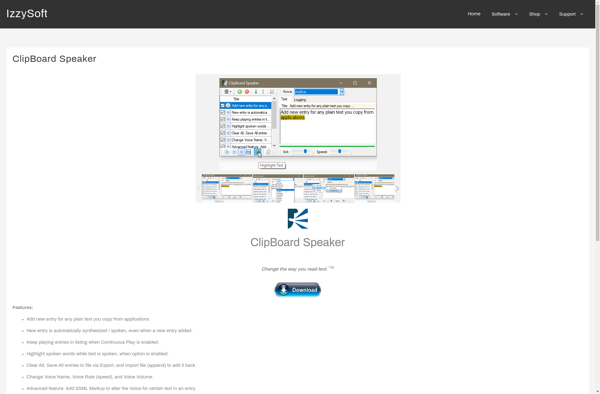
ClipBoard Speaker

Select and Speak

TTSFox