
Turn Off LCD is a free, open-source program that allows you to turn off or disable the LCD screen on your computer to save energy and prevent screen burn-in. It works by either blanking the screen, cycling the power, or changing the settings.
Free, open-source program to turn off LCD screen on computer, saving energy and preventing burn-in, with blanking, power cycling, or settings changes options.
What is Turn Off LCD?
Turn Off LCD is a small, free utility program designed to help you save energy and prevent screen burn-in by turning off or disabling the LCD monitor on your Windows computer when not in use.
Some of the key features of Turn Off LCD include:
Ability to simply blank the screen instead of powering it off completely.
Option to cycle the power at regular intervals to clear any image persistence.
Customizable hotkeys to toggle the LCD on and off with keyboard shortcuts.
Supports scheduling to automatically turn off the monitor at certain times of day.
Runs in the system tray for easy access without getting in the way.
Light on system resources so it won't slow down your computer.
Turn Off LCD is free, open source software released under the GNU GPL license. It works on most versions of Windows. Overall, it provides a handy way to cut electricity usage and stop screen burn-in caused by static images remaining on an LCD screen for too long. It has a simple interface that's easy to configure for your specific needs.
Turn Off LCD Features
Features
Turns off LCD screen to save energy
Prevents screen burn-in
Open source software
Works by blanking screen, cycling power, or changing settings
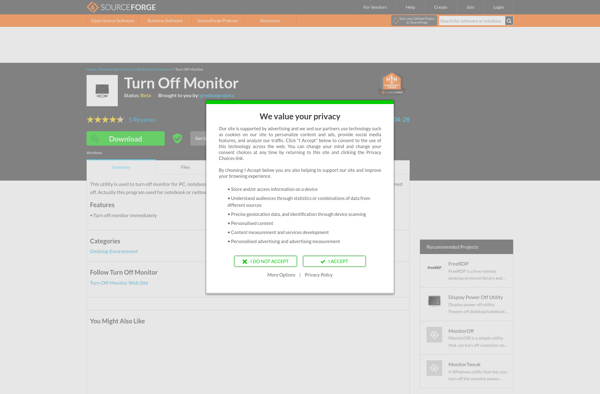
Turn Off Monitor is a lightweight, easy-to-use utility program that enables users to automatically turn off their monitor when it has not been used for a specified period of time. This open-source software helps reduce energy consumption and extends the lifespan of monitors by preventing unnecessary usage when the computer...
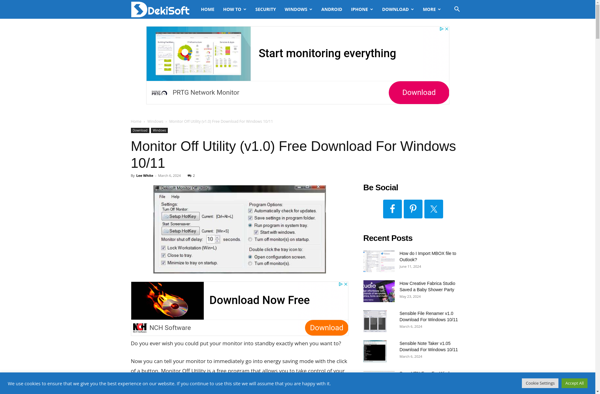
Monitor Off Utility is a lightweight, open-source program that enables users to automatically turn off their computer monitors after a customizable amount of idle time. Available on Windows, macOS, and Linux, this utility aims to help reduce energy consumption from monitors that are left on unintentionally.After a user-defined period of...
MonitorES (Monitor Energy Saver) is a free, open-source software application designed to help reduce energy waste from computer monitors. It works by automatically dimming or turning off monitors when they are not in use or the computer is idle.Some key features of MonitorES include:Lightweight application with very little impact on...
ScreenOff is a free and open source screen dimming software for Windows. It helps reduce eye strain from computer monitors by darkening the screen with a semi-transparent overlay.The software works by adding a customizable overlay on top of your screen to make it appear dimmer, so you can continue working...
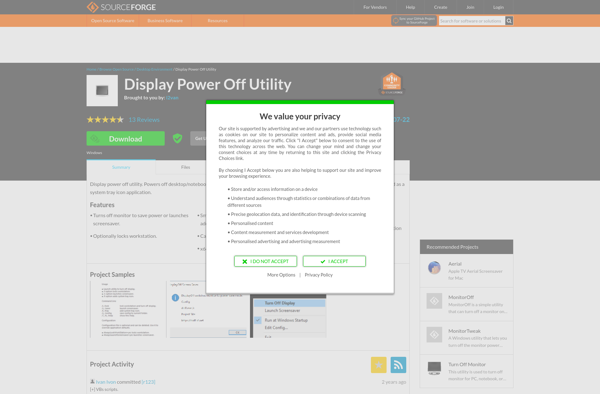
The Display Power Off Utility is a small, free program that enables users to automatically power off their computer monitor or display after a customizable amount of idle time. This open-source software provides a simple interface to set the desired idle timeframe before turning off the screen, helping reduce energy...
Monitor Off quick tool is a free, open source program that provides a simple way to turn off computer monitors after a set amount of idle time. It is designed to help reduce energy consumption and extend the lifespan of monitors by preventing them from remaining on indefinitely.This lightweight software...
MonitorTweak is a free, open-source software that gives you enhanced control over your monitor settings. Unlike the basic options available in the monitor's on-screen display, MonitorTweak lets you fine-tune advanced parameters like brightness, contrast, RGB balance, gamma, color temperature, sharpness and more. It works with most monitors and even some...
MonitorOff is a free and open source software application designed to improve eye health and reduce digital eye strain. It works by regularly reminding computer users to take short breaks away from the screen in order to prevent issues associated with prolonged screen time.When installed, MonitorOff runs minimized in the...