USB Disabler
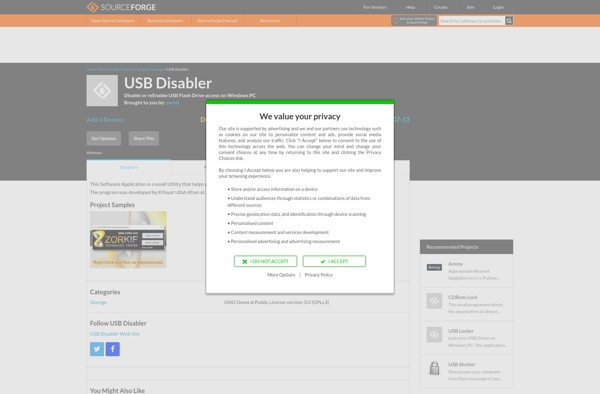
USB Disabler: Disable and Re-enable USB Ports
A small, free program to quickly disable and re-enable USB ports on your Windows computer for security or troubleshooting purposes.
What is USB Disabler?
USB Disabler is a simple yet useful program for managing the USB ports on a Windows computer. With just a couple clicks, you can disable individual USB ports or all of them at once. This allows you to temporarily block access to USB devices connected to your computer.
There are a few reasons why you may want to disable your USB ports:
- Security - Disable USB ports to prevent unauthorized devices like USB flash drives from being connected and accessing data.
- Troubleshooting - If you are having problems with a particular USB device, disabling ports can help identify the issue.
- Locking Down - Kiosks or shared computers can disable USB access to prevent tampering or unapproved data transfers.
Despite its relatively basic functionality, USB Disabler offers a convenient way to toggle USB ports without having dig into advanced Windows settings. The interface clearly labels each USB port with its number and whether it is enabled or disabled. There is also an option to disable all ports simultaneously with one click.
Since the program is portable and very small, it can easily be run from a flash drive itself. It does not need to be installed or require admin access to disable USB ports. Overall, USB Disabler delivers on exactly what its name promises - a quick way to disable your computer's USB ports when needed.
USB Disabler Features
Features
- Disables and enables USB ports
- Works on Windows XP, Vista, 7, 8, 10
- Lightweight and portable
- Free and open source
Pricing
- Free
- Open Source
Pros
Cons
Reviews & Ratings
Login to ReviewThe Best USB Disabler Alternatives
View all USB Disabler alternatives with detailed comparison →
Top Os & Utilities and System Utilities and other similar apps like USB Disabler
Here are some alternatives to USB Disabler:
Suggest an alternative ❐
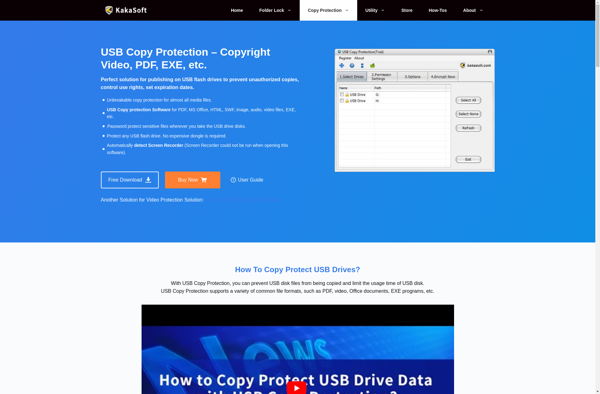
Kakasoft USB Copy Protection

Phrozen Safe USB


Wenovo USB Disks Access Manager